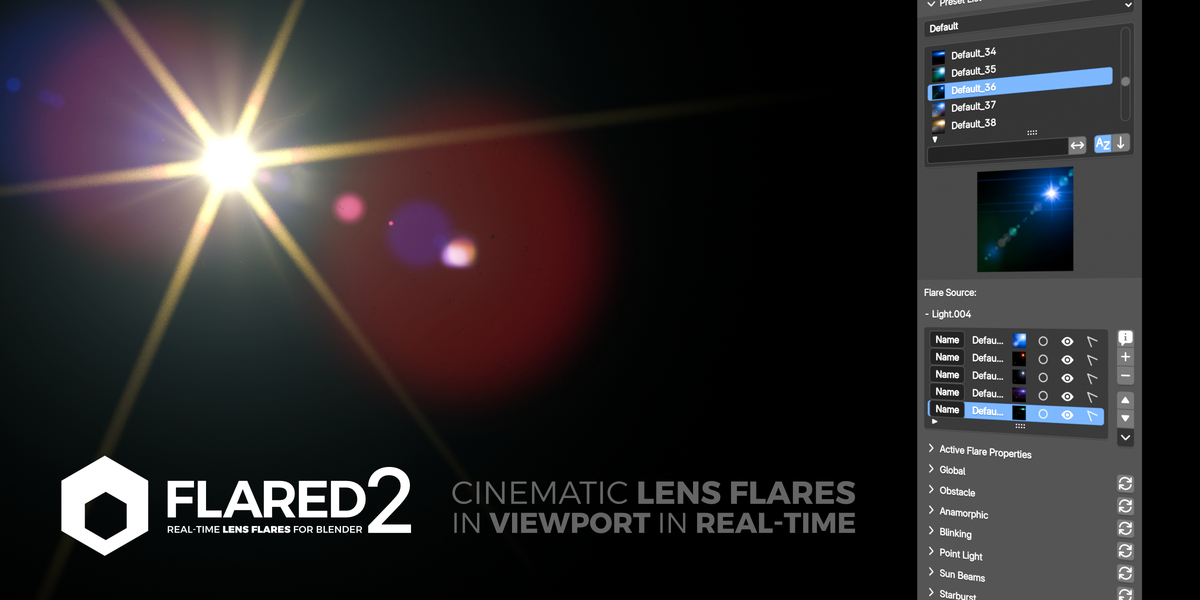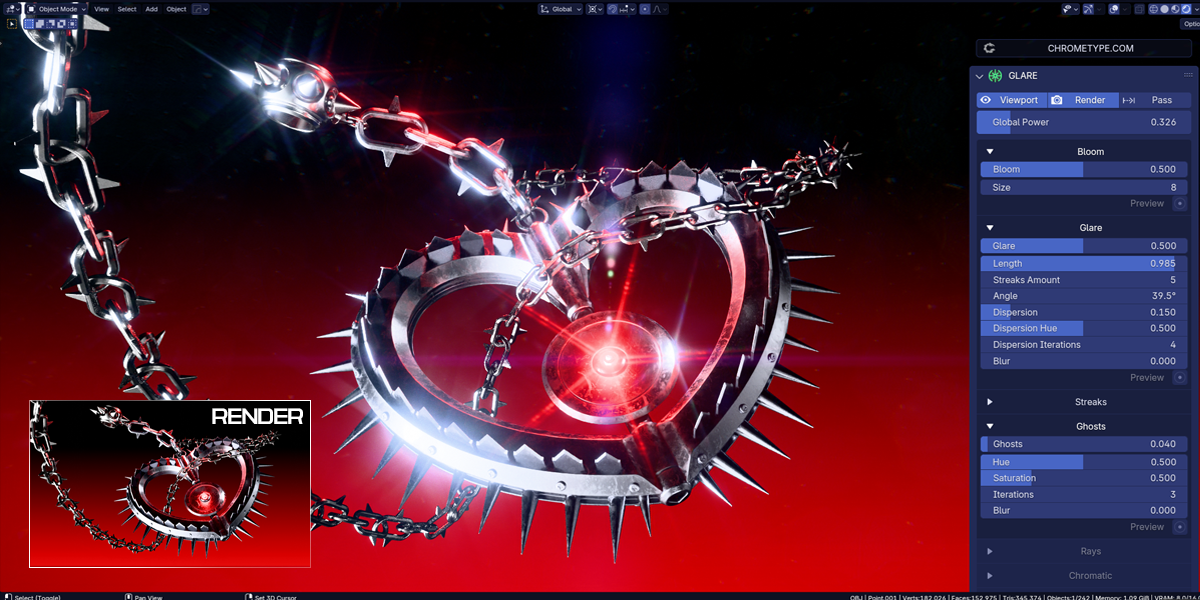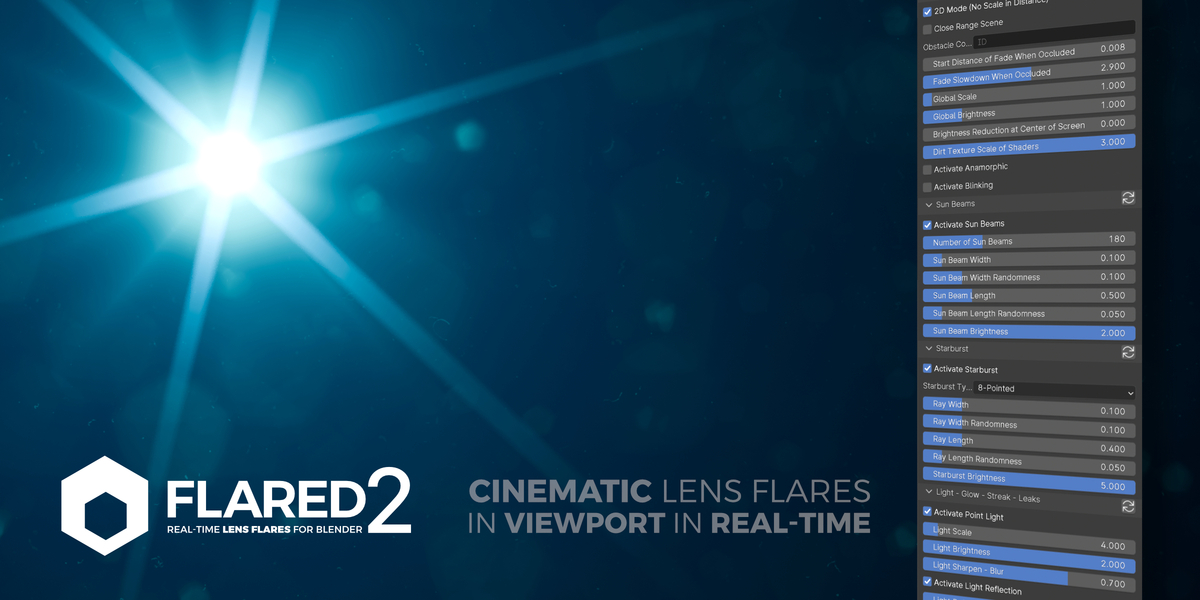
Flared2 is a Blender add-on for creating procedural lens flares in the viewport. It works with Eevee and Cycles, so artists can position and adjust effects while working in the scene. The flares do not require a compositor or baking, and you can change or animate them as you refine a shot.
Build flares in the viewport
Flared2 uses Geometry Nodes and includes obstacle detection that lets a flare respond to objects between its light source and the camera. Lights outside the camera view can also influence the effect. This gives artists scene-aware flare controls while they work in Blender.
Shape the effect
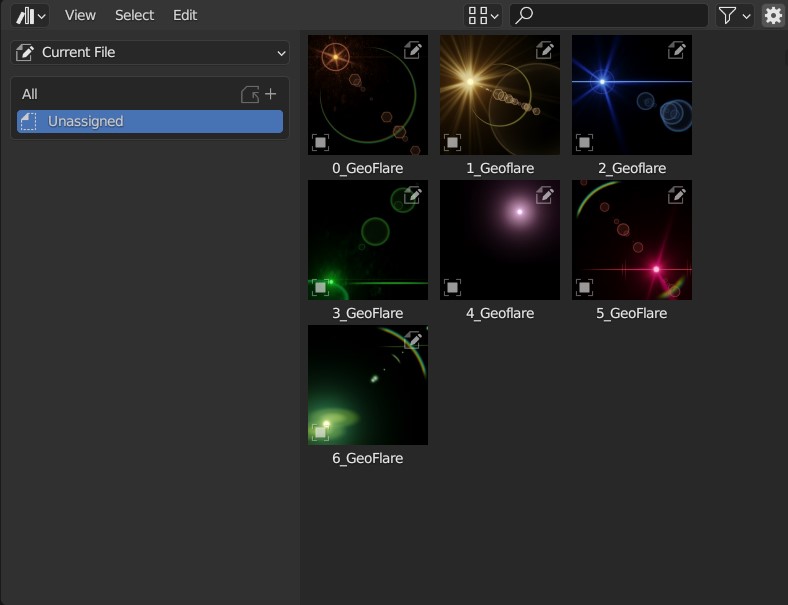
The add-on provides more than 100 parameters for adjusting flares. Its 2D mode keeps flare size fixed, while 3D mode makes size depend on distance. It also includes parametric anamorphic control and procedural lens dirt. You can use the supplied presets as starting points, then create, save, export, import, and share custom presets.
Keep rendering flexible
Flared2 works directly in the viewport and does not require a separate compositing setup to build the effect. When a shot needs a separate pass, its flares can be rendered separately for compositing flexibility. Artists can then continue compositing in the software they already use.
Blender compatibility
The developer's product listing identifies Blender 5.2 and 5.3 as supported by the latest Flared2 release, with compatibility tested in Blender 5.3. It also lists earlier compatible packages for Blender 4.1 through 5.1. The developer notes that earlier releases may not include every feature in the latest version, so check the listing for the package that matches your Blender installation.
Who might use Flared2?
Flared2 may suit Blender artists who want to create and adjust lens flares in the viewport, work with either Eevee or Cycles, or keep flare rendering separate for later compositing. Its fixed-size 2D and distance-based 3D modes offer different ways to place a flare in a scene.