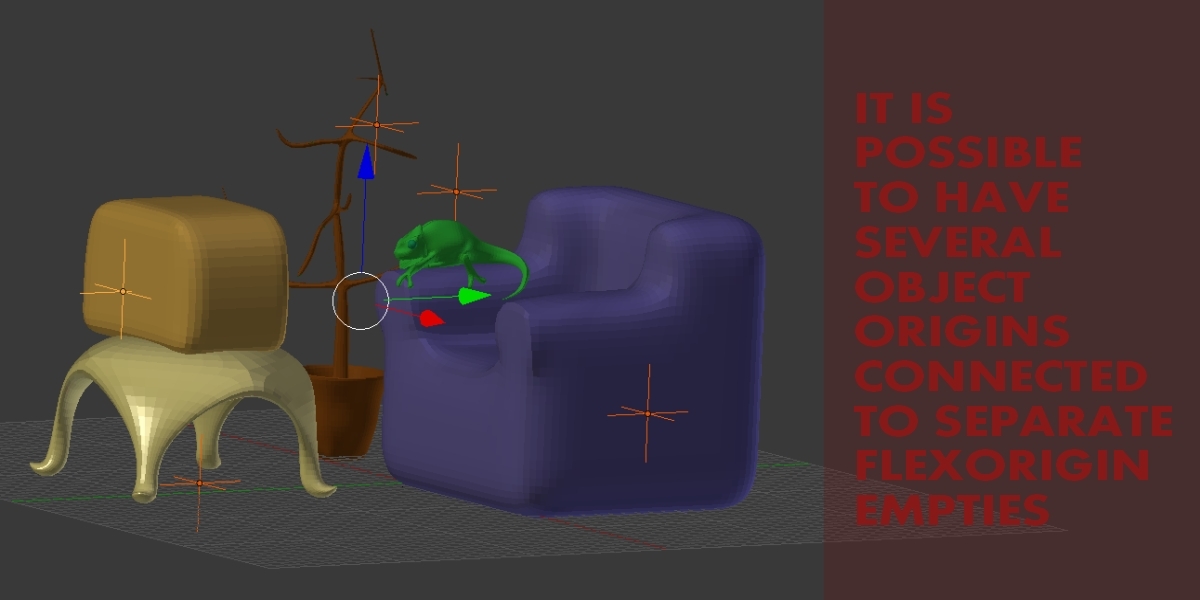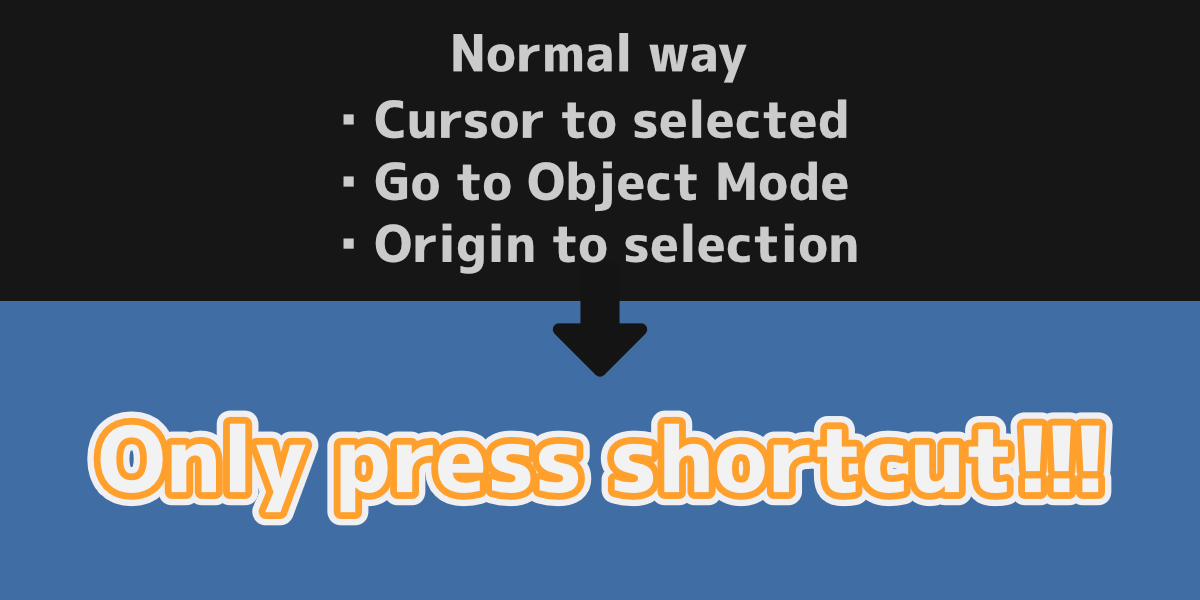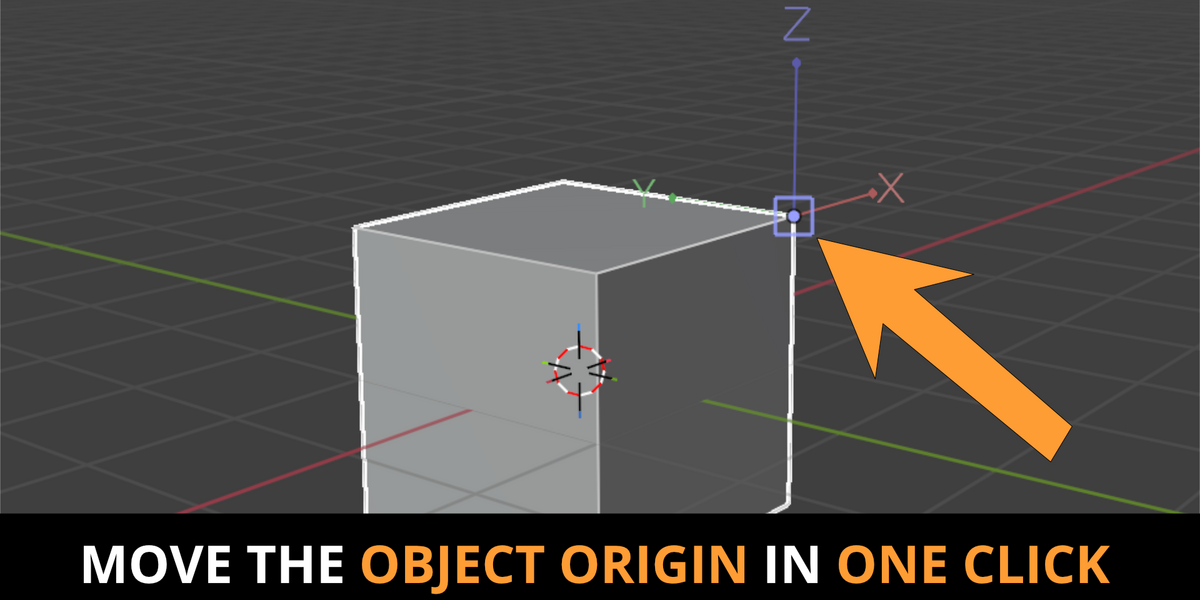
Flexorigin is a Blender add-on for moving an object's origin and changing its local orientation through a control empty. Move the empty with Blender's standard transform tools, and the linked origin follows in real time. This gives you a direct way to adjust origin placement without relying only on the 3D cursor workflow.
Move and snap an object origin
Create a control empty for an object, then move it with G or the manipulator. Flexorigin supports Blender's transform snapping to volume, face, edge, vertex, and increment, so you can place the origin against geometry or at a measured step. The empty stays coupled to the origin while it remains in the scene. If you set the origin using Blender's usual methods, the control empty moves to the new position.
Adjust orientation and modifier placement
The same empty can control the object's local orientation. Rotate it with R or the manipulator to change that orientation, with continuous updates as you transform it. Flexorigin is particularly suited to objects with origin-dependent modifiers such as Mirror or Cast: the live feedback helps you position the origin and see the modifier's placement as you work.
Save or animate the control
You can make control empties for multiple objects, and they are saved with the .blend file. Because an empty can be animated, Flexorigin also lets you animate an object's origin or local orientation.
Compatibility and license
The Superhive product listing identifies the license as GPL and shows Blender Version 5.2. The AnyPlugins summary gives a different compatibility range, from Blender 2.8 through 4.0. Since these source details conflict, check the current product listing before installing.