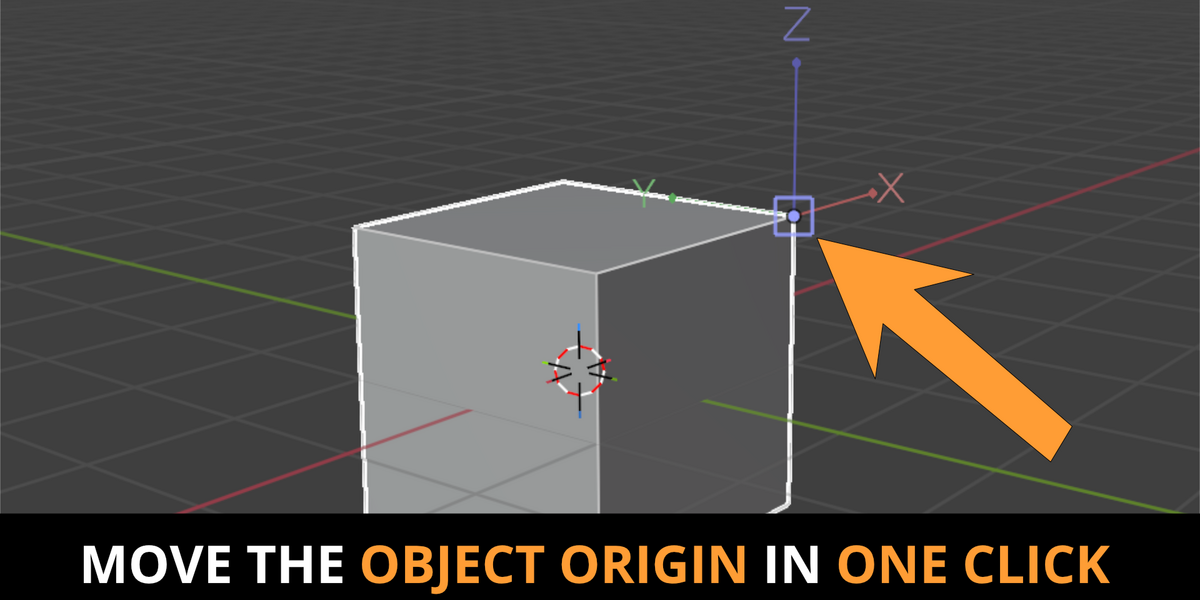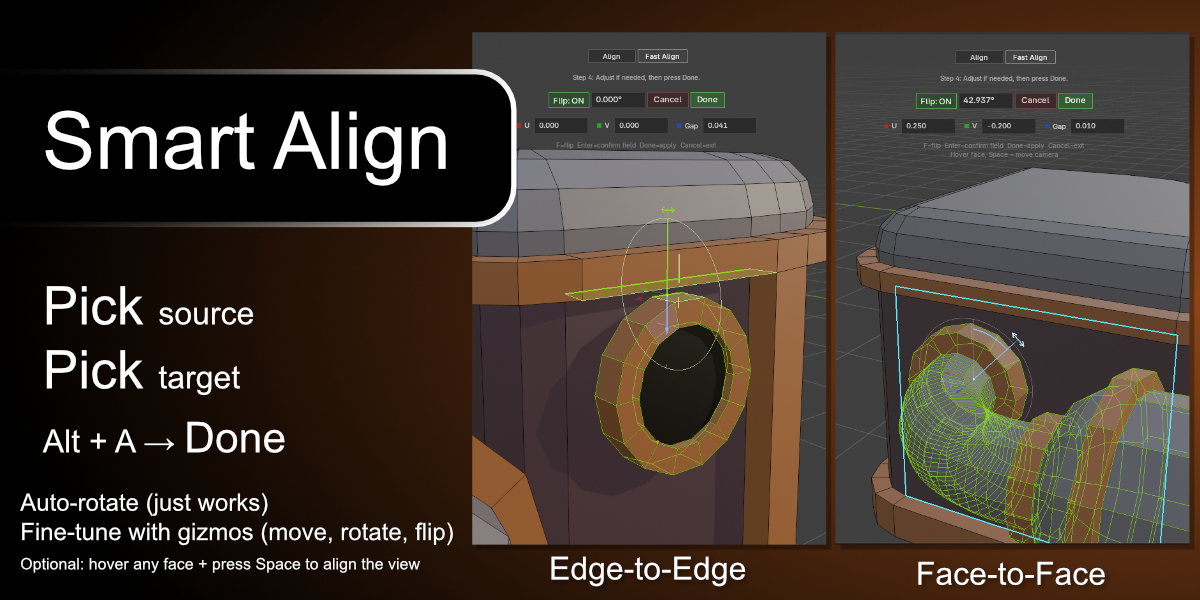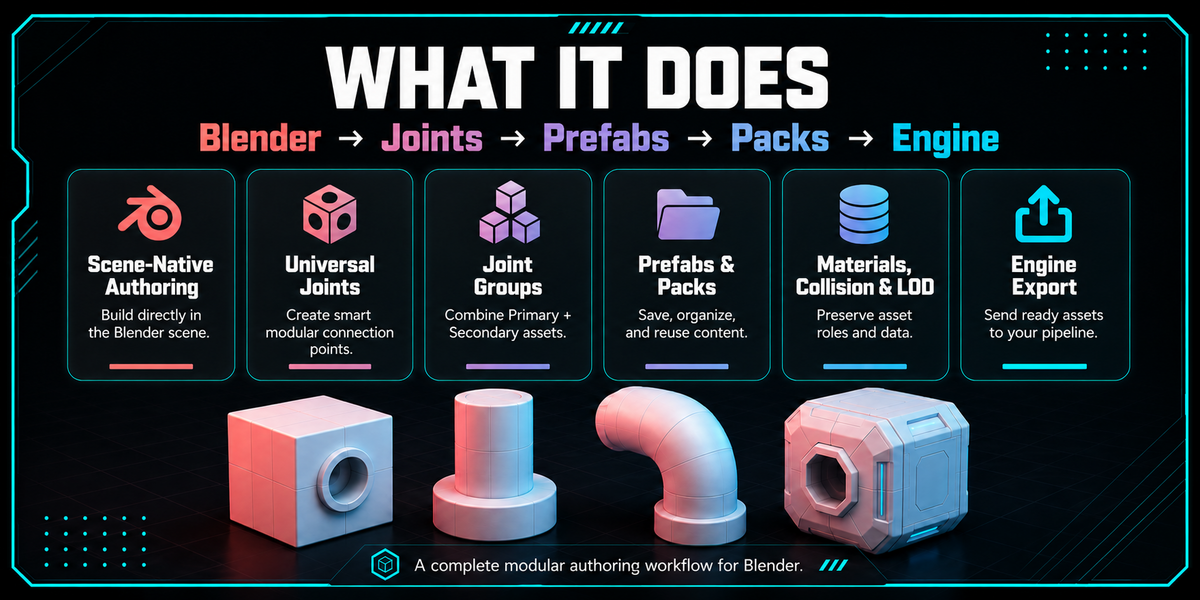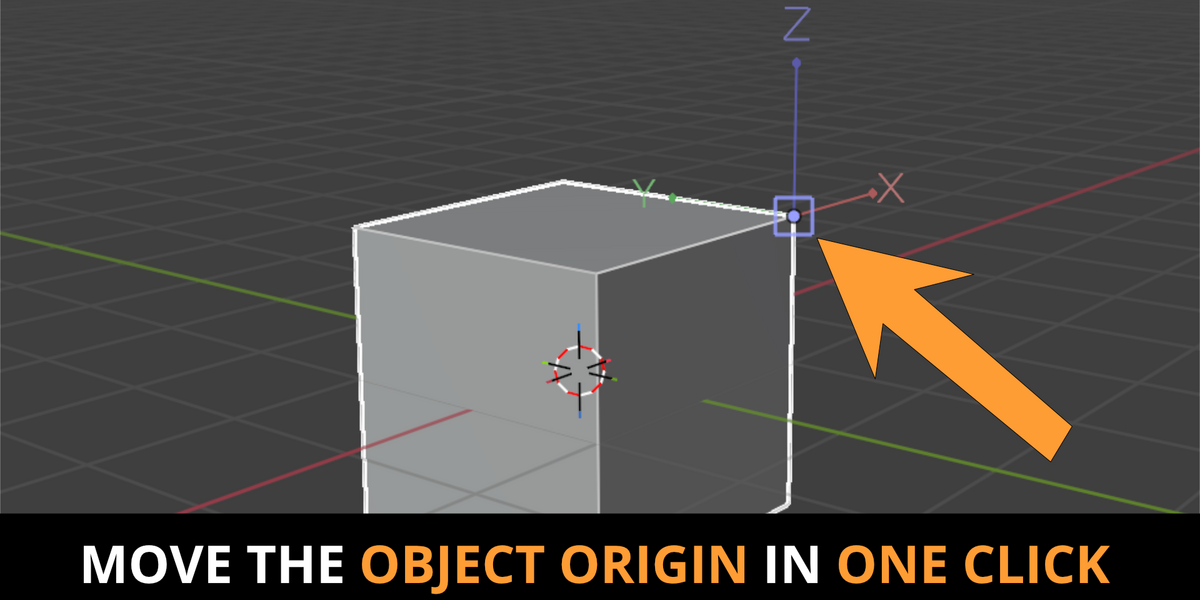
Object Origin Mover is a Blender add-on for repositioning one or more object origins in Object Mode. Select the objects, press E by default, move the origin, then confirm.
Move origins with Blender controls
The add-on uses Blender's move operator, so you can constrain movement to an axis, add snap points, or rotate while positioning. It can move origins on multiple selected objects in one operation.
Snapping and limits
While the operator is active, it temporarily overrides the current snap settings and restores them afterward. Vertex, edge, and edge midpoint snapping are enabled together. The Blender 5.1 build adds face center snapping; the Blender 4.4 to 5.0 build does not. Individual snapping modes cannot be switched off.
The tool works in Object Mode only. Its default E shortcut can be changed in Blender's keymap preferences. Search for SIMPL3: Object Origin Mover to find the keymap entry.
Choose and install the right build
The Superhive product listing reports testing on Blender 4.4 to 5.1 and provides two ZIP files: one for Blender 5.1 and one for Blender 4.4 to 5.0. The separate Superhive FAQ reports testing only through Blender 5.0. Install the ZIP that matches your Blender version. Drag the ZIP into Blender without unzipping it, then confirm the installation. When upgrading, install the matching new ZIP and restart Blender.
See the Superhive product page and its installation documentation for the current build details.