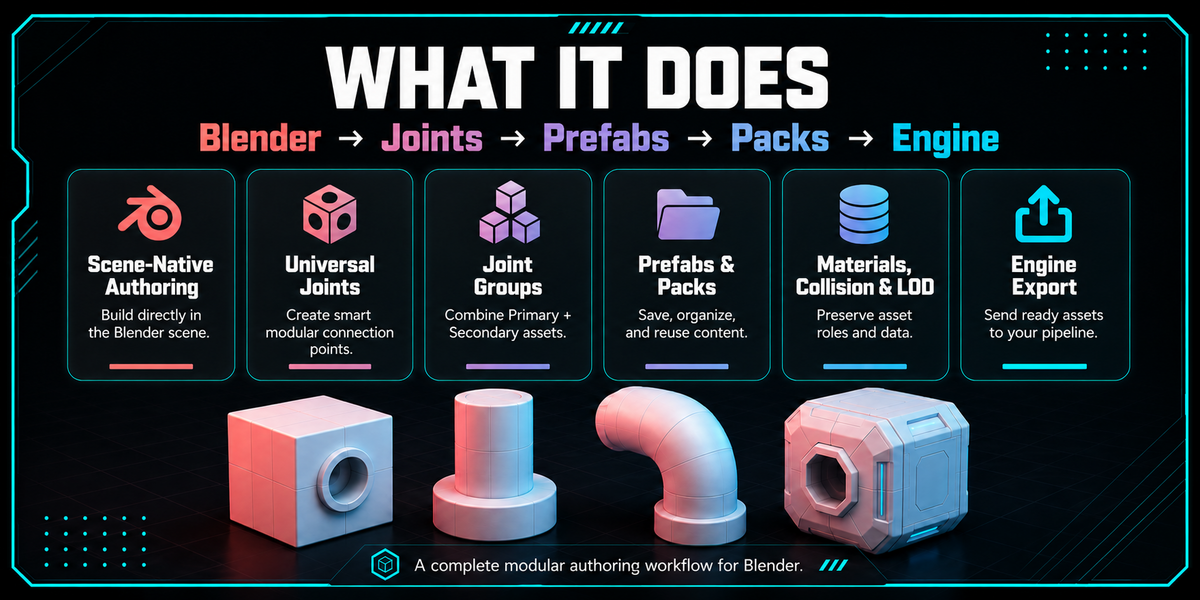
Joint Snapping System is a Blender add-on for modular modeling with authored connection points. Artists can place those points on scene objects, save the objects as reusable Prefabs, and assemble assets while keeping their connection logic in Blender. The official documentation describes the workflow from scene authoring through engine export.
Author connections in the Blender scene
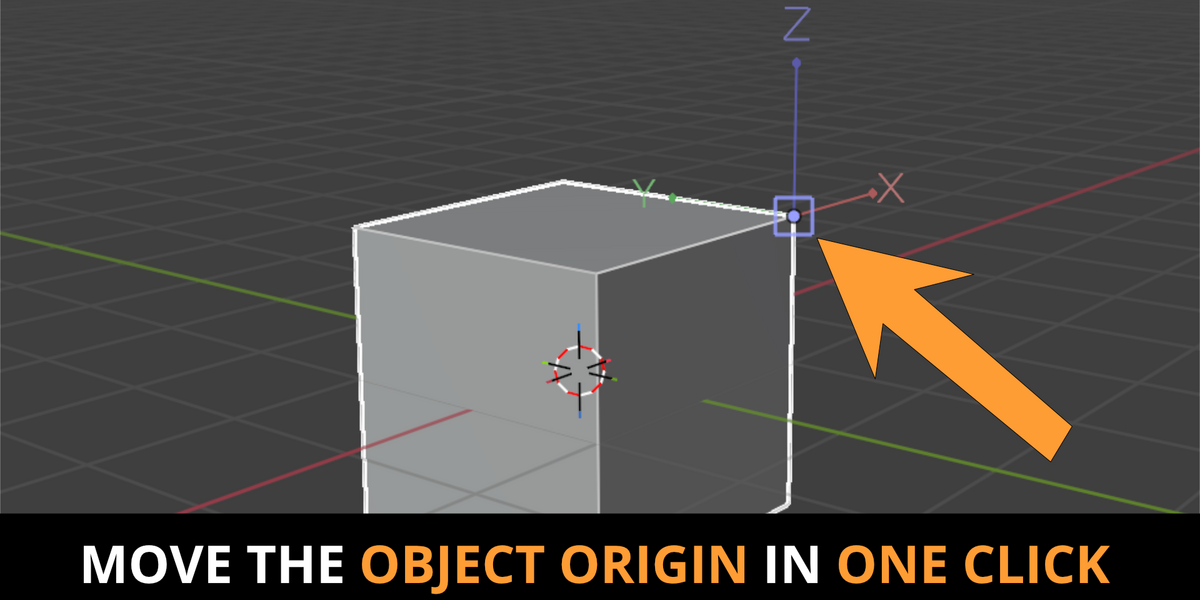
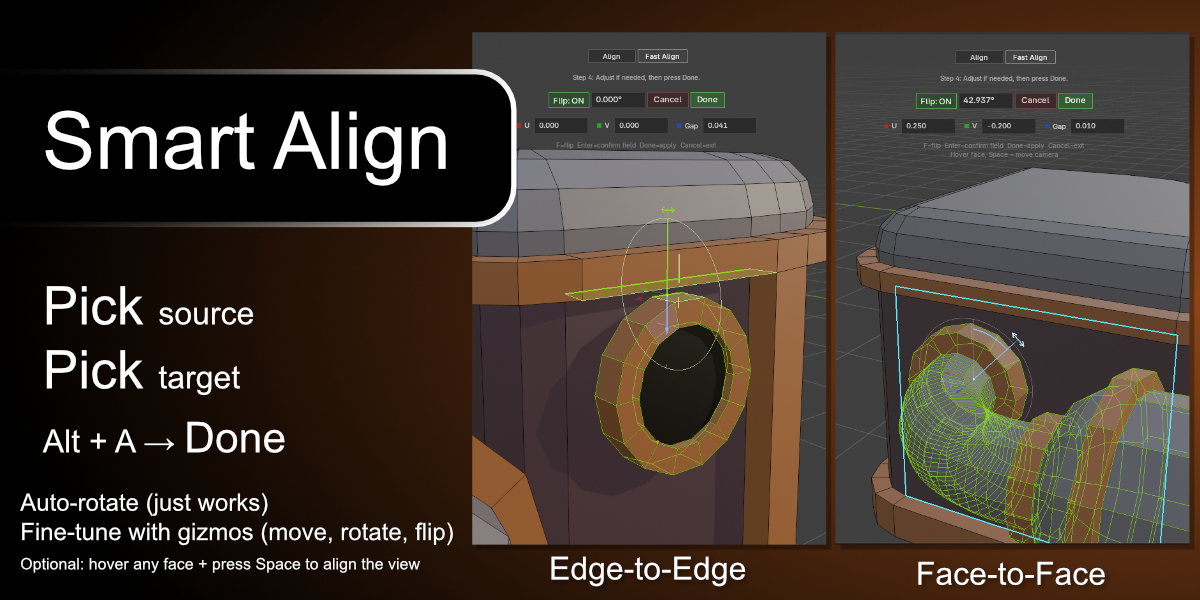
Model with Blender’s normal tools, then create Joints from faces, edges, or vertices. Universal Joints can store position and orientation, with Surface, Orthogonal, or Custom behavior. When placing a Prefab, Precision Snapping lets you choose the target Joint and the source Joint to connect. Position Only keeps the chosen orientation while aligning position.
This approach uses deliberate connection points for modular parts such as walls, pipes, or kit pieces. The product’s official FAQ explains how that differs from Blender’s built-in vertex snapping, which can target mesh vertices generally.
Keep multi-object assets organized
A Joint Group treats several Blender objects as one logical asset. Its Primary object controls the group, while Secondary objects can be assigned VISUAL, COLLISION, or LOD roles. Modifier dependencies stay dependencies rather than being treated as visible Joint Group members. This lets a scene retain separate geometry while the group carries the roles needed for later use.
Save a Joint-ready object or group as a Prefab, then organize Prefabs into Lists and portable Packs. The documented Prefab workflow preserves Joint data, source identity, shading, materials, textures, and supported relationships. Presets store reusable Custom List configurations. Use Update Prefab to write scene edits back to a saved source Prefab.
Populate and export modular builds
Tagged Joints can be classified as Sockets or Attachments. Populate Tagged Joints uses compatible Prefabs, with controls for seeded variation, density, orientation, and cascade depth. This supports procedural variations while keeping the authored structure available for further editing.
For Unreal-focused export, a Joint Group’s Primary and VISUAL members form the visible asset mesh. COLLISION members export separately with UCX naming, and LOD members can be written as separate files. Larger Blender-authored sections can be prepared as level chunks. Export preflight reports pass, warning, or error states before files are written; portable textures are copied where supported.
Blender compatibility
The v1.90 documentation describes support from Blender 3.3 through 5.2 LTS, with version-specific handling for Blender APIs and scene behavior. Check the current documentation for compatibility details before installing.