Origin To Selected is a Blender add-on by sum studio that moves an object's origin to a selected vertex, edge, or face. It works with editable mesh, curve, surface, armature, and lattice objects.
Set an origin from Edit Mode
- Select the editable object and enter Edit Mode.
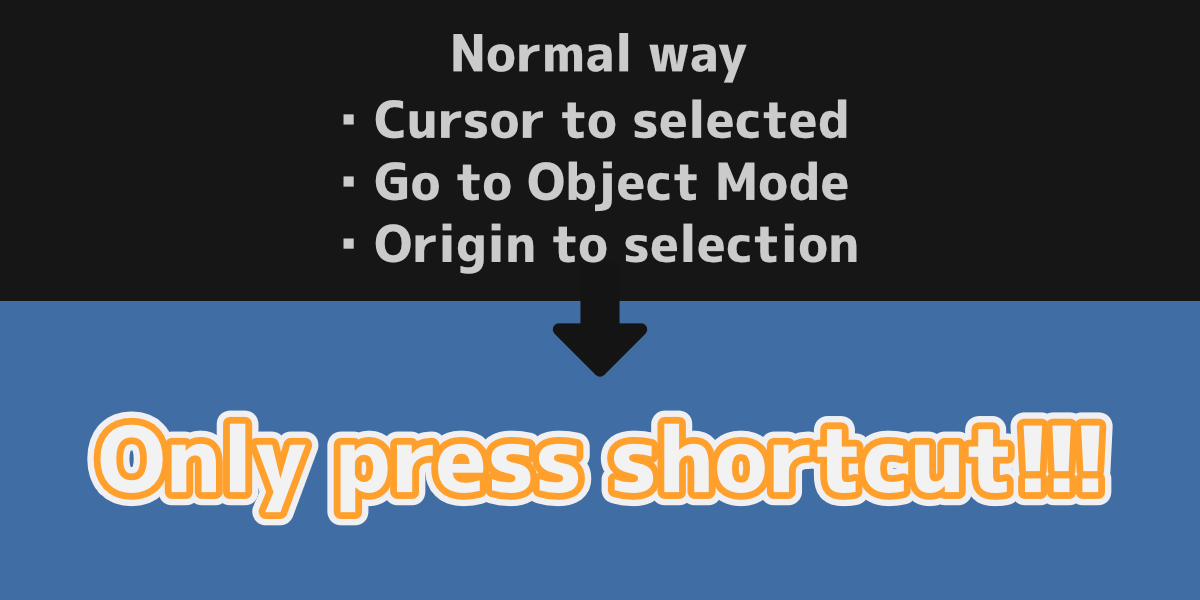
- Select the vertex, edge, or face for the new origin.
- Press Shift+Q, the default shortcut. You can change it in the add-on's preferences.
Optional behavior
When enabled in preferences, Auto Clear Location moves the object so its new origin sits at the world origin. Auto Go to Object Mode switches to Object Mode after the operation.
Blender versions and installation
The Superhive product listing reports support for Blender 3.0 to 5.0 and identifies the license as GPL. Release 1.2.0 added Blender 5.0 compatibility.
To install it, download the ZIP file and leave it compressed. In Blender's user preferences, open the Add-ons tab, choose Install, select the ZIP file, then enable the add-on by checking the box beside its name.