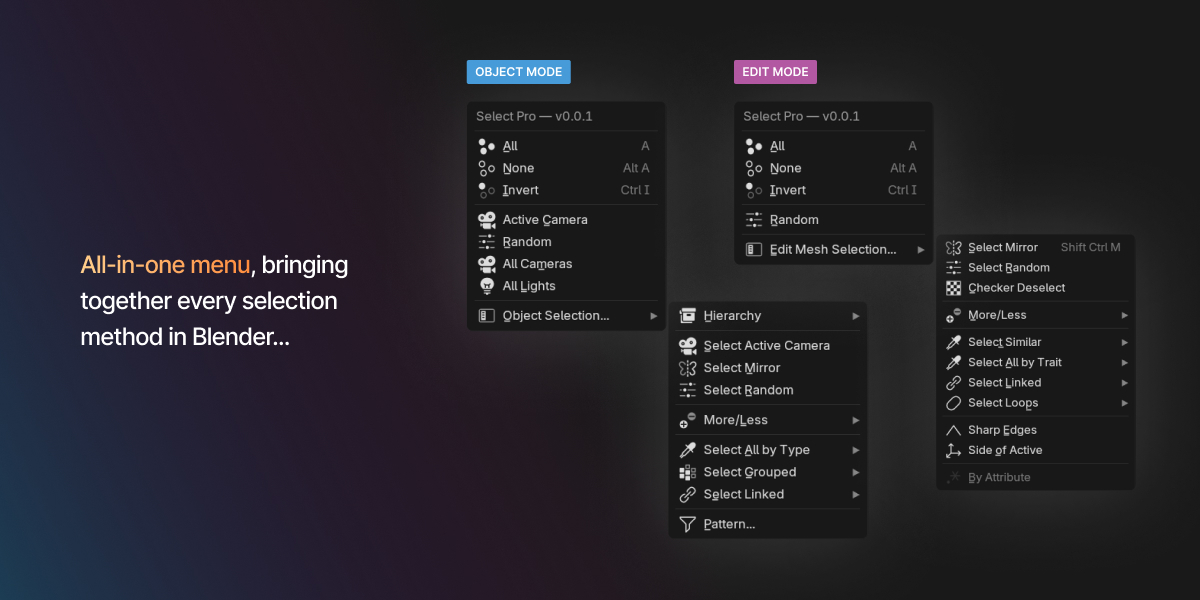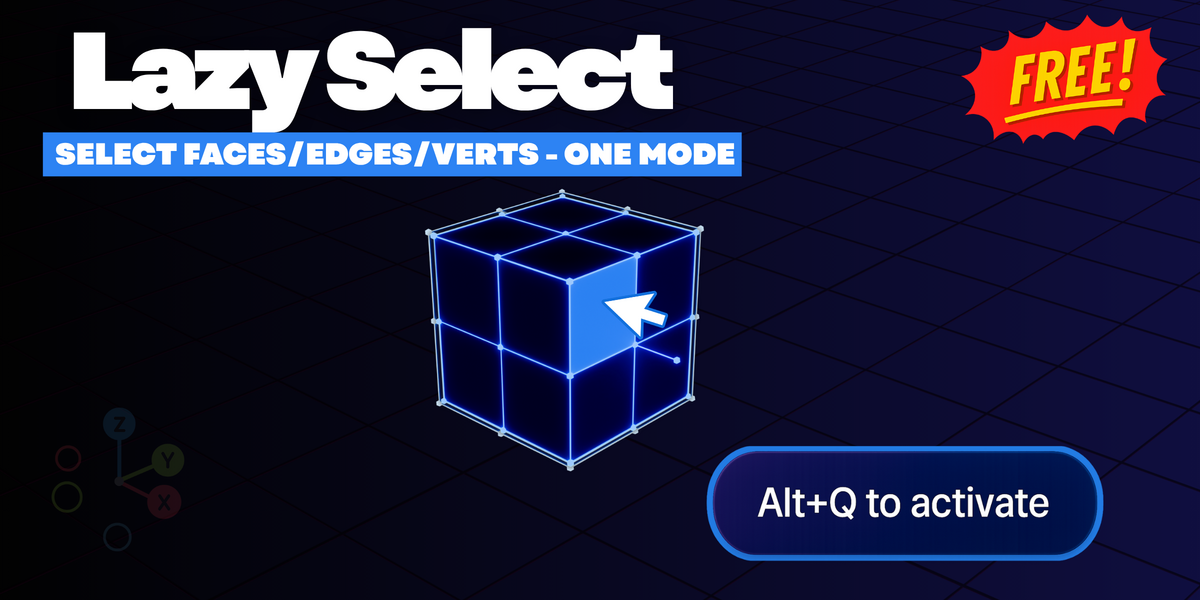
Mesh Filters is a Blender add-on by Hartface for selecting faces, edges, and vertices with a combinable filter stack. The Blender Extensions listing describes it as completely non-destructive.
How to use Mesh Filters
Open the N panel in Blender’s 3D Viewport and find the Mesh Filters tab. In Edit Mode, choose filters or options, then click Filter. You can stack multiple filters as part of the selection workflow.
Compatibility and version 1.0.1
The Blender Extensions listing identifies version 1.0.1 and Blender 4.2.0 as the minimum version. Its 1.0.1 notes describe a revised Area threshold slider and property, a classpoll addition to a UI element, and an updated manifest website. The listed license is GNU GPL v3.0 or later.
The listing offers drag-and-drop installation or installation from disk.