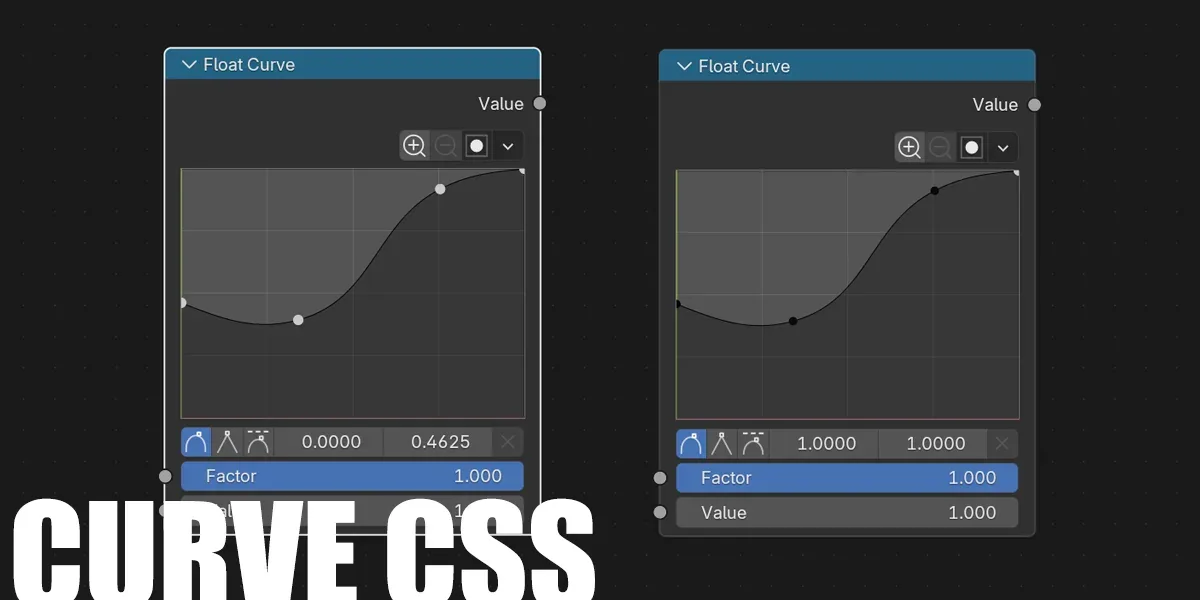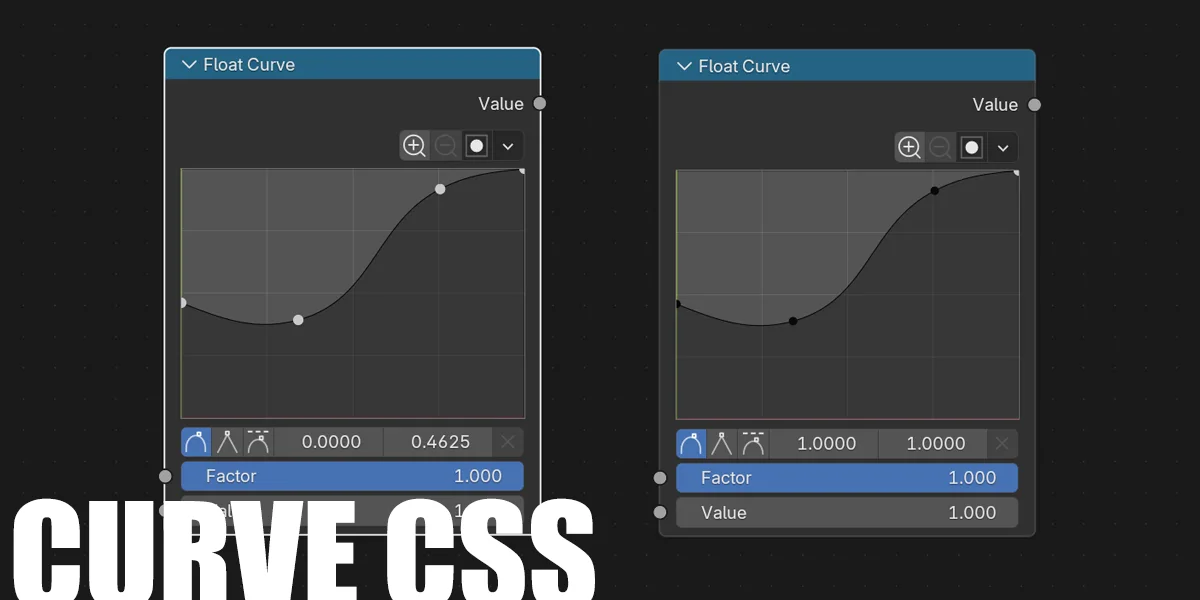
Float Curve CSS is a Blender add-on for moving Float Curve data between nodes and converting curve profiles into normalized Float Curves. It can copy a node's curve to the clipboard as CSS, with output available as linear() functions or sampled values. Use it to reuse an easing shape in another node or carry saved curve data between Blender sessions.
Move curve data between nodes
In the Node Editor, select a Float Curve node and choose Copy Curve to copy its points. Select the destination node before choosing Apply Curve. To use points from text, choose Apply From Text and provide them in a JSON text field. The add-on also has Stretch X and Stretch Y sliders and a Redistribute control that spaces inner control points evenly along the curve domain.
Float Curve CSS includes a reset action for Float Curves.
Convert a Curve object into a Float Curve
In the 3D Viewport, create or edit a Curve object to define a profile, then choose Register Curve Profile. Create / Update Float Curve converts the registered profile into a Float Curve node in the active object's Geometry Nodes modifier. If the object has no Geometry Nodes modifier or Float Curve node yet, the add-on creates them. Flip Vertical and Flip Horizontal options adjust the profile's orientation before conversion.
Adjust the converted curve
Simplification uses the Ramer-Douglas-Peucker algorithm to reduce control points while preserving the curve shape. Precision sets the number of sample points per Bezier segment. Smart Handle Detection assigns VECTOR handles at peaks and valleys, and AUTO handles elsewhere.
Install and check compatibility
The Blender Extensions listing shows Float Curve CSS as compatible with Blender 4.2 LTS and newer. To install it, download the ZIP, open Edit > Preferences > Add-ons, choose Install, select the ZIP, and enable the add-on. Then find Float Curve Tools in the N menu sidebar under Float Curve. The published license is GNU GPL v3.0 or later.
See the official Float Curve CSS listing for the release and download, or consult Blender's extension installation instructions.