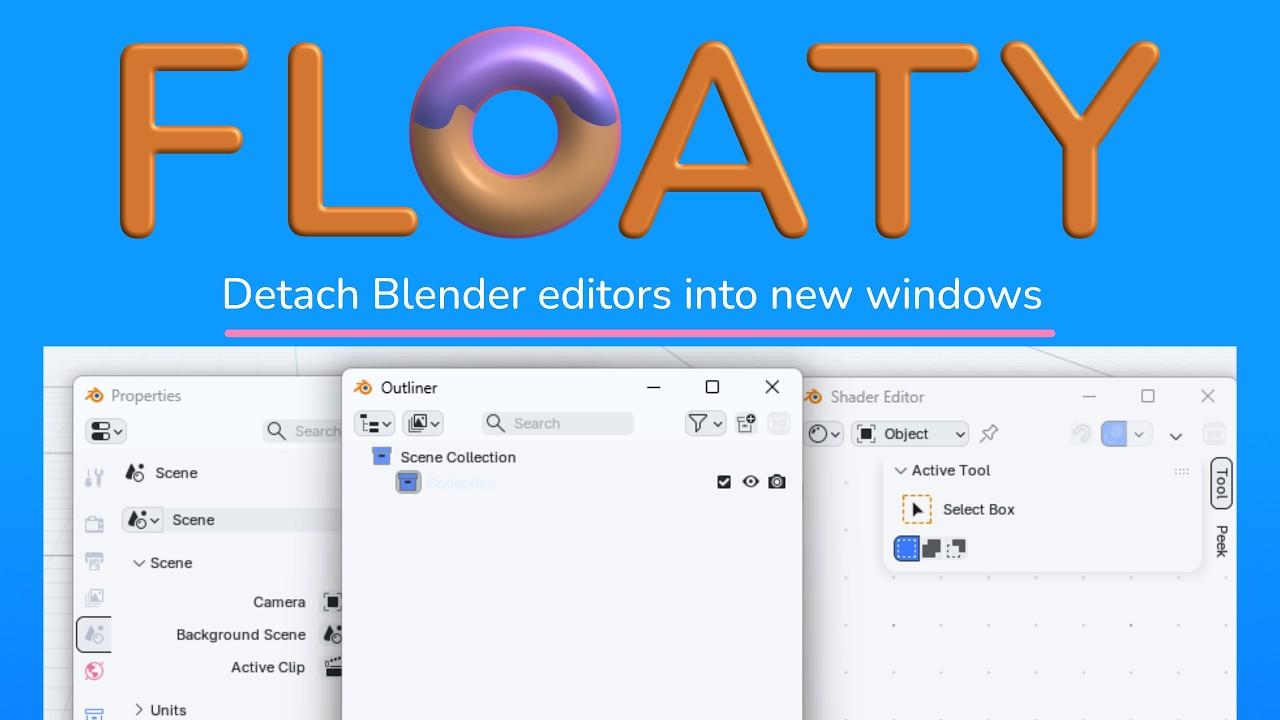
Floaty is a Blender add-on that opens any Blender editor in a separate window. Click the Float button in an editor header to detach it; click the button in the detached window to attach it again and choose its position in the workspace.
Place editors where they fit
Floaty’s documentation describes two ways to place a detached editor: relative to the full workspace or beside a selected editor. Workspace positions include far left, far right, above all editors, and below all editors. Relative positions include above, below, left, and right of the selected editor.
Control the Float button and windows
Preferences let you choose where the Float button appears. The add-on also has a Detached Windows area for tracking windows that are currently detached, plus sidebar options to show or hide its panel.
Floaty is listed as compatible with Blender 4.2 through 5.1 and as Blender Extension Compatible. The listing identifies it as an add-on under the GPL license. See the Floaty documentation for the placement controls, and check the product listing for compatibility details before using a Blender version outside the listed range.