Flow Navigation Pro is the paid Navigation license for CG Flow, a Blender add-on that installs and updates Flow modules. The purchase download is CG Flow itself. Its free Lite edition covers basic navigation, while Pro unlocks additional controls and future versions of Flow Navigation.
Navigation controls and Pro features
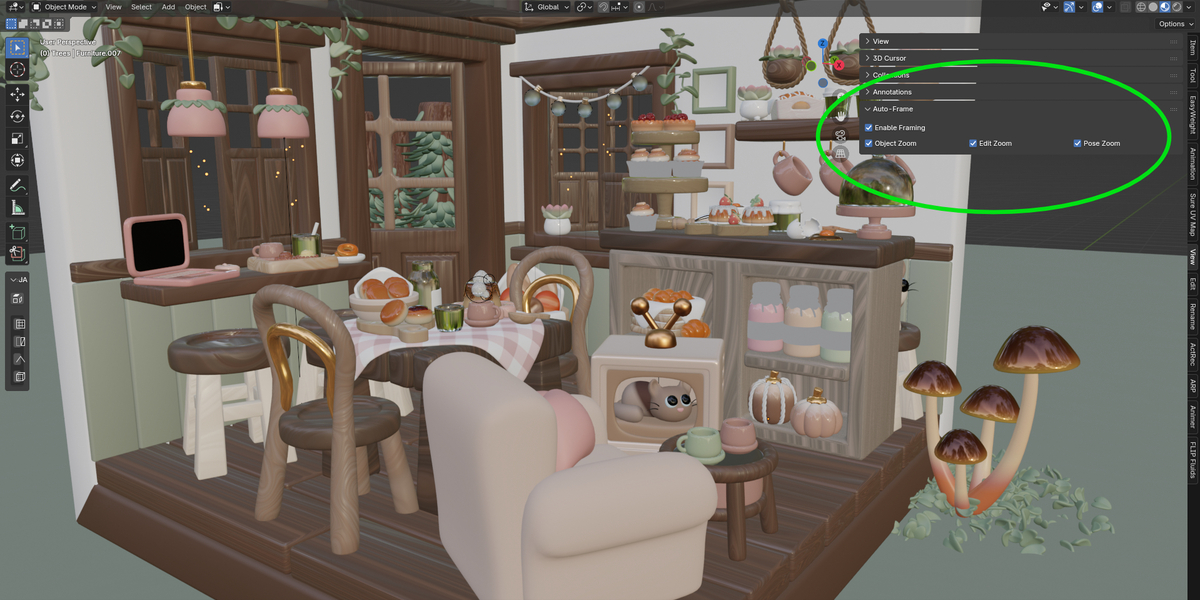
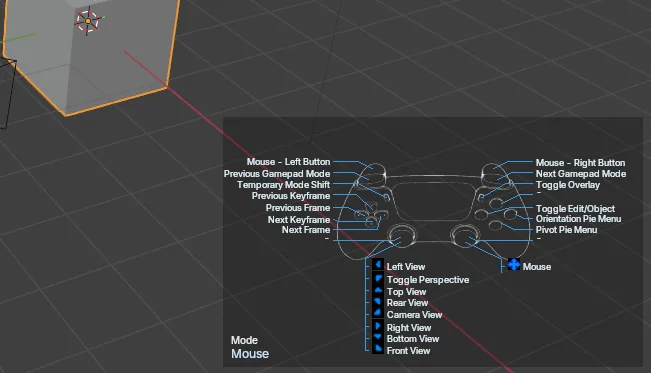
Flow Nav uses a held key and gestures to combine orbit, zoom and pan in one move. A Navigation Pie gives access to views, and its layout can be changed in the Pie Editor. Lite includes zoom, orbit, pan, scroll and Flow Nav on one held key. Pro adds Turn Around, Auto Target, Trackball, Roll and navigation in 2D editors.
Purchase and installation
Pro is a one-time purchase. Download the CG Flow ZIP from the purchase or from CG Flow’s start page, install it in Blender, then install modules from the CG Flow panel. Sign in with the email used for the Superhive purchase and Pro links automatically. If you use a different email or do not have a Superhive account, enter your Superhive order number when prompted. The product documentation page links to the navigation guide and setup instructions.
Compatibility and account limits
The Superhive listing states compatibility with Blender 4.2 through 5.2 and identifies the product as a GPL add-on compatible with Blender Extensions. One account can activate up to three computers. Blender versions on the same computer count as one computer. A downloaded version works offline; an internet connection is needed for license checks, updates and settings sync, with Blender’s Allow Online Access enabled.
Who may find it useful
Flow Navigation Pro may suit Blender artists who want gesture-based viewport movement and a view pie they can arrange themselves. The Pro license is relevant when its added controls or Pie Editor fit the workflow. Users who need only the listed basic navigation can start with Lite. See the product FAQ for purchase, account and offline details.