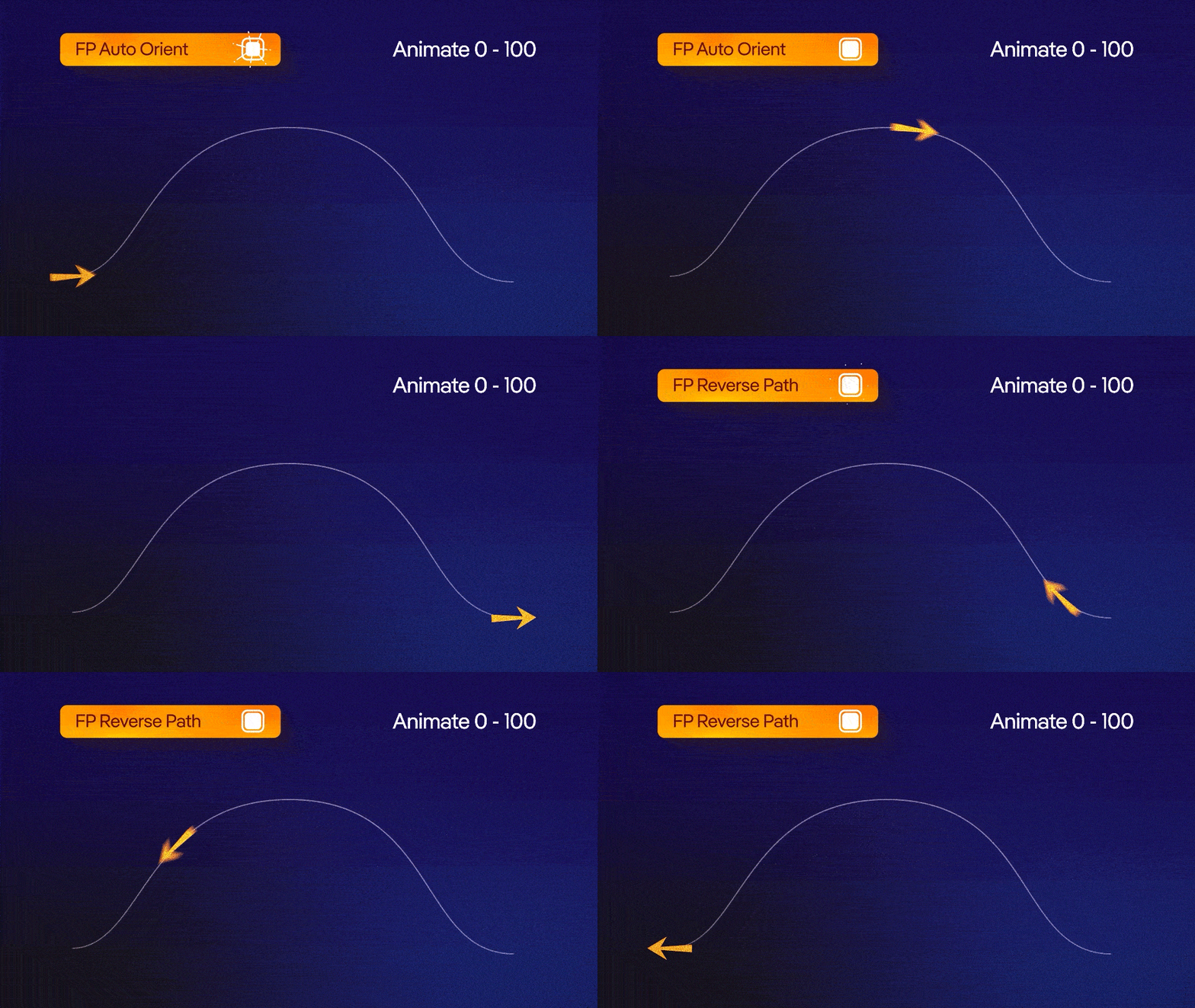
Animate layers along mask paths
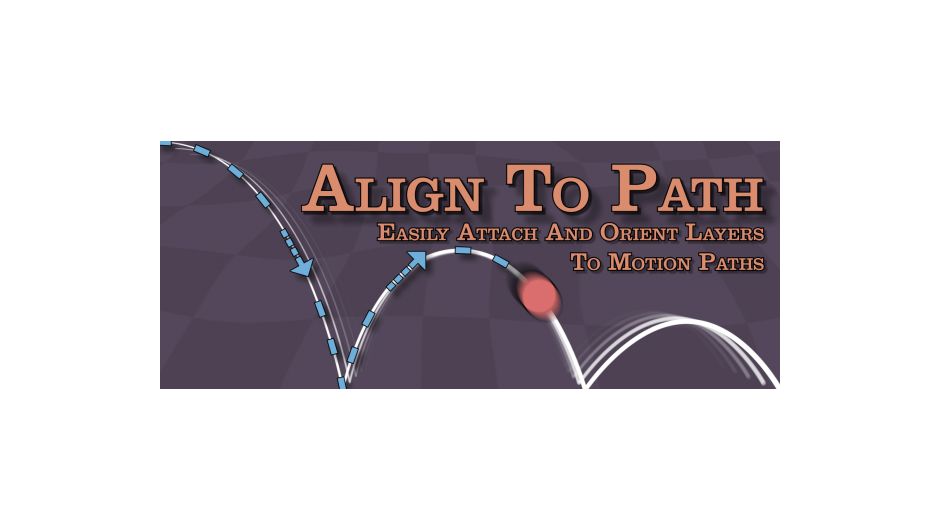
FlowPath uses After Effects mask paths to guide layer movement. An expression-driven progress slider runs from 0 to 100, with controls for reversing motion and keeping the animation editable in the composition.
Choose how the motion runs
Use a single layer with multiple paths, or control several layers with synchronized timing or staggered offsets. Loop mode repeats movement along a path; ping-pong sends it back and forth; roundtrip motion travels forward and backward across multiple paths. You can switch paths during an animation without rebuilding the setup. Offset rotation and an Auto Orient toggle are also available.
Who it suits
FlowPath fits motion designers who need editable movement along mask paths for repeated cycles, bouncing icons, trails, lines, or groups of moving elements. Its expression-based approach suits procedural work where the route or timing may change during a project.
Compatibility and licensing
The product EULA permits one installed and used copy on one computer at a time, plus one archival copy stored on a medium other than a hard drive for reinstallation; multiple users or copies require an appropriate license for each user and copy. A floating license can be installed on as many computers as needed on the same network, but only one user per license may use it at a time; it requires the Floating License Server, and remote use requires VPN access to that network. Single User Licenses do not require the server.