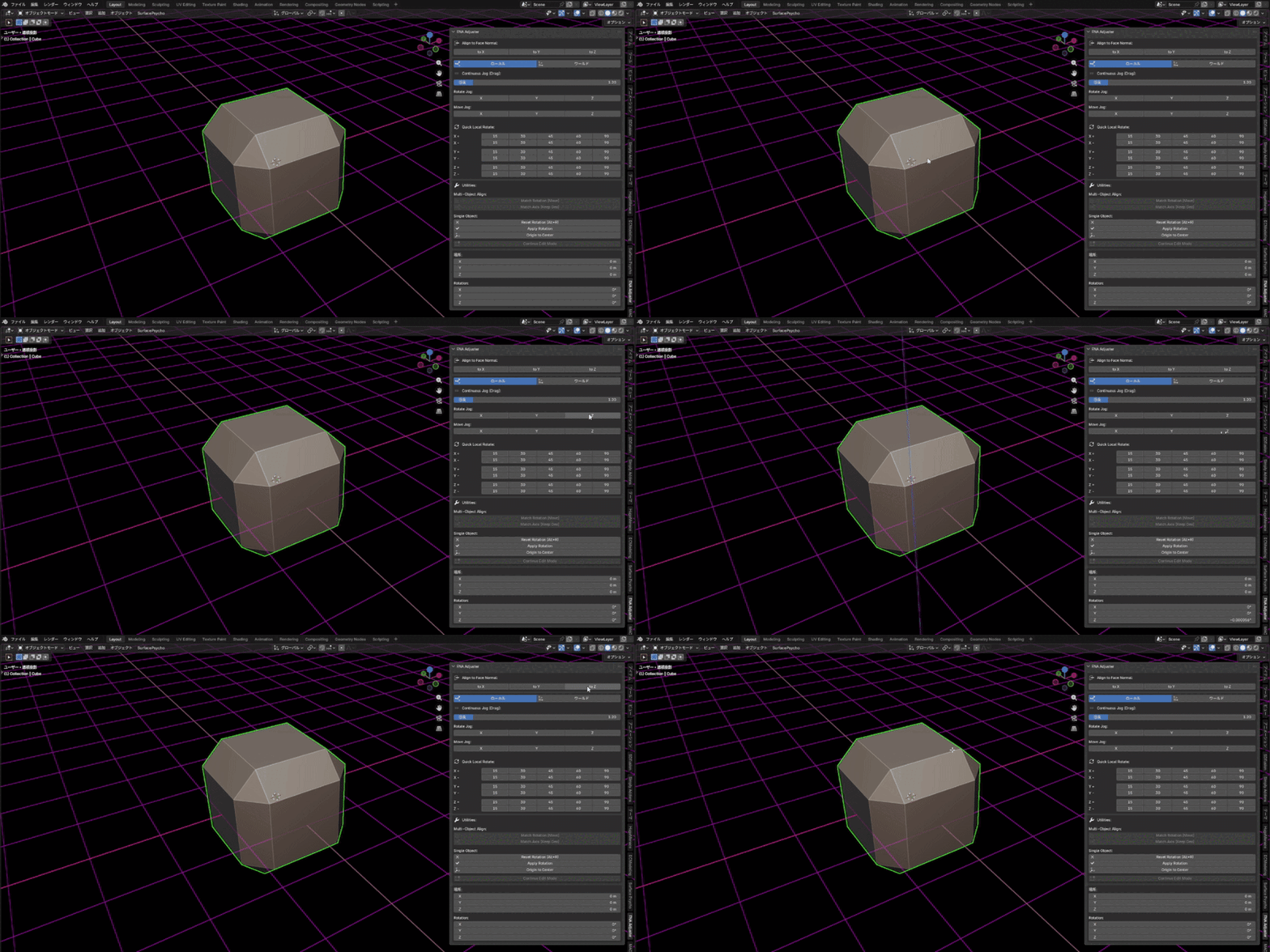
FNA Adjuster is a Blender add-on for moving an object from surface alignment to fine placement in one flow. FNA stands for Face Normal Align. In Object Mode, click a mesh face; in Edit Mode, select faces. The add-on uses the face normal to reorient the object’s axes, giving you a starting point for placing details or props against angled geometry.
From surface normal to final placement
- Align to the mesh. Use a face to set the object’s orientation from its normal.
- Adjust the transform. Click and hold a Jog button to move or rotate the object with the mouse.
- Change the sensitivity while dragging. Scroll the mouse wheel to shift between faster placement and sub-millimeter precision without ending the operation.
- Check the axes or revert. RGB axis lines show orientation in Local or World settings. Press ESC or right-click during a drag to return the object to its original state.
Where the workflow fits
For hard-surface modeling, the face alignment can help position bolts, panels, and other details on slanted surfaces. Environment artists and set-dressers can use the Jog-Dial to nudge props into place. For precision engineering, face-based orientation provides a starting alignment that you can refine with the controls.
Compatibility and product details
Compatibility details on the FNA Adjuster listing include Blender 4.1, 4.2 (LTS), 4.3, and 5.0 (Experimental). It describes the add-on as optimized for high-performance GPU viewport drawing, but does not give minimum hardware requirements. The listing specifies a GPL license. It identifies Hugu's Works as the creator and says the developer, hinata_hugu, used AI assistance as a coding tool and handles creative decisions, design, and user support.