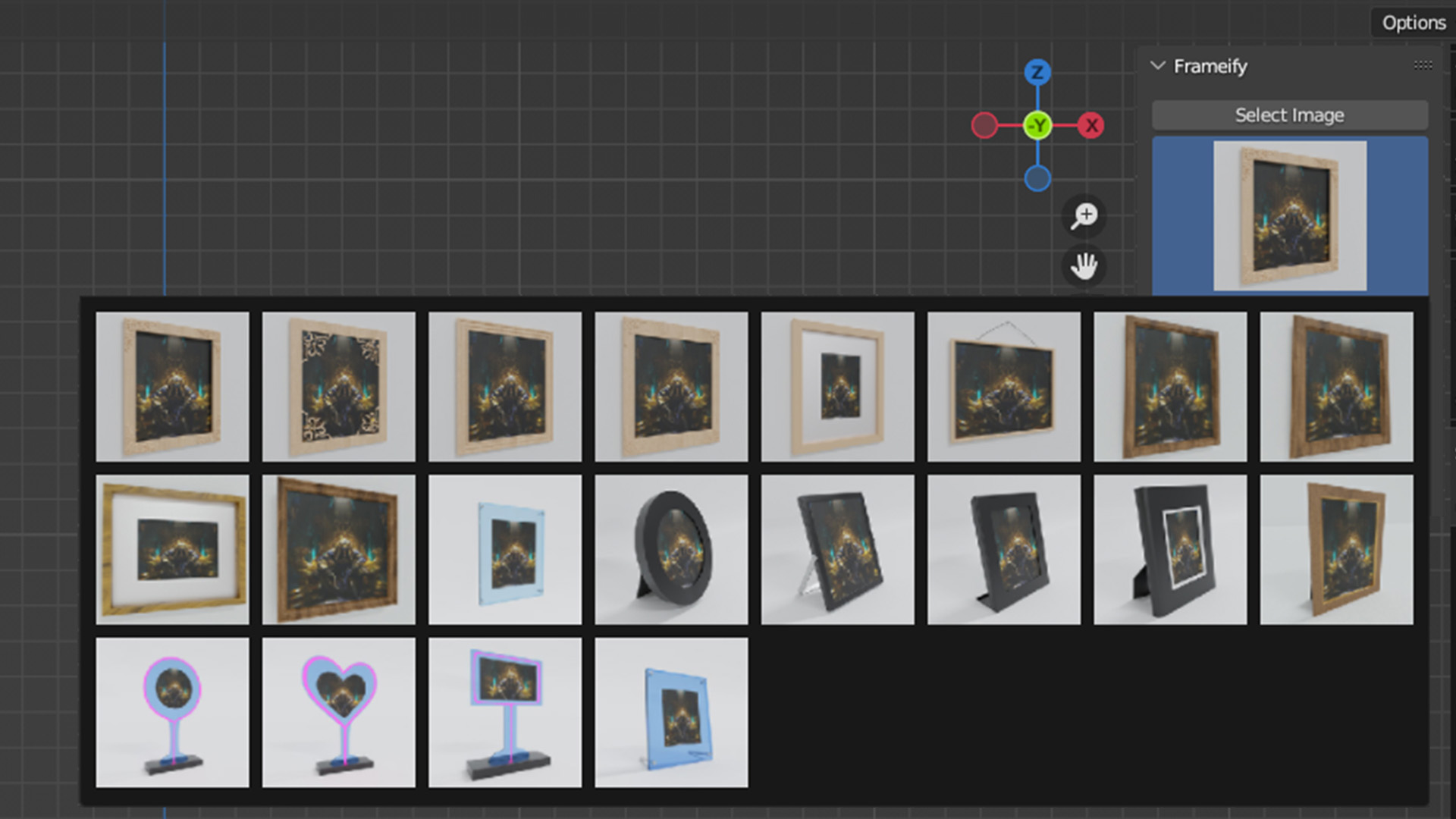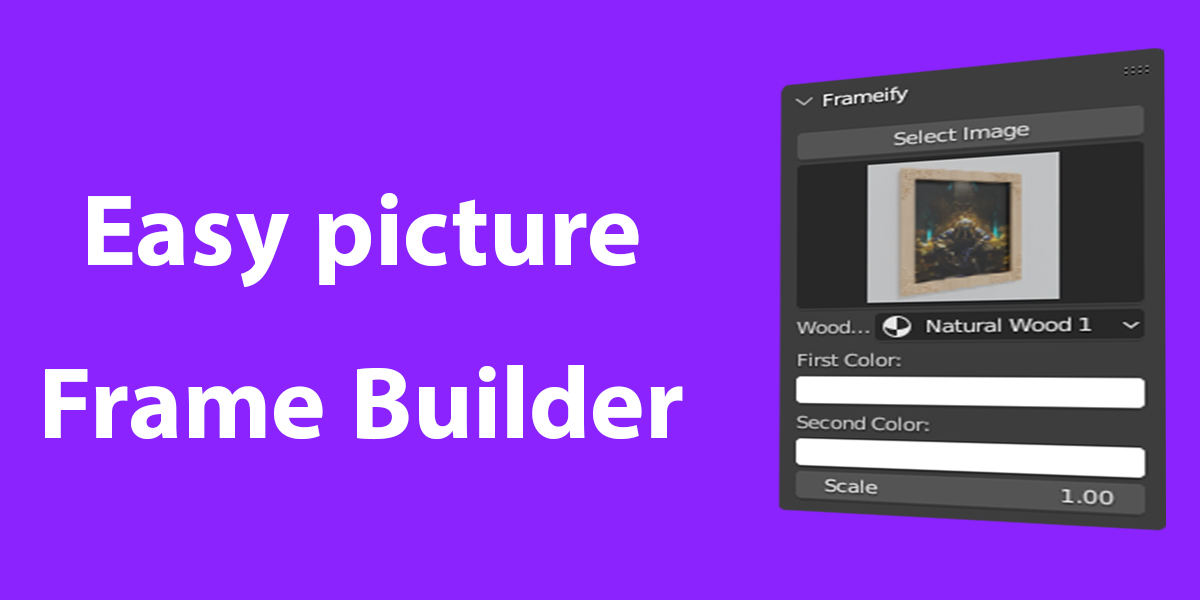
Frameify is a Blender add-on from docamb for creating photo frames around images inside Blender scenes. Its tools are in the 3D Viewport Sidebar, and the Superhive listing identifies version 1.5.1.
Import an image and choose a frame
Frameify lets you select and import images directly into Blender, with a real-time preview of the selected image in the interface. From the 3D Viewport Sidebar, you can choose a style from the frame library and customize it for your scene. The add-on also includes procedural wood materials that you can select and adjust.
The developer describes Frameify as suitable for architects, designers, and hobbyists who want customizable photo frames in their 3D work.
Compare the Lite, Basic, and Pro editions
The product listing distinguishes the editions by their included frame and procedural wood material counts:
- Lite: 4 frames and 4 procedural wood materials.
- Basic: 10 frames and 4 procedural wood materials.
- Pro: 20 frames and 10 procedural wood materials.
If library size is your main consideration, compare these counts against the styles and materials you need. AnyPlugins says Pro also includes a wood material color controller and a material scale controller.
Compatibility and version 1.5.1
The product details mark Frameify as Blender Extension compatible and list Blender 4.0, 3.6, 3.5, 3.4, 3.3, 3.2, and 3.1. If you use a version outside that list, check the developer's listing before relying on compatibility.
Version 1.5.1 fixes an issue with images not updating in newer Blender versions, fixes materials not changing across multiple frames, and adds a five-photo frame. The changelog does not specify the Blender versions covered by the image update fix.
Support and price details
Superhive describes the add-on as actively maintained and says purchases include free updates and dedicated support. AnyPlugins lists Frameify as free to download and use, while Superhive lists Lite, Basic, and Pro without showing their prices. Check the Frameify product listing on Superhive for current edition availability, price, and purchase terms.