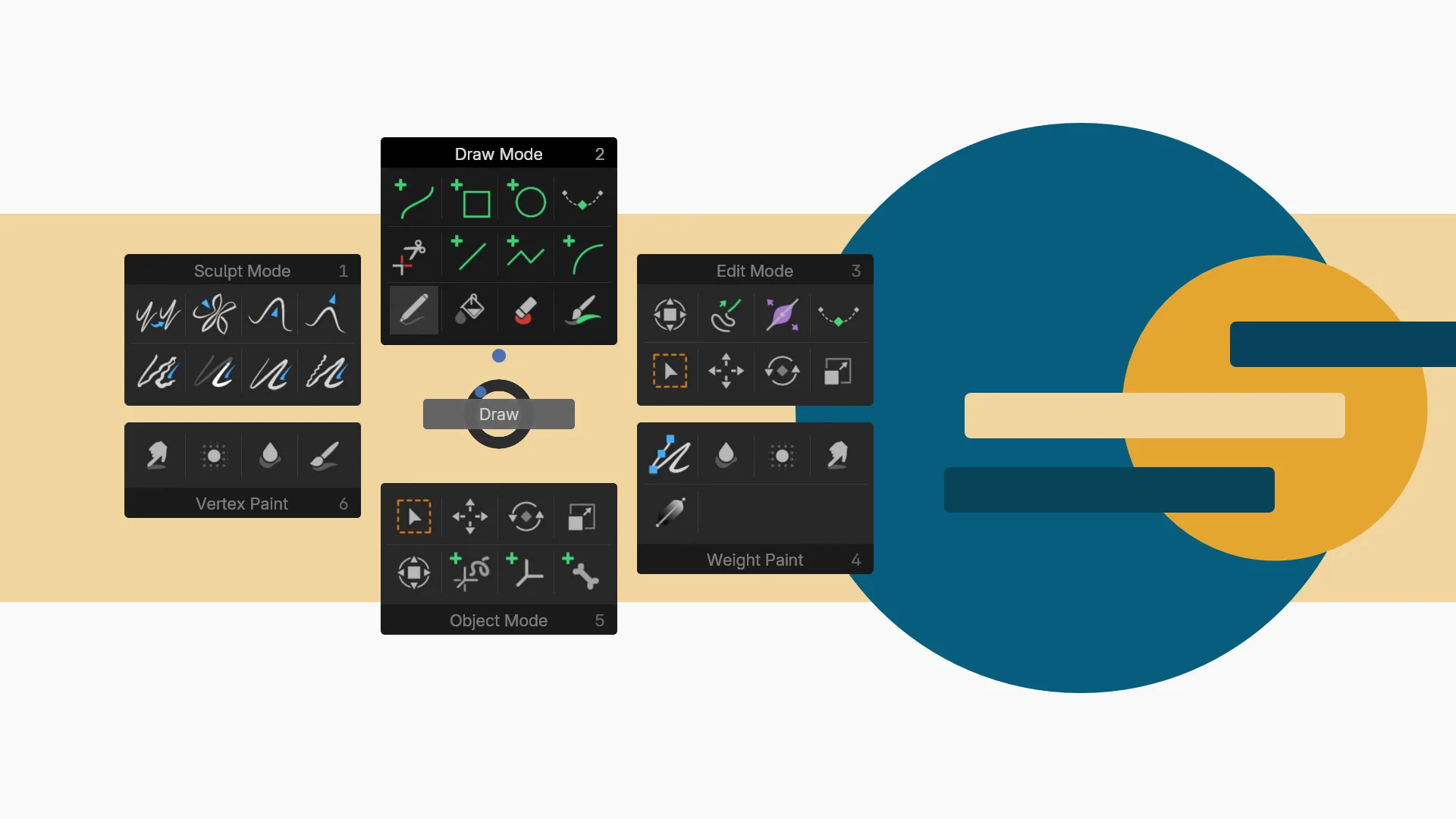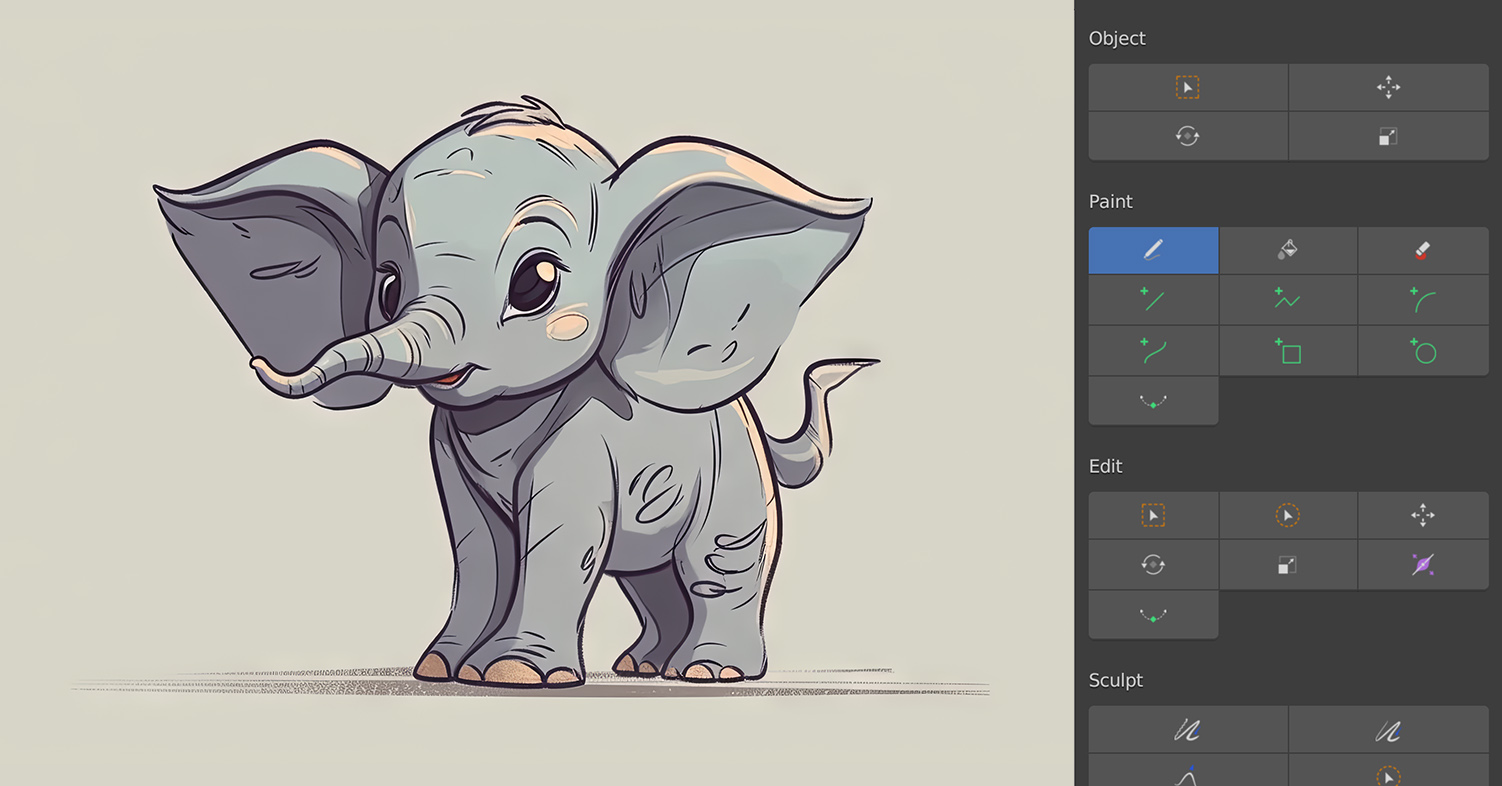
Go Panel is a Blender add-on that puts buttons for switching modes and tools in a customizable panel. It is aimed particularly at tablet users who sculpt, texture paint, or work with Grease Pencil, and can also help anyone who wants quick access to frequently used tools. You can assign keyboard shortcuts to its buttons as well.
Customize modes, operators, and brushes
Choose buttons by mode or individual tool, then adjust the panel name, button size, and column count. In version 2.0, the Custom Tray lets you add Blender operators, including operators from other add-ons and extensions. Add them from preferences or a context menu; an operator can switch modes automatically and appear only for selected object types.
The Brushes section adds brush assets from Blender’s Asset Browser or Asset Shelf. Go Panel activates an asset so its brush can load into Blender. Previews are loaded for the current session; if one is unavailable, the panel uses a default brush icon. Version 2.0 also includes a searchable, filterable icon browser and a setting for larger icons.
Changes in version 2.0
Version 2.0.0 is a complete rewrite built around Blender’s Asset Library system. The separate Add/Subtract Weight Buttons are no longer included; create Weight Painting Brush Assets with Add or Subtract blend modes and add them to Go Panel instead. Collapsible sub-panels have also been replaced by preference controls for disabling unused modes.
Check compatibility before installing
The Superhive listing says Go Panel 2.0 requires Blender 4.3 or newer and that a legacy version remains available for older releases. Blastframe’s installation guide separately describes an extension install path for Blender 4.2 and higher and a legacy add-on path for Blender 4.1.1 and lower. Since those version cutoffs differ, check the selected package’s notes before installing. The listing identifies the license as GPL.