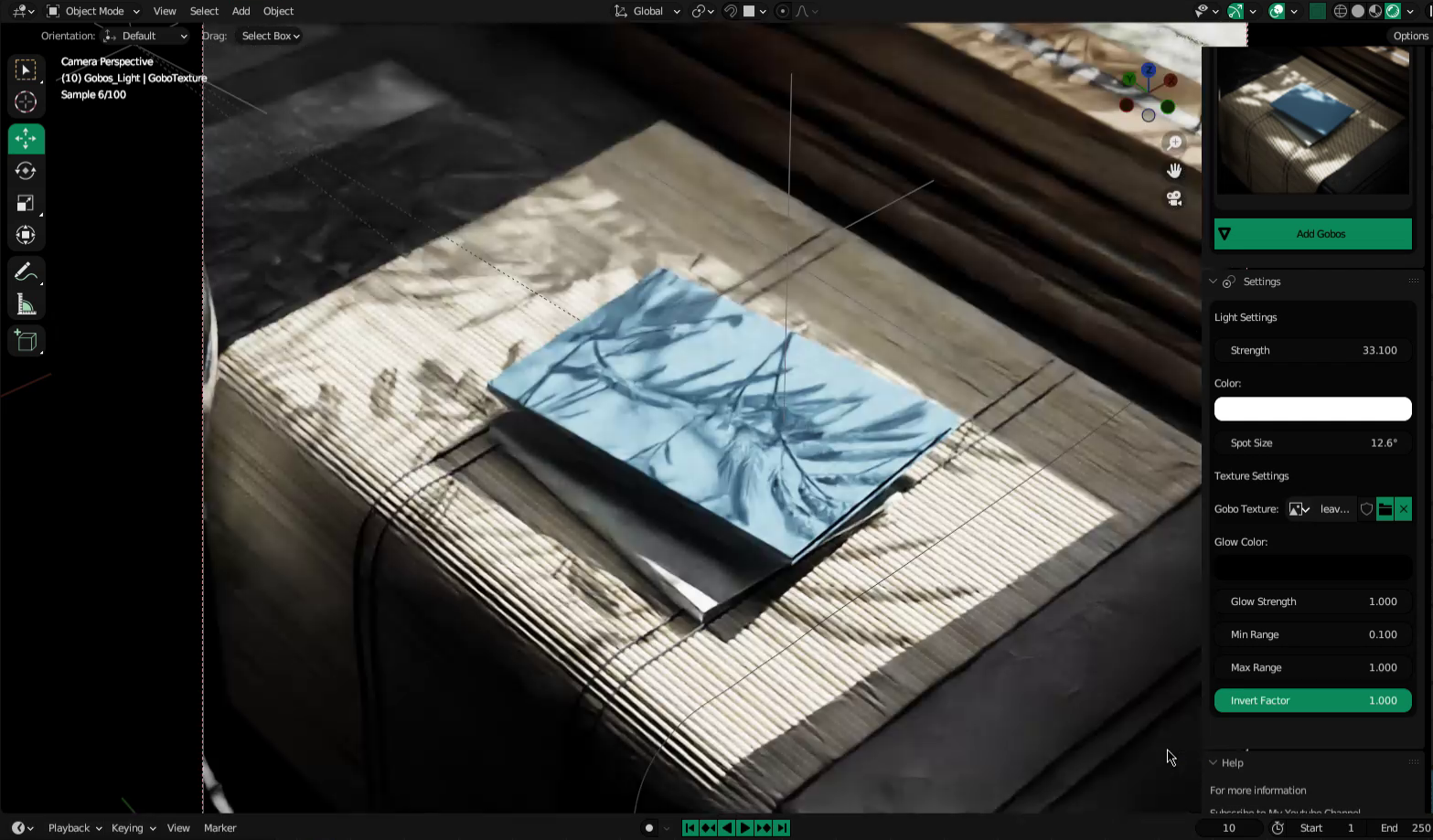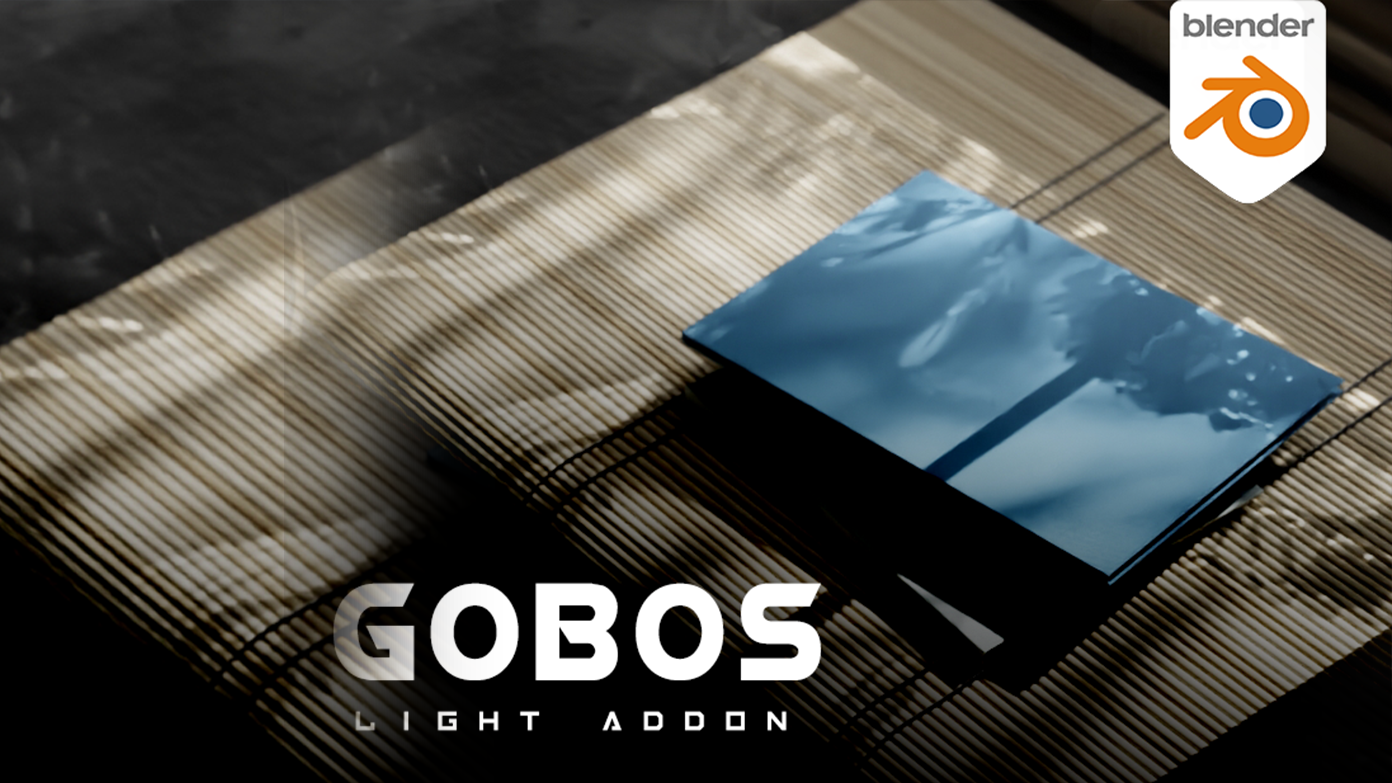
Gobos Lighting Addon is a Blender lighting tool from EdenWeby 3D for placing patterned light in a scene. It includes 10 ready-made gobo texture presets and can convert imported images, textures, or video into gobos. The product listing describes manual controls for size, rotation, and position, with further options in Blender's Properties panel. You can also change the light color.
Choose a preset or use your own image
Begin with one of the 10 included patterns, then adjust its size, rotation, and position to suit the scene. For a custom look, import an image or texture; the addon converts it into a gobo.
Adjust the gobo and light color
After adding a gobo, make adjustments manually and use the Properties panel for additional controls. A demo .blend file and documentation are listed with the product, so you can inspect the supplied setup while learning the controls.
Video and Blender version details
Video can also be used as the source for a gobo. After adding a video, the seller's instructions say to change the shader frame from 1 to the video's frame count, or set it to 10000. The product listing names Blender 3.0, 3.1, 3.2, 3.3, 3.4, 3.5, 3.6, and 4.0; check the current seller listing for compatibility with later Blender releases.
Who it may suit
The product page names architects, interior designers, and visual artists, with examples including architectural visualization and cinematic animation. It may suit Blender projects where patterned lighting is useful and you want presets alongside custom image or video input. The original listing identifies the license as GPL.