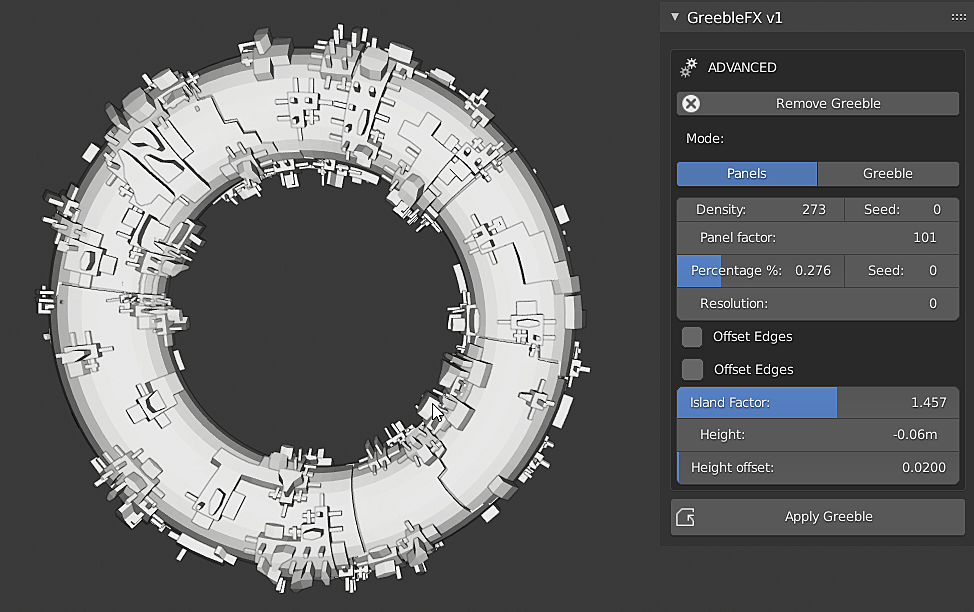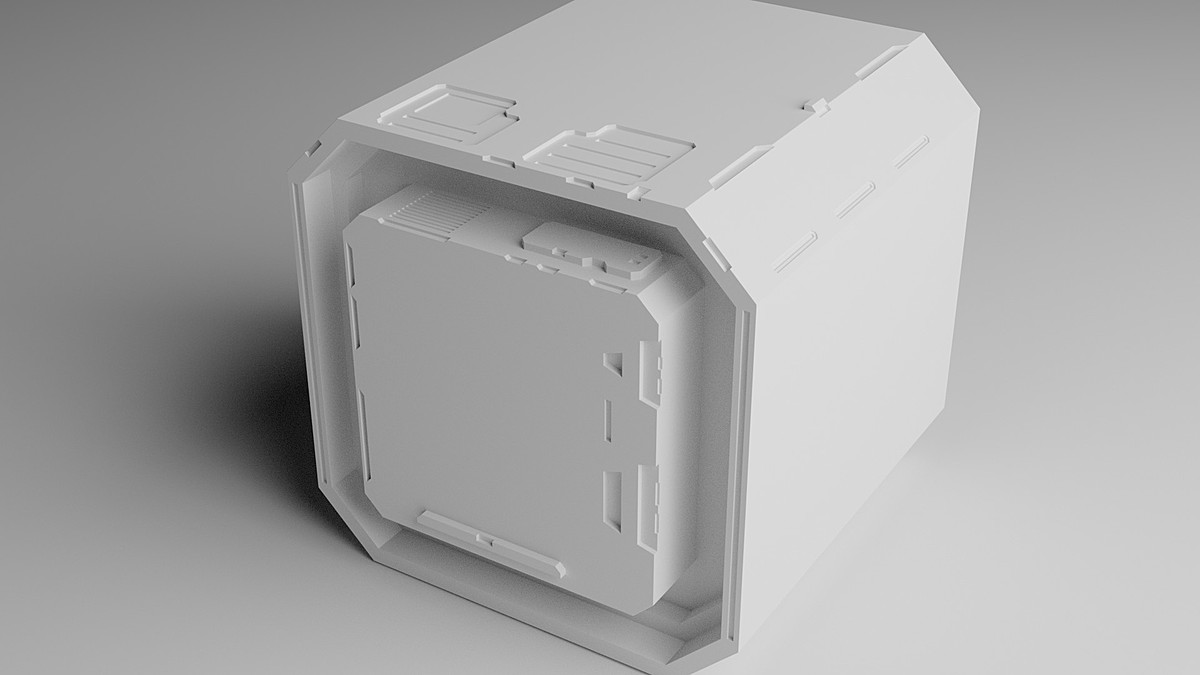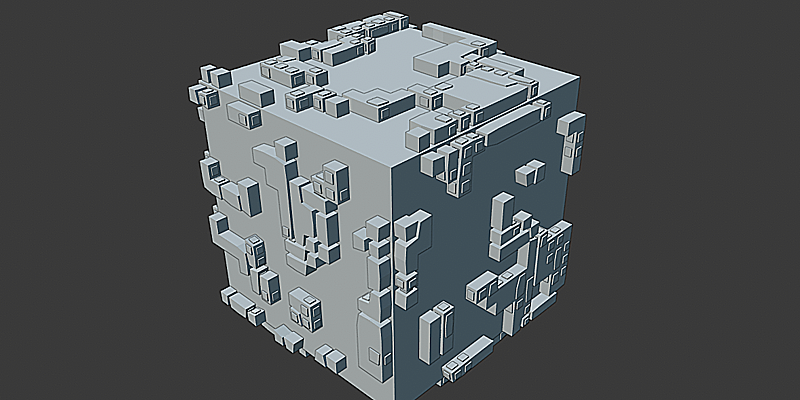
Greeblefx is a Blender add-on for adding panels, greebles and nurnies to low-poly objects. Its Basic type generates panels, while Advanced handles greeble and nurnie detail. The Superhive product listing describes a non-destructive workflow and an interface that returns results immediately. It is aimed at artists who want to reduce the repetitive work of placing surface detail by hand.
Generation types and controls
Choose Basic when panels are the goal, or Advanced for greeble and nurnie detail. The listed controls include Panel Count, Island, Nurnie factor, Height, Density and Percentage, among others. The interface avoids constant menu changes. It does not give parameter ranges or explain the exact effect of every control, so check the current product documentation when you need a specific result.
Meshes and suitable projects
The listing says panels are best generated on quad-based meshes; it does not say that other mesh types are unsupported. The listing describes random detail for spaceship models, cityscapes and Death Star-style models, plus tile patterns and fractures.
Installation and compatibility
Install the add-on from its ZIP file in Blender Preferences, enable it, then find it in the Create tab. The seller page lists Blender 2.79, 2.8, 2.81, 2.82, 2.83 and 2.9; check it for compatibility before using Greeblefx with a newer release.
License
The Superhive listing identifies the license as GPL. Review the current seller page for the applicable product and license details before downloading or redistributing the add-on.