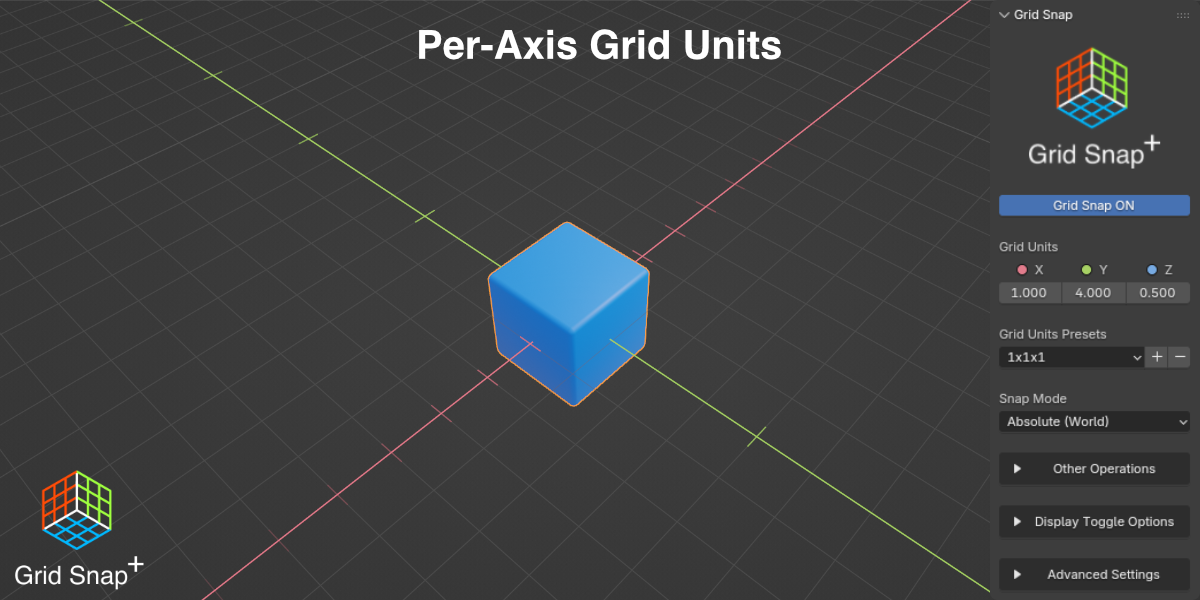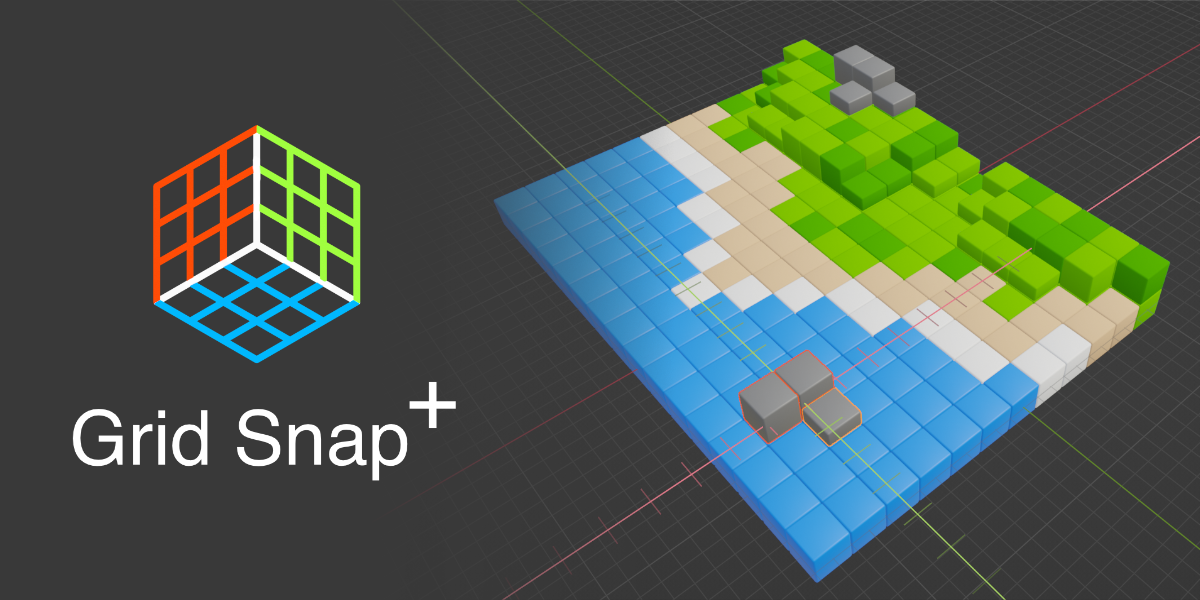
Grid Snap Plus is a Blender add-on by 3D Mage for controlling grid snapping along the X, Y, and Z axes. Separate intervals let you work with non-square grids, which can help when arranging tiled or voxel-based geometry.
Set a different interval for each axis
Choose the snap distance for X, Y, and Z independently. The increments remain constant as you zoom in both perspective and orthographic views. Presets provide ready-made combinations, including 0.5 by 0.5 by 0.5 and 2 by 2 by 2.
Choose the snapping reference
Grid Snap Plus has three snap modes. Relative (Selection) uses the position of the selected object or geometry. Relative (Origin) uses the selected object's origin. Absolute (World) measures from the world origin at 0, 0, 0. Choose the reference that matches how you need new geometry to align.
Control guides and movement locks
While moving an object or geometry, choose Ticks to show marks along the axes, Grid to show a grid along the movement direction, or None to hide snap guides. The Show Info Area option controls the information panel in the lower-left of the viewport. Blender's default shortcuts still lock movement to an axis or plane.
Enable Repeat Axis/Plane Lock to reuse the previous lock on the next move or duplicate operation. A drop-down shows the lock that will apply and updates when you set a different one.
Save grid presets
Select a preset from the Grid Units Presets drop-down. To save your current X, Y, and Z values, press the plus button; Grid Snap Plus adds them to the list. To remove a custom preset, press the minus button, select the preset, and confirm.
Use the edit-mode option
Correct Face Attributes is an Edit Mode setting that adjusts UV maps as you move geometry to prevent texture distortion. The documentation describes it as equivalent to Blender's Correct Face Attributes checkbox in the Tool tab of the Options panel.
Compatibility and license
The Superhive listing identifies Blender versions 4.5 through 5.3, marks the add-on as Blender Extension Compatible, and lists its license as GPL. Its changelog records an August 22, 2025 fix for a snapping-button state that could fail to sync with the Grid Snap ON/OFF button after reopening a Blender file. See the Grid Snap Plus documentation for the control details.