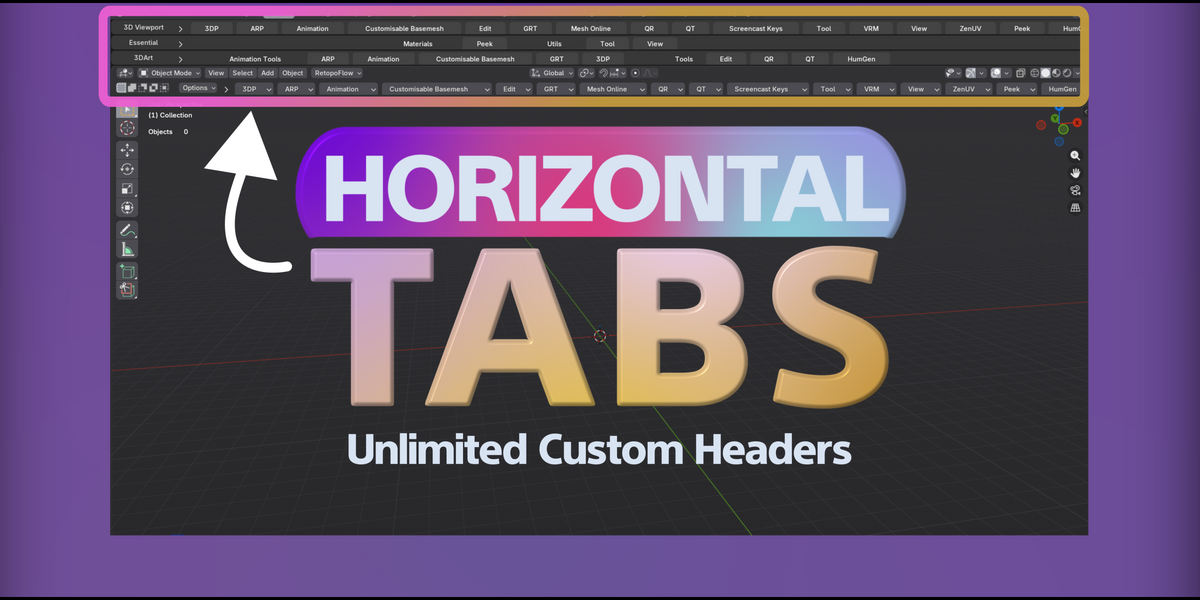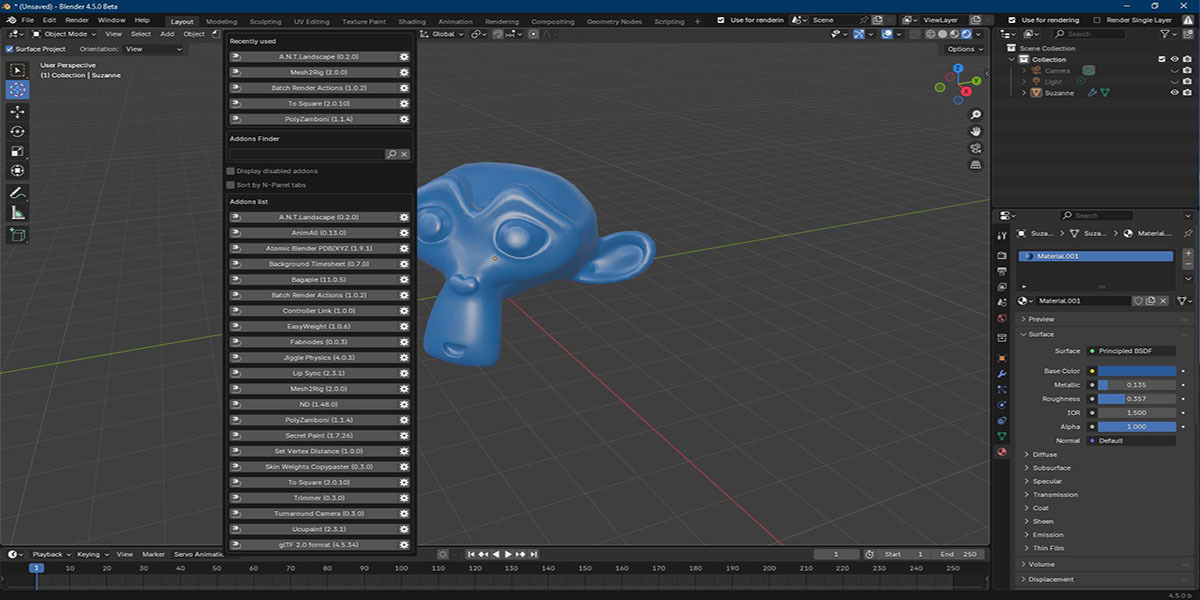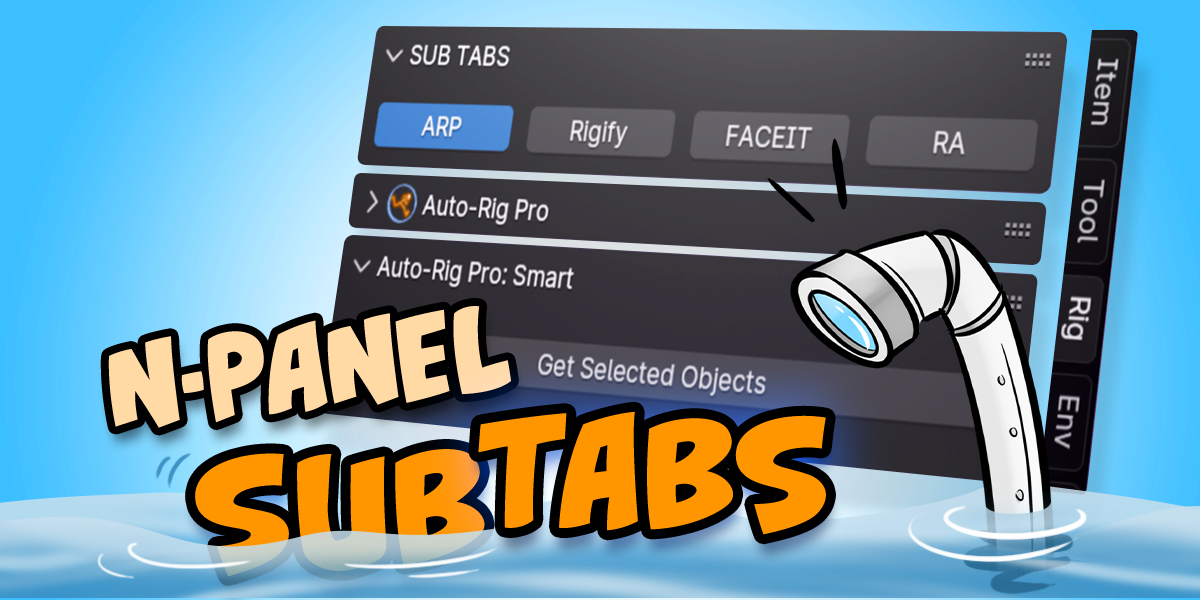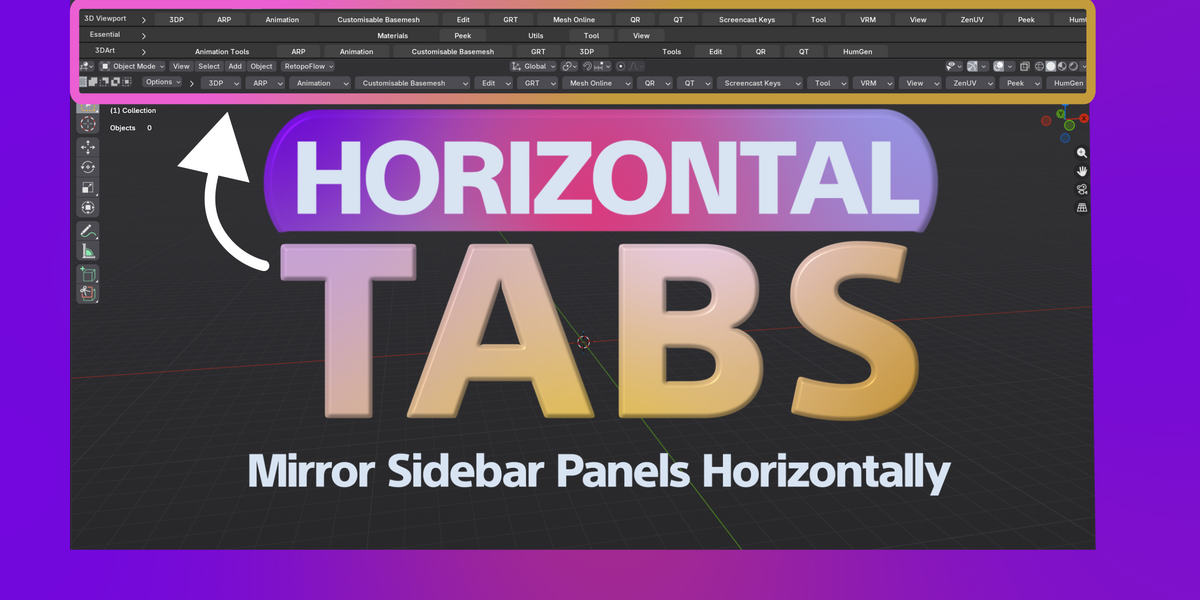
Horizontal Tabs is a Blender add-on that mirrors sidebar panels into Blender's headers. It also lets you build custom editor headers; the listing describes them as behaving like native Blender. It provides space to organize tools in complex, add-on-heavy workflows. Product details are on the Superhive product page .
Organize tools in custom headers
You can build headers and arrange them like a workspace, then group tools with labels and separators. Horizontal Tabs also lets you save presets for different workflows and stack custom headers. For each panel, you can change its name and size, then reorder its tab in the header.
The product page describes Horizontal Tabs as working across all Blender editors, so its use is not limited to one editor type.
Compatibility and license
The Superhive listing marks the add-on as Blender Extension Compatible, names Blender versions 4.2 to 5.0, and lists a GPL license. Check the current product listing and its documentation for details before installing.
Who may find it useful
The product description presents Horizontal Tabs as suited to complex workflows and add-on-heavy setups. Its feature set is most relevant when you want to bring sidebar panels into headers and arrange them with custom sections or saved presets. If that matches how you use Blender, review the examples and documentation to see whether its header layout fits your workspace.