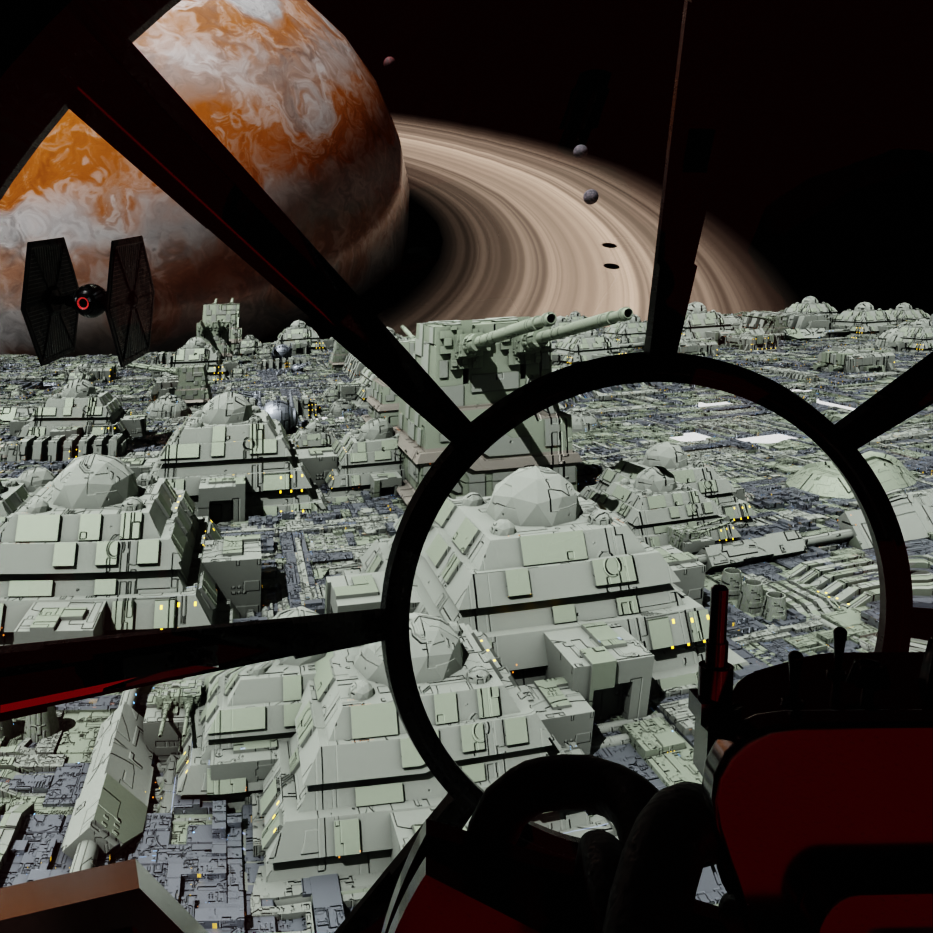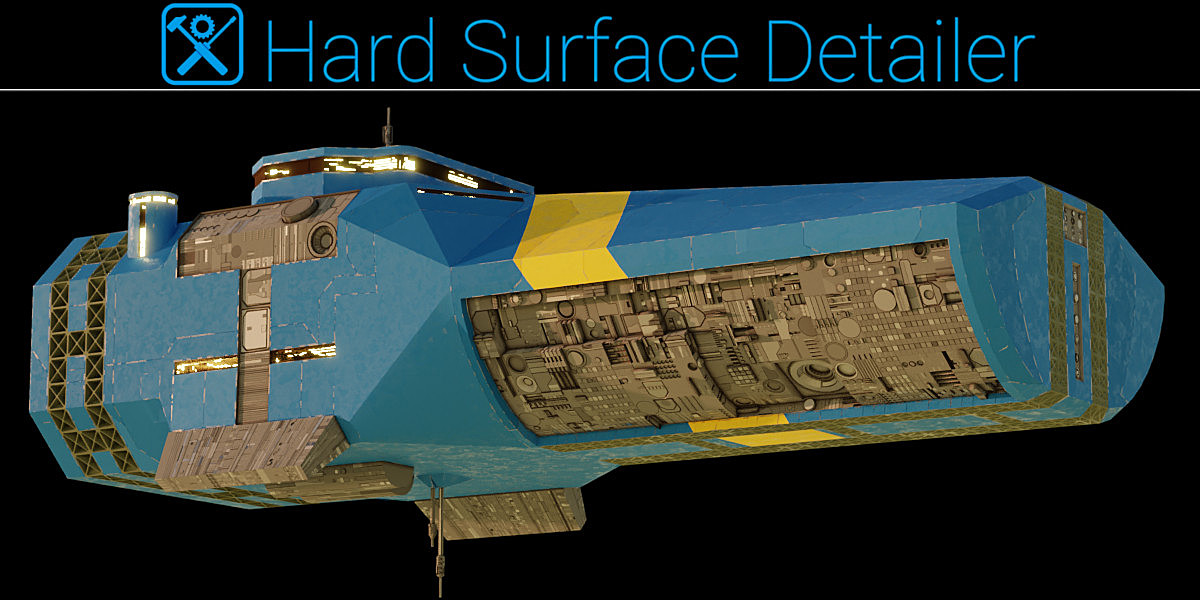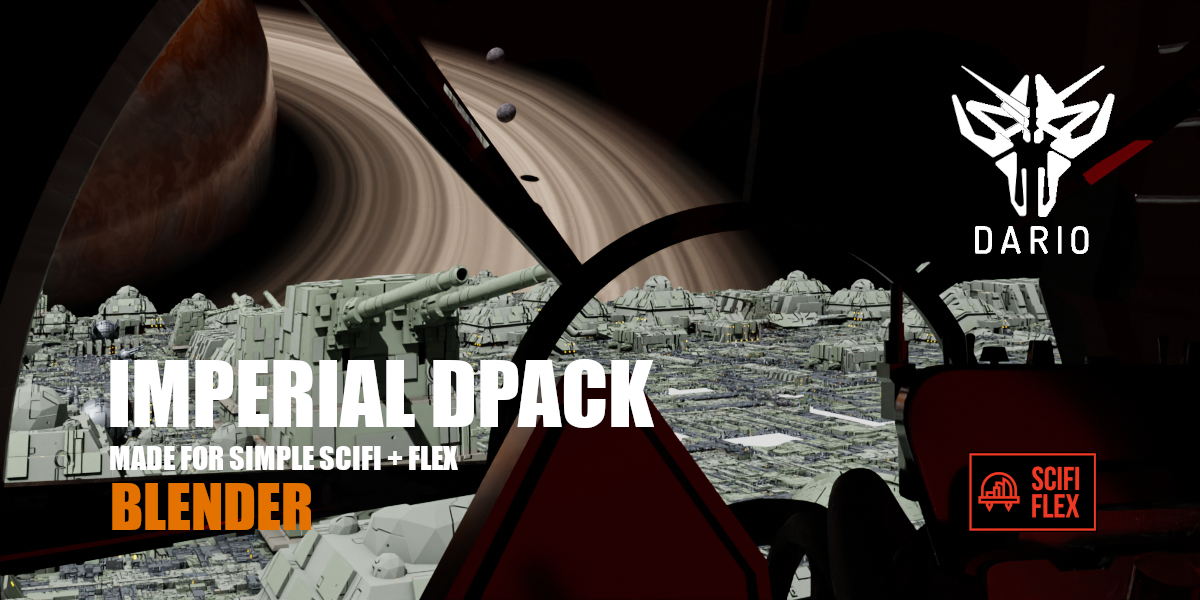
Imperial - Simple Scifi & Scifi Flex dPack is a Blender dPack by DarioMac for Simple Scifi Pro and Flex. It adds an Imperial style to SciFi scenes, with examples such as a Star Destroyer setting or a Trench Run-inspired battle scene.
Required software, Blender versions and license
The setup documentation specifies either the paid version of Flex or the Free or Pro version of Simple Scifi. Superhive lists Blender 3.0 and 3.1; its captured product details do not list later Blender releases, so compatibility with those versions is unconfirmed. The listing identifies the license as Royalty Free. Check its current terms before using the dPack in a project.
Add the dPack to your setup
For SciFi Flex, unzip the IMPERIAL folder into your chosen Custom DPack Master Folder Path in Blender Preferences under SciFi Flex. Then select IMPERIAL from the dPack list.
For Simple Scifi, add the dPack to the master folder path and select Imperial DPack from Blender's SciFi options. Enable both Gen-Imperial-BOT_dpack and Gen-Imperial-TOP_dpack. In Simple Scifi, create collections with those names, copy the corresponding assets into them, then assign each collection to the matching Top or Bottom slot under the modifier.
Colors and space backdrops
The product FAQ gives a color adjustment for a completed Flex deployment: in the Shading workspace, change the material to cw-gen-material and adjust the color ramp sliders without moving them. The demo uses a separate KitOps Space kPack for its space backdrops; the seller links to that pack separately.
See the setup documentation and product FAQ, or watch the demo video. The KitOps Space kPack is listed separately.