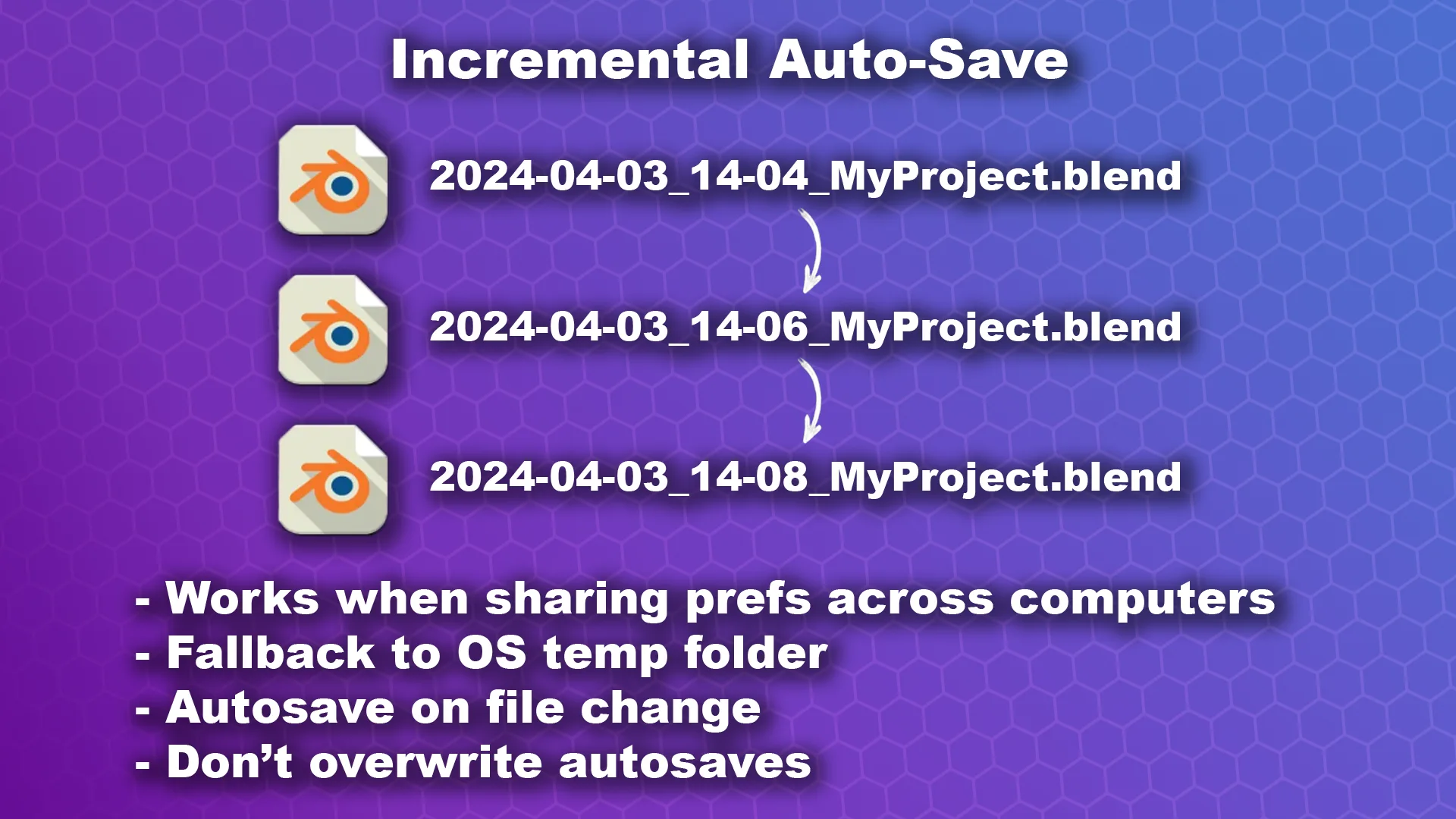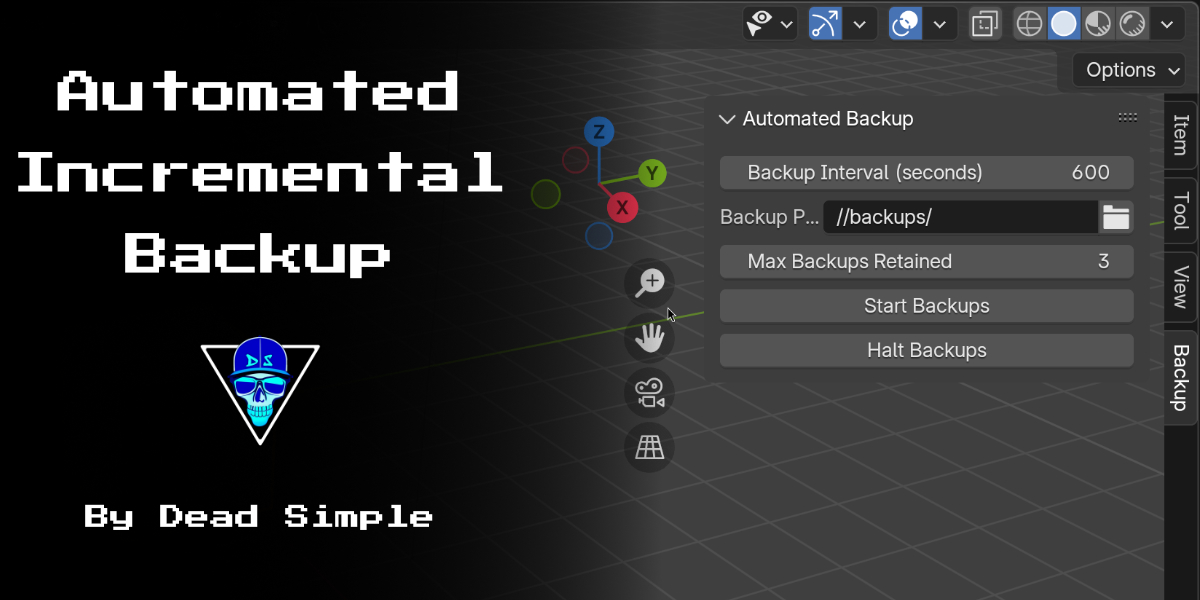
Incrementalautobackup is a Blender add-on from Dead Simple Shop that saves project backups at an interval you choose. You can set the backup folder and how many files to retain. When that limit is reached, the oldest backup is deleted.
Set up timed project backups
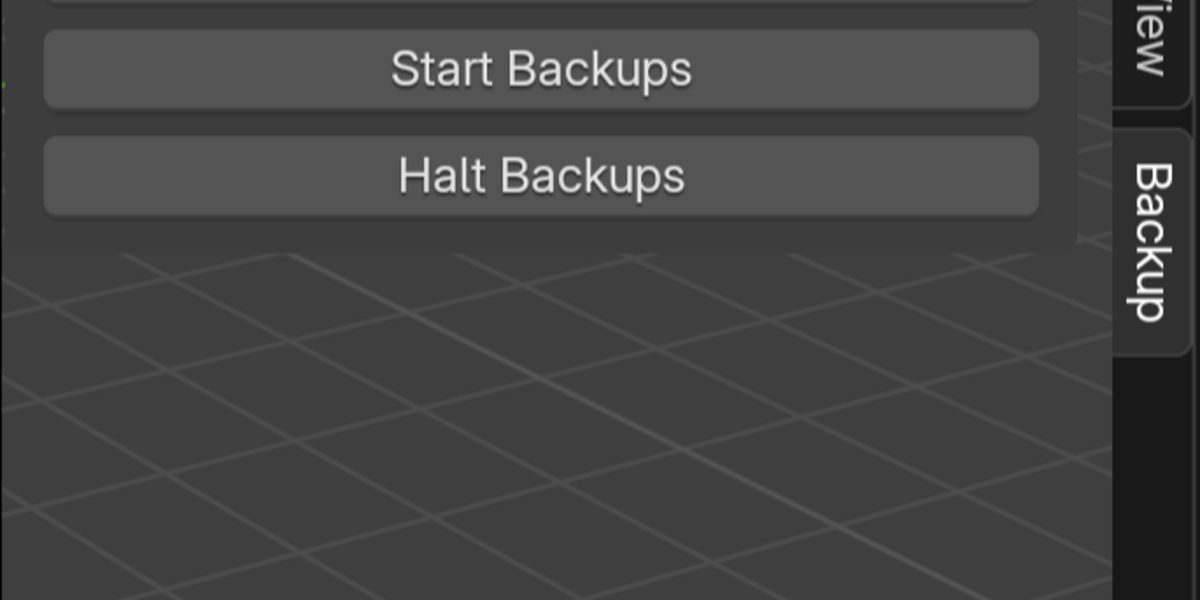
Save your Blender project at least once before using the add-on. In the Viewport, press N to open the N-Panel, then select the Backup tab. Set the interval in seconds, choose how many backups to keep and select a storage location. The default location is the same folder as the original project. Press Start Backups to begin; use Halt Backups when you want to stop.
Compatibility and installation
The product listing reports compatibility with Blender 3.6, 4.0, 4.1, 4.2 and 4.3, and lists the add-on under the GPL license. To install it, download the ZIP file and open Edit, Preferences, Add-ons. The listing's instructions say to choose Install from Disk from the menu at the top right in Blender 4.3 and later. Since the listed compatibility stops at 4.3, check with the seller before using it with a newer Blender release.
For current product details, see the Incrementalautobackup listing on Superhive.