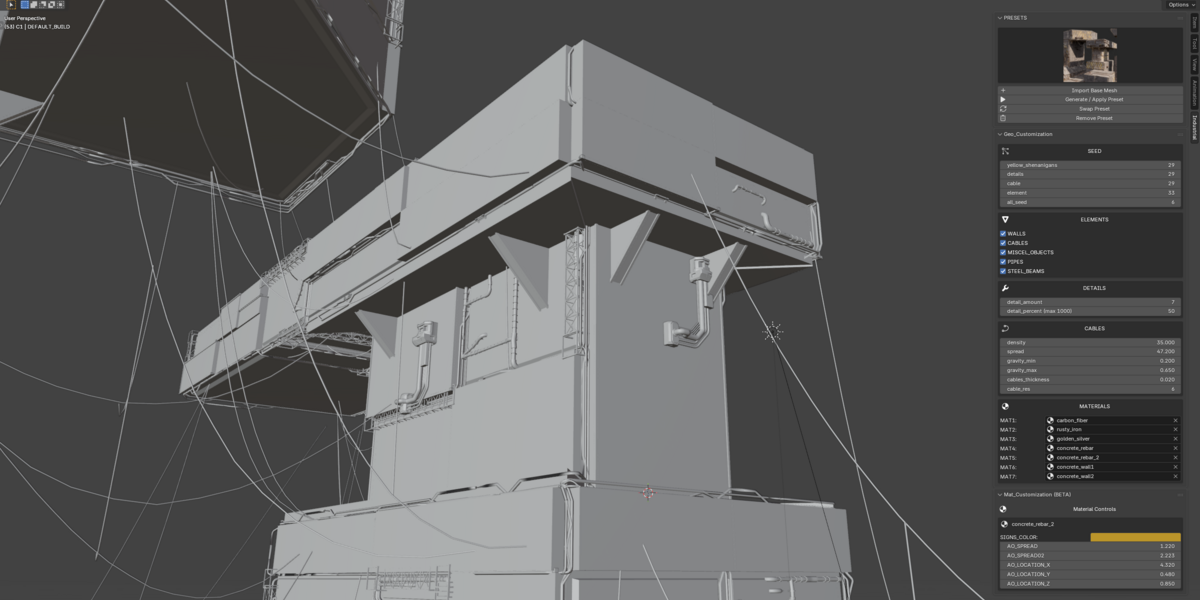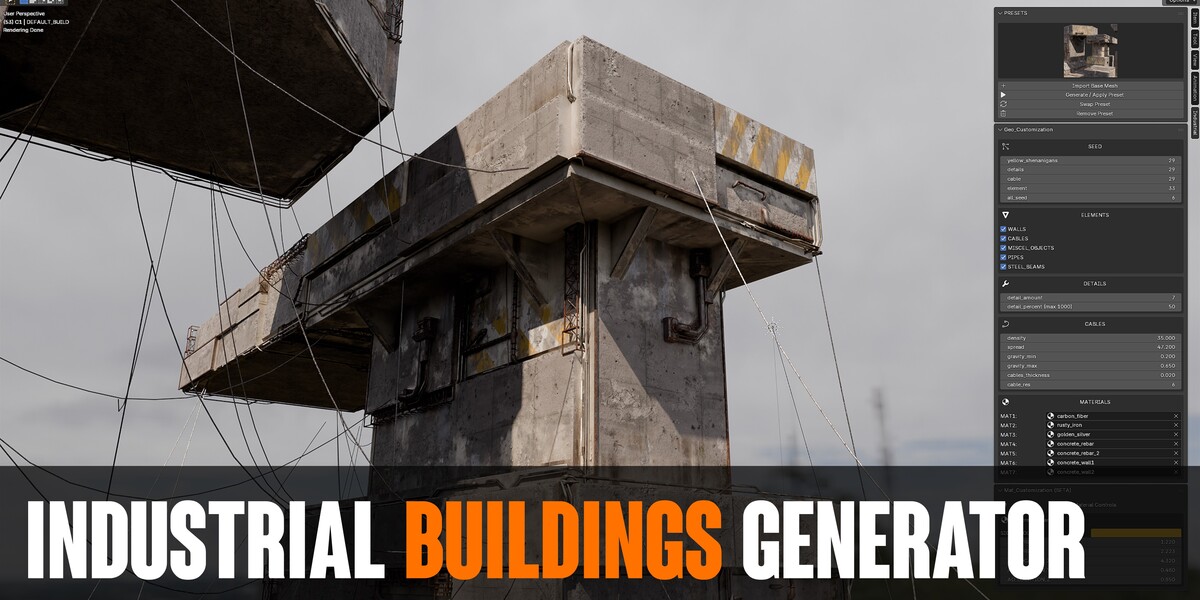
Industrial Procedural Building Generator (IPBG) is a Blender add-on by Quad Lab for creating industrial buildings, custom structures, and city layouts from a base mesh. Its Geometry Nodes workflow generates modular forms and surface details while keeping the result editable as you adjust the source shape.
Build structures from a base mesh
Select a mesh or object, open the add-on's panel in the Blender N-Panel, then choose Generate or Apply. The product documentation says a simple base mesh gives more predictable results and recommends a cube roughly 50 meters in size for its large-scale structure workflow. The add-on manages the Geometry Nodes setup, so you do not need to assemble the node network yourself.
The base mesh sets the structure's shape. Change its proportions to update the generated result, or adjust the random seed to explore different layouts, silhouettes, and detail distributions. Controls in the N-Panel cover density, complexity, proportions, variation, and visible detail.
Generate industrial details and variations
IPBG can add wires and cables, exhaust fans, ventilation elements, piping systems, panel seams, trims, and other structural surface details. These details adapt when the underlying form changes, which makes the add-on useful for iterating on industrial environment assets without manually rebuilding each repeated component.
Two built-in texture presets provide one-click appearance changes. Performance controls let you adjust detail levels, and the add-on warns when an input mesh is too dense. The product listing identifies Cycles and Eevee as supported render engines.
Where it fits
The listed use cases include industrial environments, science-fiction structures, kitbashing, concept art, and rapid blockouts. It may suit Blender artists who need varied mechanical buildings or large-scale environment forms and want to shape the result from their own blockout mesh.
Compatibility information differs between the supplied listings: this catalog lists Blender 4.5 to 5.1, while the developer's Superhive product page and its documentation list Blender 4.5 to 5.2. Check the developer page for the current compatibility details before installing.