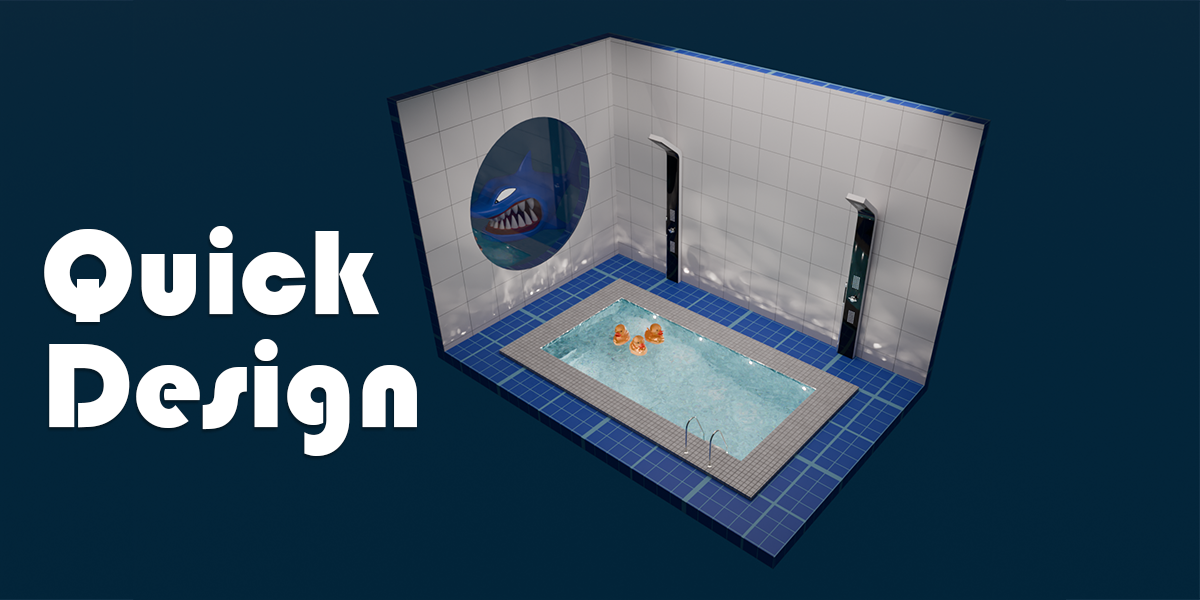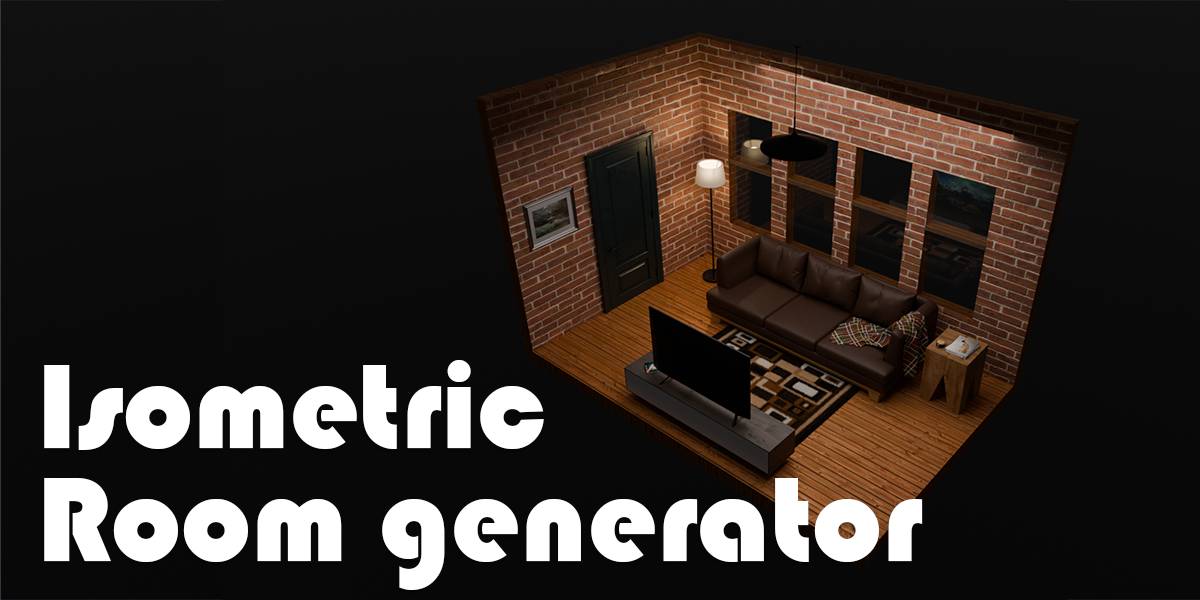
Isometric Room Generator (IRG) is a Blender add-on for building editable rooms for isometric art, game assets, and architectural visualization. It supports custom outlines, doors and windows, connected layouts, and buildings of up to eight floors, with trim, material controls, and furniture placement from a collection you supply.
Room shapes and opening controls
Room footprints can be rectangular, L-shaped, round, polygonal, or drawn as a custom outline. Set width and depth, or a diameter for round and polygonal rooms, along with wall height and thickness, interior or exterior dimension measurement, floor thickness, and overhang. Numeric controls keep dimensions and window placement aligned without manual Booleans or arrays. Optional details include ceilings, raised plinths, and tile, board, or basketweave parquet floors. Add windows, doors, or passages by wall, position, size, and shape; opening shapes include rectangles, arches, round or elliptical forms, and sash. Windows can have frames, glazing, and sills; sash windows can have pane divisions, and doors can include an adjustable opening angle. Multi-floor rooms can include stairs and slab openings, with adjustable width, run, and step count. Automatic stairs require a rectangular footprint with enough space for the flight. Skirting boards, cornices, and wall panels stop at openings; materials can be assigned separately to floors, walls, trim, frames, glass, and ceilings.
How it fits into a Blender workflow
In the 3D View, press N and open the IRG tab. Set the room options and choose Generate Room, or apply a starter from Presets & Variations before generating. Each room keeps its own settings and collection; you can update or duplicate it, or move its root empty to transform it. The add-on can create a camera, lights, and backdrop or render rooms individually in isolated scenes. For a composed scene with several rooms, use Blender’s scene camera and normal render command.
Compatibility and scope
The catalog record lists version 1.0.7, verified in July 2026, for Blender 3.6 through 5.0 on Windows, macOS, and Linux. The Superhive listing identifies version 2.0.2 and those same platforms, but gives Blender 3.6 through 5.2 in its overview and 3.6 through 5.0 under Details, so its supported range is unclear.
The current product page says a furniture library is not bundled and identifies the objects in its promotional images as BlenderKit assets. IRG can place furniture from a collection you choose; in multi-floor rooms, the furniture count applies on each floor. Placement and clearance checks use bounding boxes rather than detailed mesh collisions. If all pieces cannot fit, the room status reports how many were placed.