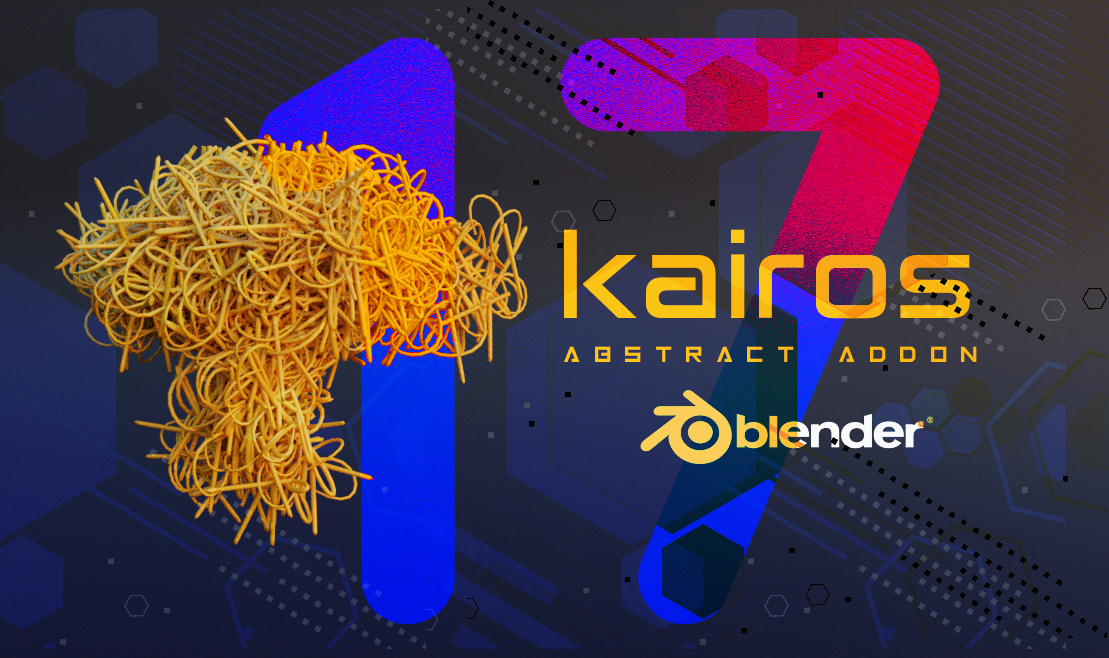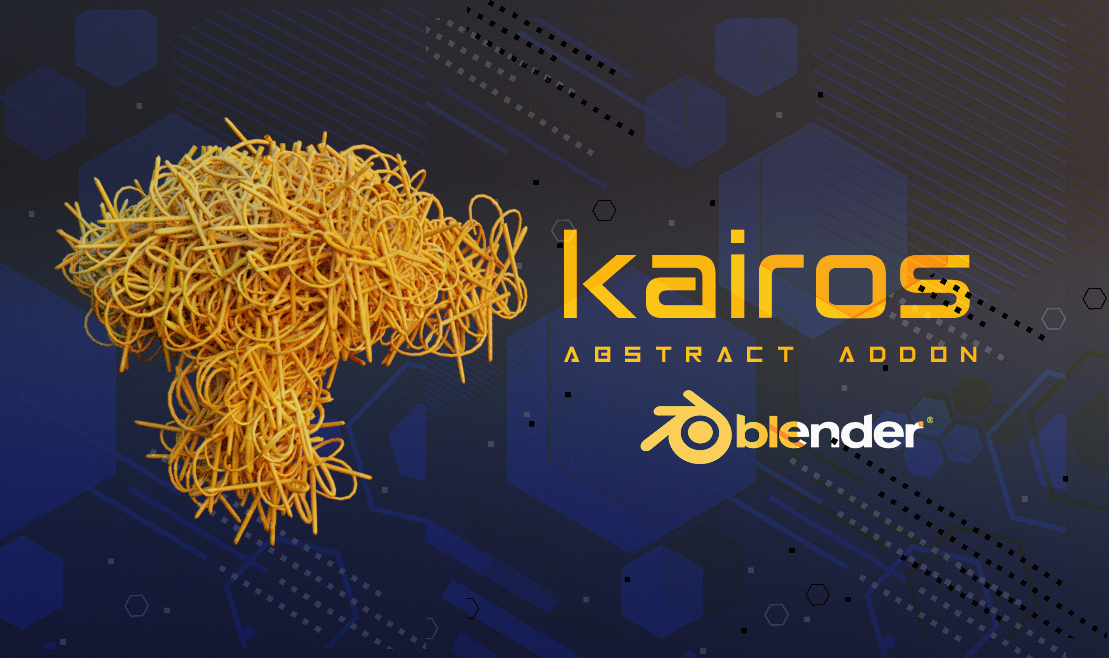
Kairos Abstract Addon uses Blender Geometry Nodes to create sci-fi and abstract effects on mesh objects. The Superhive product listing names EdenWeby 3D as its creator and describes more than 17 presets, each with adjustable settings. Effects can be animated through the Geometry Node Editor.
Applying an effect
Start with a mesh object, choose a preset, and click Apply. Then adjust that preset’s settings to shape the result. You can then add a material and camera and animate the result in the Geometry Node Editor. The reveal animation is customizable.
Mesh support and Blender versions
The add-on works on mesh objects, and meshes with more polygons need more computing power. The listing gives no numeric hardware requirements, so consider your model complexity when judging whether the add-on fits.
Superhive lists Blender 4.0, 3.6, 3.5, 3.4, 3.3, 3.2, 3.1, 3.0, 2.93, and 2.92. If you use a release outside that list, confirm compatibility with the creator before relying on it.
Price and license
AnyPlugins lists the catalog entry as free, and Superhive lists the license as GPL. Check the current marketplace page for price and license terms before downloading.