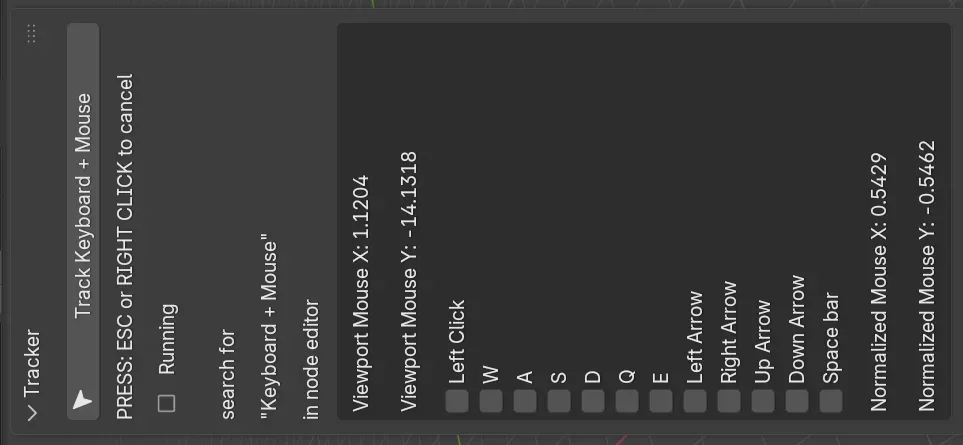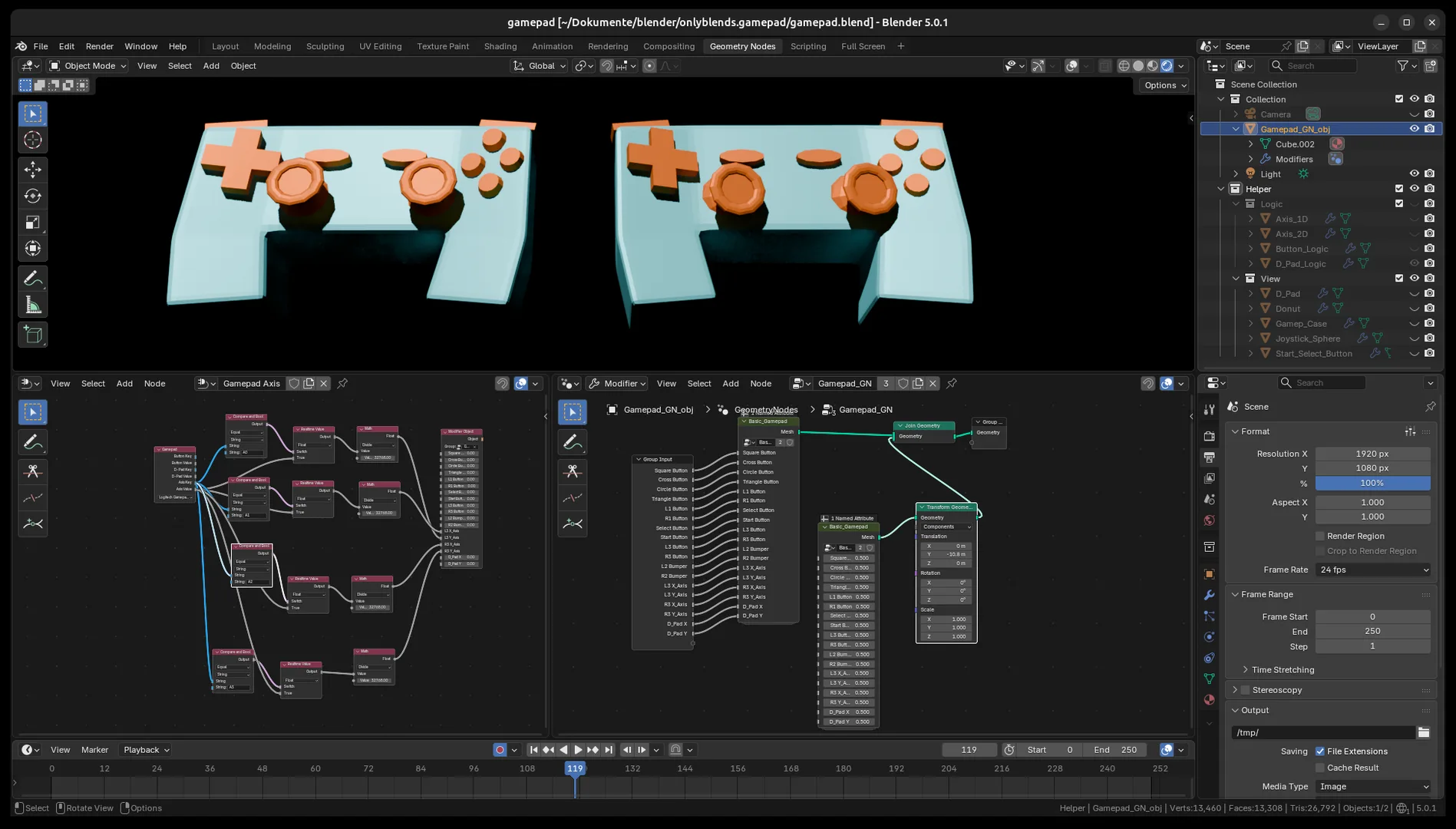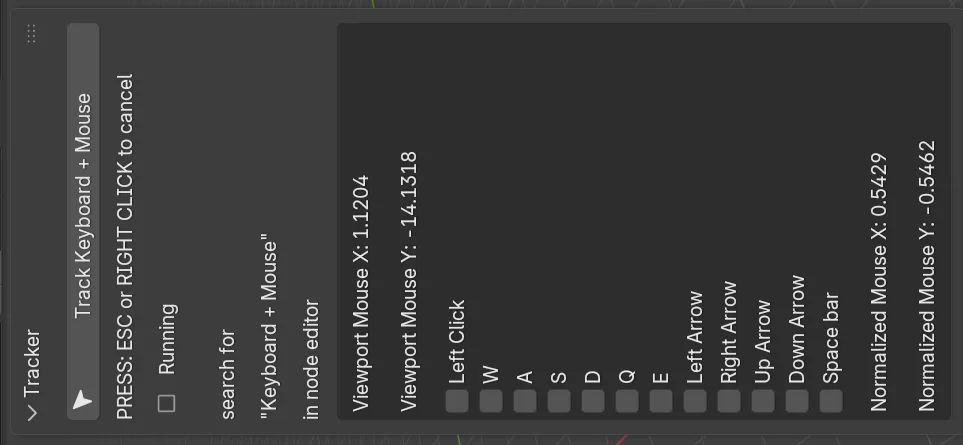
Keyboard and mouse tracker is a Blender add-on that brings real-time mouse movement and keyboard input into Geometry Nodes. Its event-driven logic lets Geometry Nodes respond to user input. Blender's extension listing credits Stefan2814 and describes interactive systems, prototypes, and game-like mechanics as intended uses.
Use it for input-driven Geometry Nodes
The add-on is aimed at projects where keyboard or mouse activity needs to affect a Geometry Nodes setup. That can suit an interactive scene, a prototype, or a game-like mechanism being explored inside Blender's node editor. The listing describes those uses at a high level, without naming individual keys, mouse buttons, gestures, or node outputs. Check that the controls you need are supported before building a workflow around a specific input.
Version and Blender compatibility
Blender Extensions lists version 1.0.2 and sets Blender 4.2.0 as the minimum version. The extension page describes compatibility as Blender 4.2 LTS and newer. Its 1.0.2 release note says values that were not made global could cause a crash when undoing, and reports that issue as fixed. Check the current extension entry if your project depends on a particular Blender build.
Installing the add-on
The extension page describes two installation options: drag the downloaded add-on into Blender, or use Install from Disk. Blender's extension installation instructions cover the preferences workflow. Blender Extensions lists the add-on's archive size as 3.7 KB.
Scope and support
The published description provides no setup tutorial or list of exposed events, so confirm those details before relying on a particular interaction. The extension page links to a Blender Artists discussion for questions and issue reports.
License and permissions
Blender Extensions lists the add-on under the GNU General Public License v3.0 or later and says it requires no special permissions.