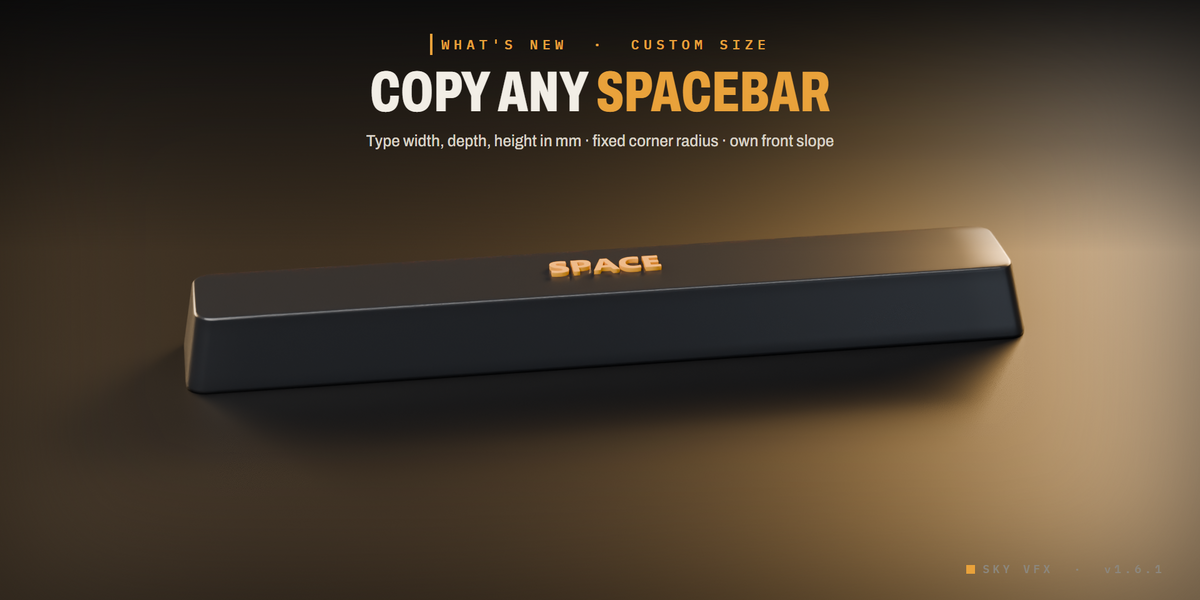
Keycap Generator Pro is a Blender add-on for designing mechanical keycaps and preparing their meshes for FDM printing. It generates Cherry, OEM, SA, DSA and XDA profiles with per-row heights and tilts based on published GMK/Cherry-related specifications. Standard profile sizes use a 19.05 mm pitch, with stabilizer stems added automatically to keys 2U and wider. Version 1.6.1 also supports custom width, depth and height, with stabilizer positions following the width.
Adjust the cap, stem and legend
Set the profile, row and key size, then adjust details such as bevel, dish depth and wall thickness. The MX cross stem has a tolerance control for tuning its fit to a switch, and Reinforced Stem mode is available for silk and brittle filaments. For a reliable fit, print a small test and adjust for your switch, printer and filament.
Legends can use custom text and fonts. Auto-Scale keeps text within the printable area, while Auto-Wrap centers longer labels across multiple lines. Embossed or debossed legends can snap to whole print layers, which helps when planning a manual filament change. Surface options include black-and-white image displacement, tiled side textures and procedural Geometry Nodes styles such as Crystal, Honeycomb, Stone and Wood.
Prepare exports for your slicer
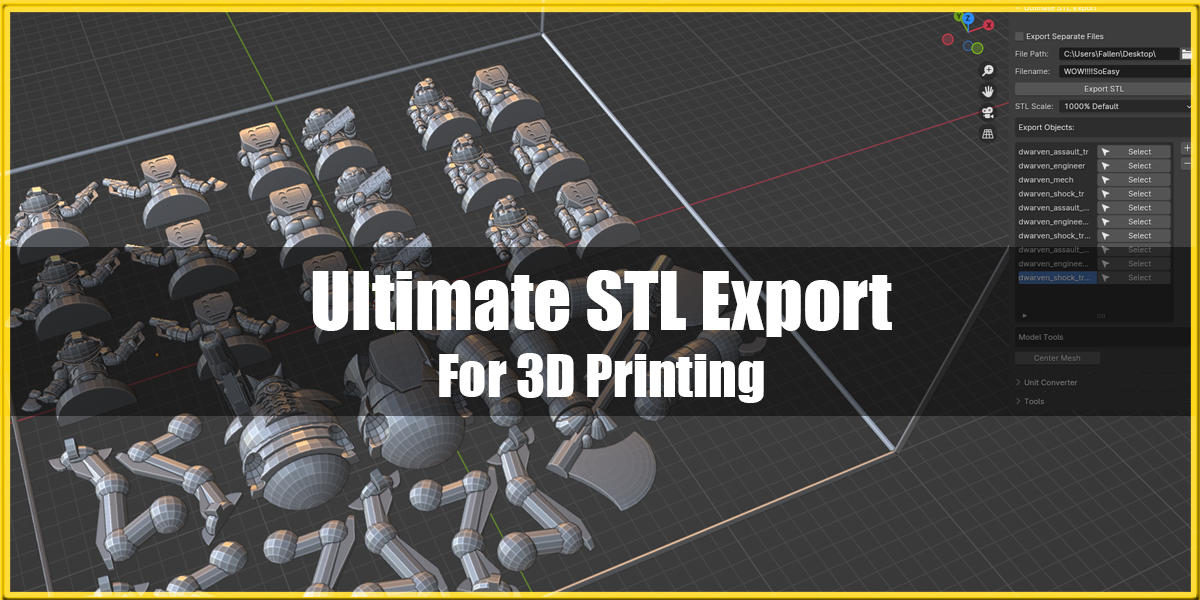
The export process can union geometry, weld vertices, remove internal shells and run a manifold check. It can also orient a cap at 45 degrees for FDM, ground it at Z=0 and apply material-specific shrinkage compensation. Split-part export writes origin-aligned STL files for the base, legend and add-ons, which can be assigned separate colors in a slicer. Version 1.6.1 also exports a multicolor 3MF with aligned body and legend parts for Bambu AMS. A printability warning flags legend strokes thinner than a 0.4 mm nozzle can print. Review the slicer preview and test the finished cap before making a full set.
The publisher says STL output works with any slicer that accepts STL files. The package also includes nine tuned Bambu Studio presets and documentation. The publisher's documentation describes Blender 5.1 or newer as a requirement and says there are no other dependencies.
Check the package version and fit
This catalog record identifies version 1.4.1, while the supplied publisher product page describes version 1.6.1. Confirm the release and its requirements on the download page before relying on version-specific options. The publisher's version 1.6.1 documentation limits the add-on to MX-pattern stems; low-profile Choc switches are not supported. Geometry checks help prepare a mesh, but switch fit still depends on the printed part and should be tested.