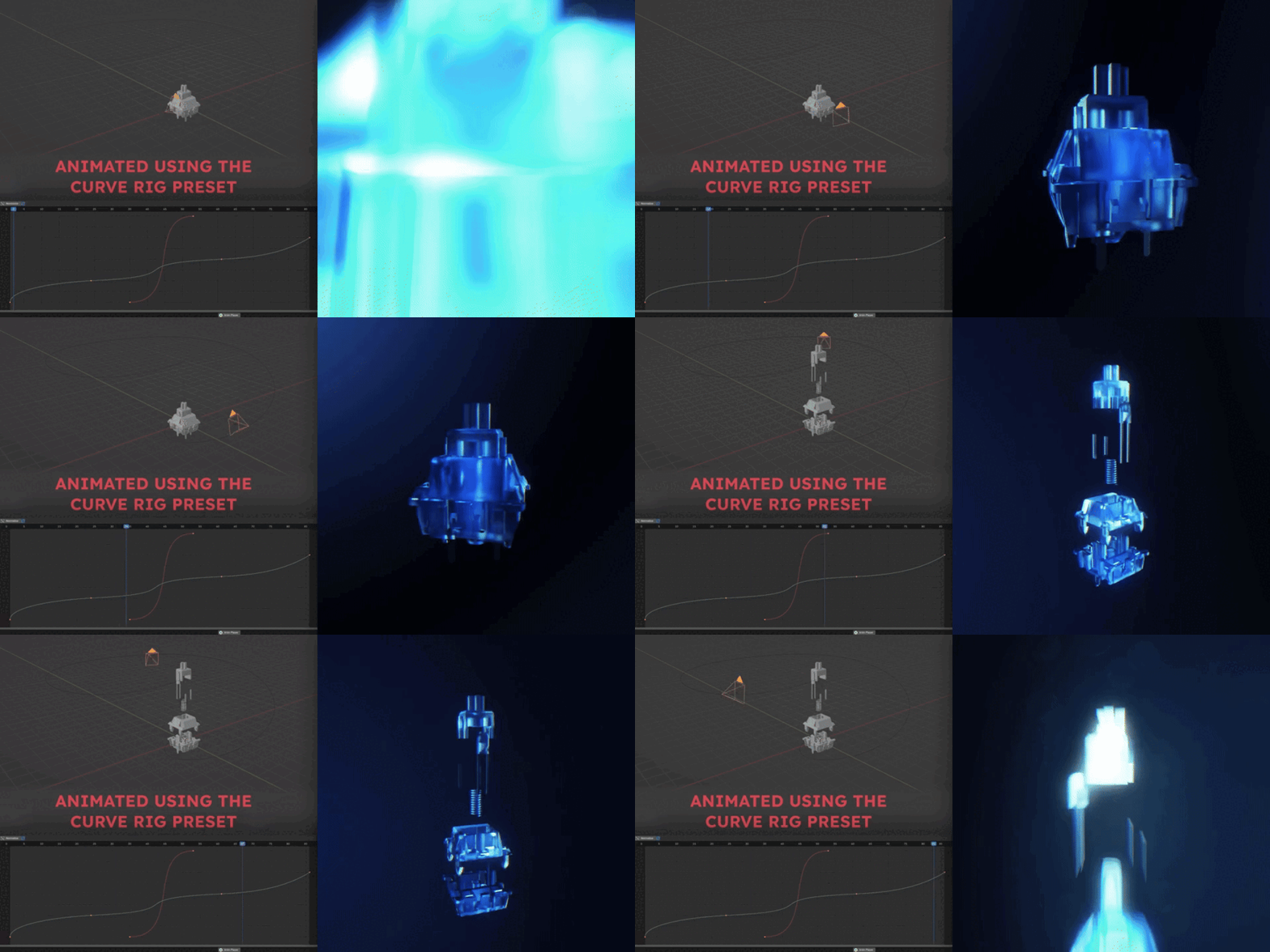
KeyFlow is a Blender add-on for adjusting camera and object animation timing. It brings multiple keyframes into a single curve and control slider, giving you one place to refine the motion. Its listed workflow is non-destructive, so the original animation stays intact while you experiment.
Adjust timing with one slider
Instead of editing many keyframes individually, KeyFlow lets you work with a single control. This can help when you need to tune the timing of a camera move or coordinate animated objects in a scene. Procedural animation controls provide further ways to fine-tune motion.
Camera presets and starter rigs
The rig preset system saves and recalls camera setups. KeyFlow includes two starter rigs: Cinematic Shot Builder, aimed at product reveals, and Path Animation Wizard, for flythroughs. The add-on is designed with camera and object animation in mind.
Who may find KeyFlow useful
Product animators can use it to refine camera shots, motion designers can keep multiple animated objects in sync, and archviz artists can use the Path Animation Wizard for camera flythroughs.
Compatibility and learning resources
The Superhive product listing identifies Monzvisuals as the developer and lists Blender 4.0 through 4.4, the Cycles and Eevee render engines, and an MIT license. The listing also marks KeyFlow as Blender Extension compatible. Check the current listing for compatibility details if you use a newer Blender release.
The documentation page links to a step-by-step tutorial video described as taking under 30 minutes. The product page also includes a demo covering most of the add-on’s features.