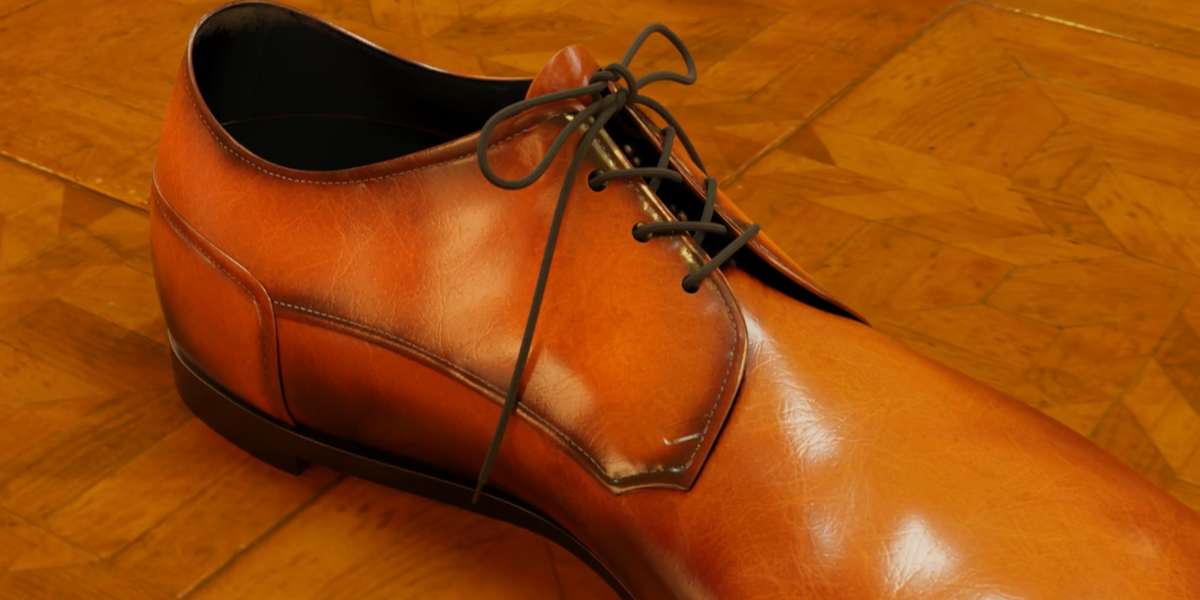
Knotus is a Blender add-on for making knots, string forms, pipes and cables. Its asset library includes more than 100 knots, including slip knots and icicle hitches, alongside preset string shapes. For custom geometry, Free Tube creates a pipeline from objects with only edge polygons in one click. Development and support for this version have ended.
Make knots and edit tube geometry
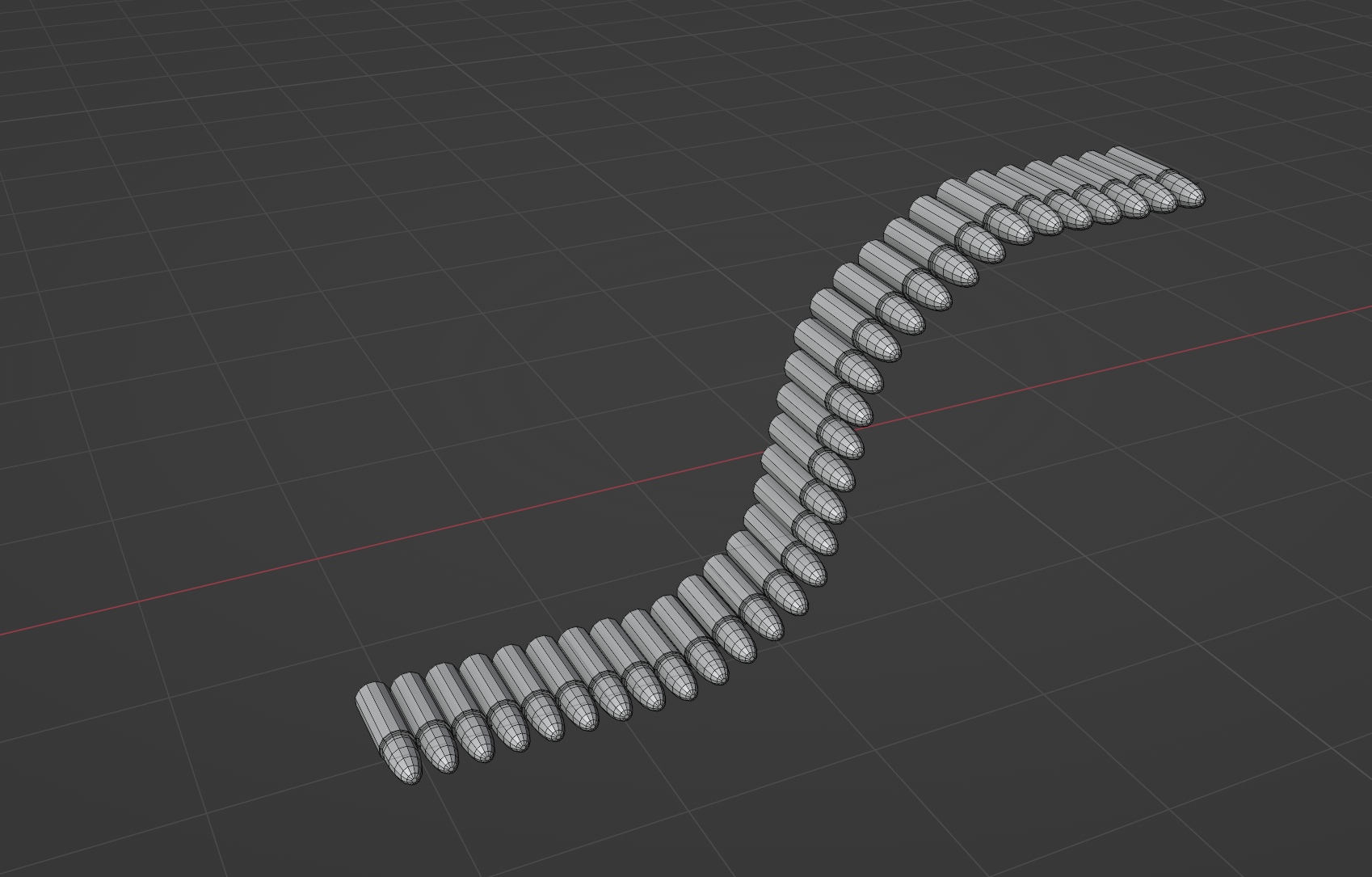
Load a knot as a single object or create consecutive knots, then set an array count for repeated placement. Knotus also includes a Convert to Knot command that converts a Collection instance into a base object and a curve object.
- Free Tube creates a pipeline from objects containing only edge polygons.
- Edit Knot Mesh lets you reshape generated objects. Mesh Copy Attribute copies those edits to multiple objects.
- Free Colouring Materials include texture sizes from 1K to 4K.
- Auto Displace switches between a Displace Modifier in EEVEE and a Displace node in Cycles.
- A final update added an automatic cap creation command.
Install Knotus with the KTP2 texture pack
Knotus and KTP2 are separate downloads. The creator's Superhive listing gives these installation steps:
- Download the Knotus add-on and the KTP2 texture pack, then unzip the KTP2 archive to a folder.
- In Blender, open Edit, Preferences, Add-ons, and install the Knotus add-on.
- Set the Texture Filepath to the folder where you unzipped KTP2.
KTP2 replaces the older KTP pack, which the listing says is no longer compatible with this version. Choose the extracted KTP2 folder for the materials to load correctly.
Compatibility and maintenance
The Superhive listing gives a Blender range of 2.83 to 5.2 and says Knotus is compatible with Blender 5.2. It also states that development and support for this version have ended; similar functionality can now be made with Geometry Nodes. The listing says a Geometry Nodes version is in development, with an 80% coupon planned for current Knotus customers when it is released. These are the creator's stated plans, so check the listing for current details before relying on future updates or the coupon. The listing identifies the license as GPL.
Blender artists can use Knotus for ready-made knot assets or to create and edit pipelines from objects containing only edge polygons. Its features cover knots, hitches, cables and material setup. Development and support for this version have ended, which matters for projects that depend on future compatibility fixes.