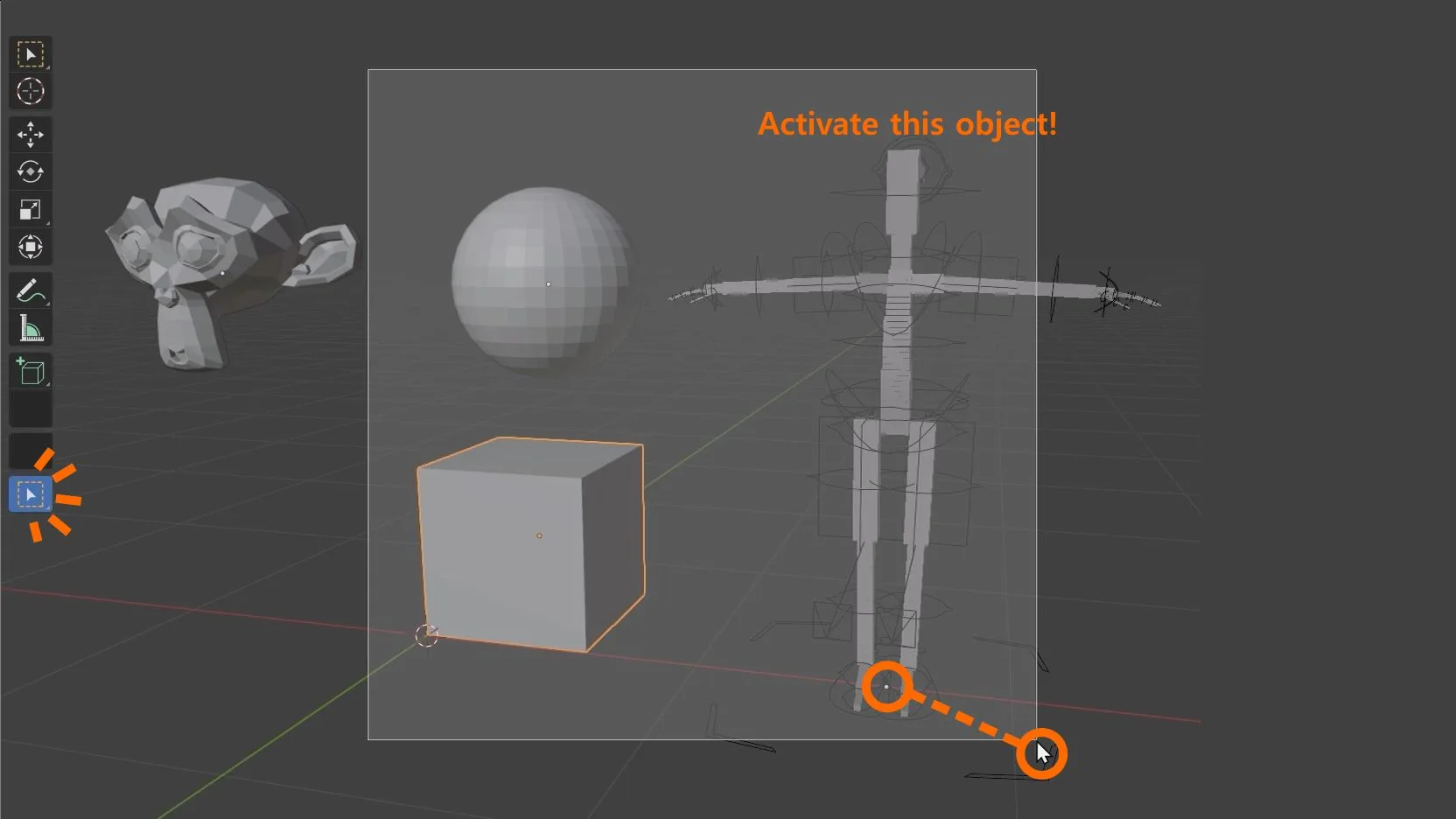
Lazy Gizmo is a Blender rotation gizmo add-on by Bookyakuno, aimed at pose editing. It rotates according to how far you drag the mouse and adds an icon to the left toolbar of the 3D View. The developer says the gizmo interface and rotation behavior were rebuilt from scratch.
Rotation controls and shortcuts
The gizmo offers XYZ rotation through three colored lines, trackball rotation from the center, and view rotation through a white circle on the outer frame. Dragging the center also starts trackball rotation.
- Hold Shift for smooth rotation.
- Hold Ctrl for 5-degree increments.
- Hold Ctrl and Shift together for 45-degree increments.
You can adjust the size and transparency of each gizmo. Lazy Gizmo works in Object Mode and Pose Mode.
Coordinate systems and pivot limits
The add-on supports only global and local coordinate systems. Its only supported pivot points are the midpoint, the origin of each point, and the 3D cursor.
What to consider before choosing it
The developer’s documentation says Lazy Gizmo’s functionality is almost identical to Blender’s standard rotation gizmo, with slight differences in behavior. The developer recommends skipping the add-on if the standard gizmo already works for you.
The Superhive listing shows Blender version 5.1 and a GPL license. Check the current product listing for up-to-date version and availability details, and read the developer’s documentation for the stated limitations.