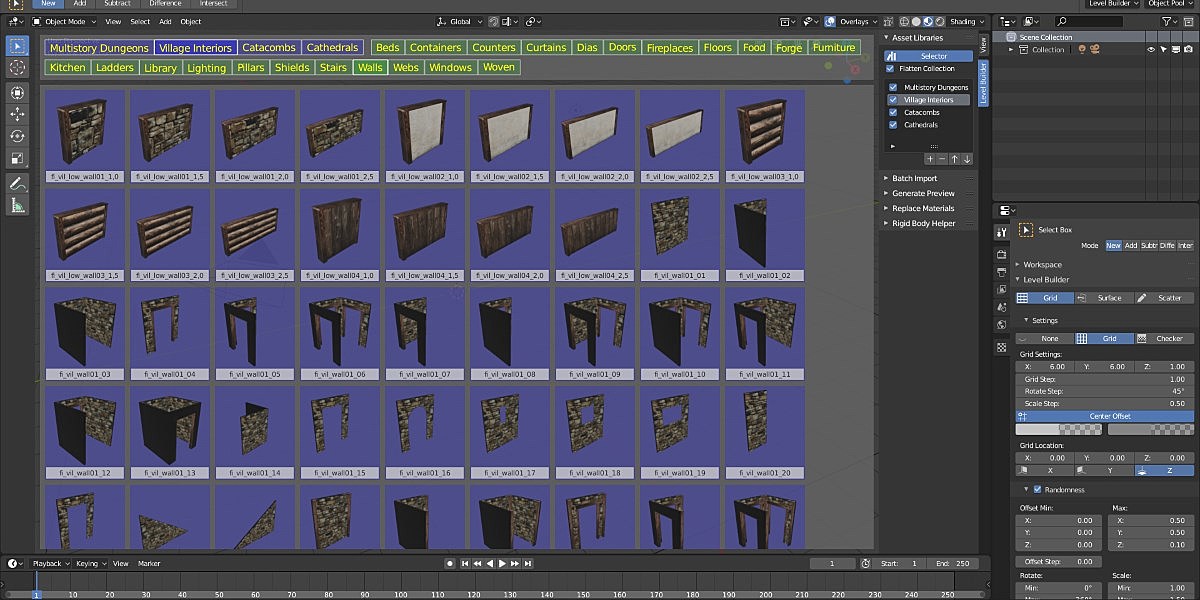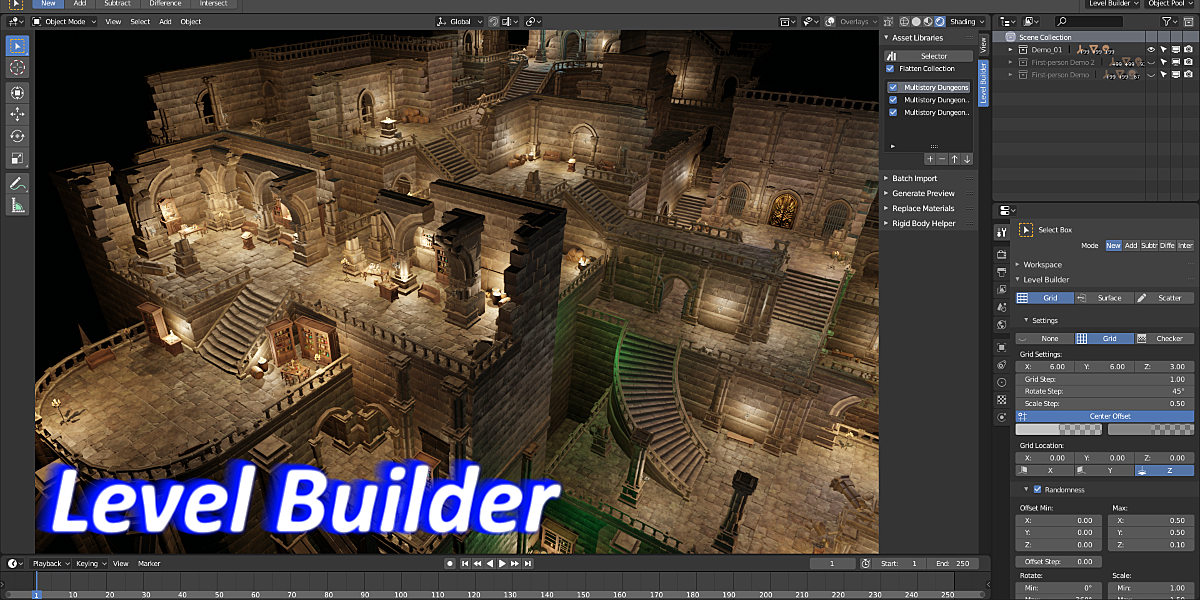
Level Builder is a Blender add-on for selecting assets from .blend libraries and placing them into a scene with grid, surface or scatter controls. The product listing says Level Builder is for Blender 2.8 only; check compatibility before using it with another release. See the product listing and documentation.
Choose a placement mode
- Grid Mode: Place assets with grid snapping. Adjust the grid origin and orientation, then use hotkeys to change grid size, rotation and scale.
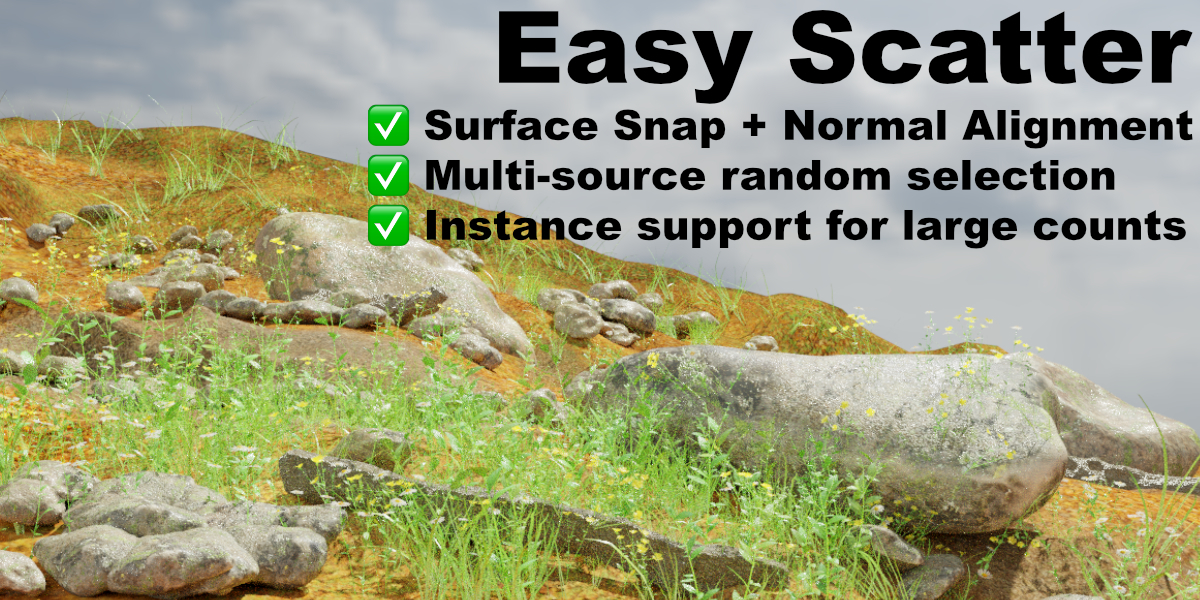
- Surface Mode: Snap assets to a surface and paint them along a stroke. Move the mouse while holding Shift to adjust the offset, Alt to rotate, or Ctrl to scale.
- Scatter Mode: Scatter assets across a surface. Set the radius and density, then choose options such as uniform distribution or projection onto a surface.
The modes use the default hotkeys 1, 2 and 3, respectively.
Prepare assets and previews
The Asset Selector reads .blend libraries organized by collection. A batch import panel imports FBX, OBJ, 3DS and .blend files from a folder, with subfolders imported as subcollections. The tools can also rename objects from their filenames, adjust transforms and align assets in a grid.
Generate previews in the blend library for them to appear in the selector. Each preview is saved with the same name as its object and packed into the blend file. The selector treats parented objects as part of their parent asset.
Choose random or ordered placement
When placing multiple assets, Level Builder can select them randomly using weights or follow a sequential order. Sequential placement supports a custom order, with -1 skipping an item; randomness can be set separately for Grid, Surface and Scatter modes.
Check compatibility and included assets
The product listing says Level Builder is for Blender 2.8 only, and its listed update notes are from 2019. The supplied documentation describes installation through Blender 2.8's File > User Preferences > Add-ons > Install from File menu. After enabling the add-on, it adds a Level Builder tab in the 3D View's N-panel and a panel in Properties under Active Tool. Check the seller's page before relying on it with another Blender release.
The Multistory Dungeons pack shown in product images is not included. The pack is a separate asset.