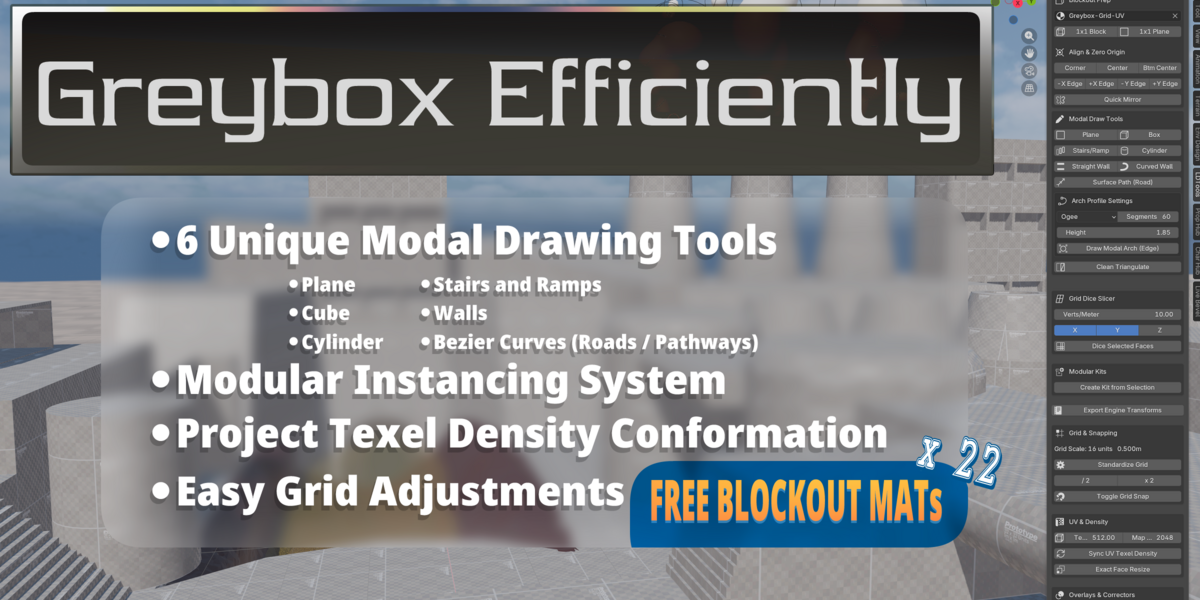
Tykuii's Level Design Toolkit is a Blender add-on for building and revising blockout environments. It combines viewport drawing tools, grid and UV utilities, modular kit instancing, terrain tools, and 22 textures suited to greybox scenes. The product listing specifies Blender versions 5.1 to 5.2; its installation instructions describe Blender 5.2.
Draw and revise blockout geometry
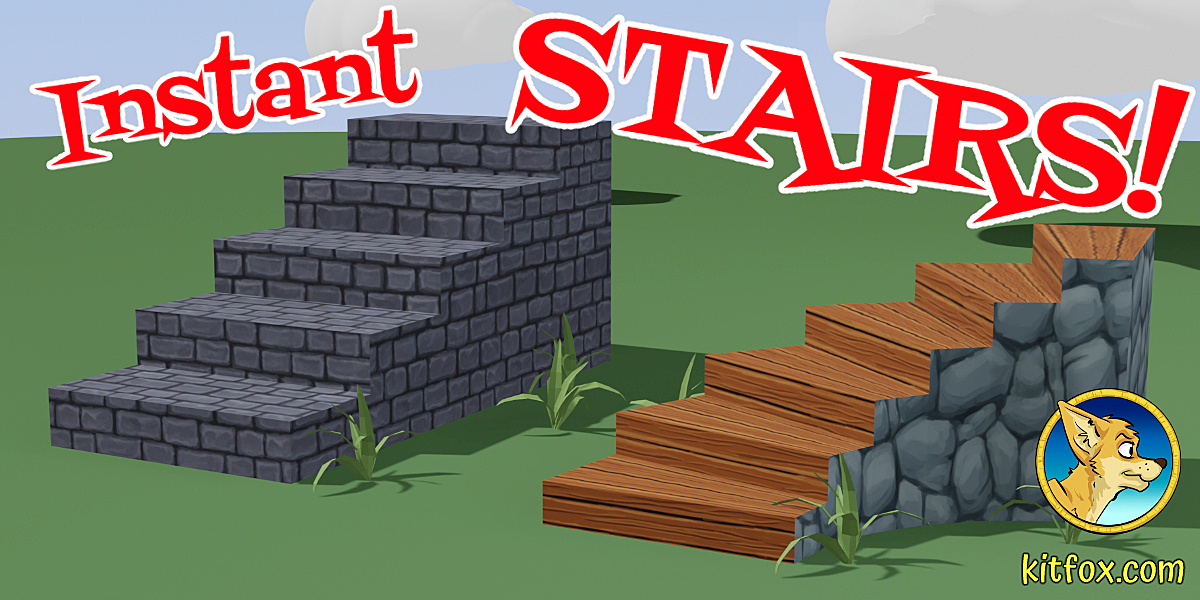
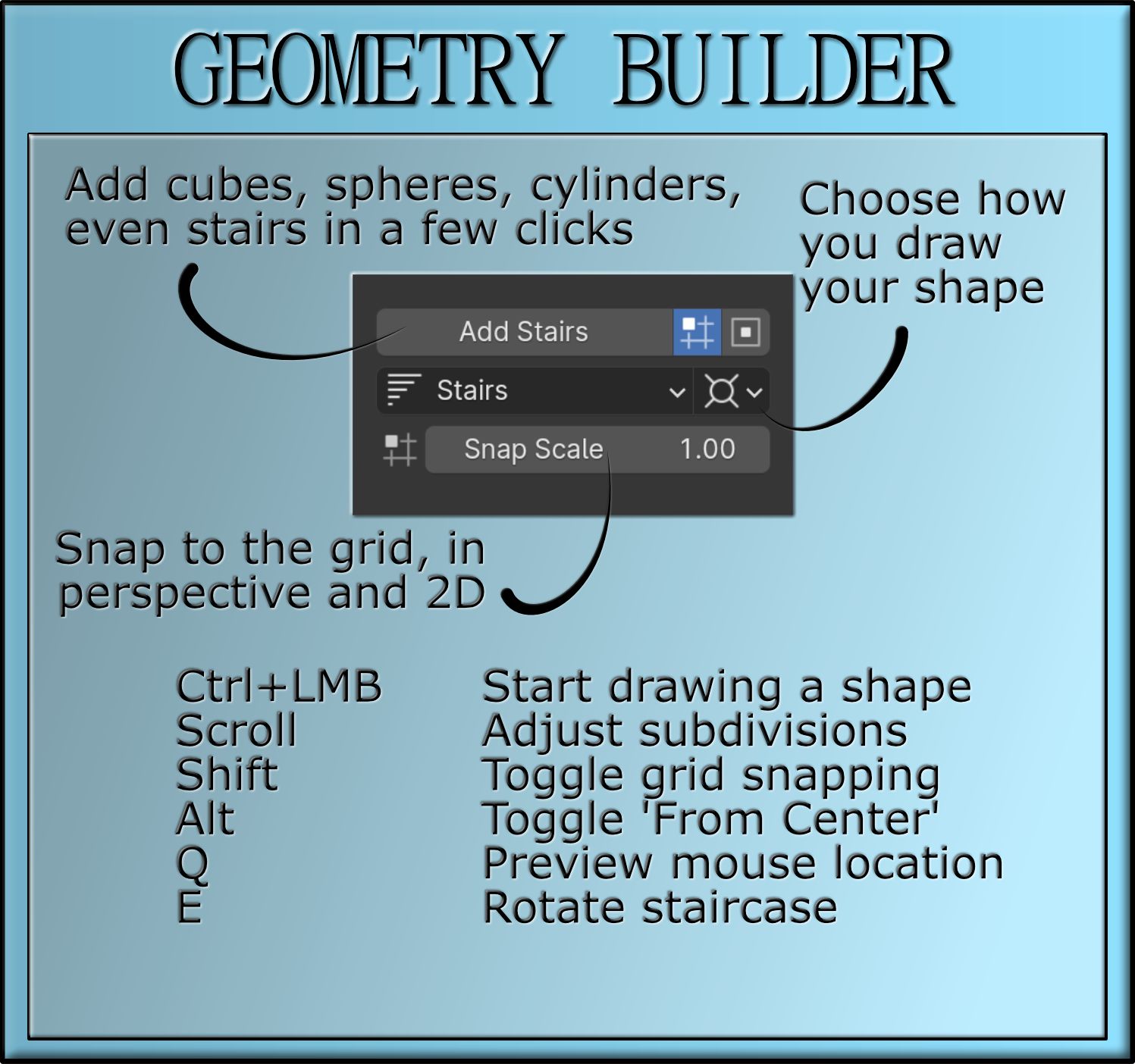
Modal tools create planes, boxes, stairs or ramps, cylinders, straight and curved walls, and Bezier roads; downward stairs currently do not function properly. Arch profiles include Arc, Semi-Circle, Gothic, Lancet, Tudor, Ogee, Bell Curve, Catenary, and a custom profile. The add-on also includes 1-by-1 meter primitives, pivot and origin controls, and a clean triangulation operation that detects n-gons and applies Blender's beauty triangulation.
For vertex-painting workflows, Face Grid Dicing divides selected faces to a specified vertex density and projection plane. Drawing tools can also make an area grid from lines or curves. Automated material incorporation applies to most operations, with Bezier Roads excluded.
Build modular kits from a blockout
Kit instancing turns selected blockout objects into instances and creates a master source at the scene origin. Per-instance controls include editing, rotation, mirroring, removal, and creating a variant at an instance's location. The workflow is per object rather than per collection. Instance faces need matching sizes because the method applies no scale transforms. This per-object workflow does not support complex props.
Match grids and texel density
Grid controls can use conventions for Unity or Unreal Engine, switch between saved and grid-based snapping, and change grid scale by powers of two. The scale uses 32 units per meter to match the supplied texture material, which has 32 squares per meter; the unit text can be ignored when working in conventional meters.
For UV sizing, set a target texel density and texture-map size, then sync a single selected object. If the object has no seams, the operation performs a cube projection unwrap first. The UVs are sized to resemble world-aligned mapping, but their placement may be undesirable; adjust their position before export. The toolkit also has edge-length, face-area, and face-angle overlays.
Use the terrain chunk tools with care
The terrain system tracks chunks after initialization. It includes heightmap displacement, chunk rotation and swapping, merging for sculpting, separation back into tracked chunks, and coordinate export to a text block. Shading tools attempt to blend normals across neighboring chunks, with an optional mask to preserve areas where normal detail matters.
Border conformation and Sync Geometry Heights are experimental. Border conformation does not work well at corners, and Gradient Blending has issues with corner vertices. Linear Blending affects linear neighbors only and is more stable. Check these limits against the terrain shape and workflow before relying on chunk blending.
Check fit and setup details
The toolkit suits Blender users who want to iterate on greybox layouts with game-engine grid conventions, then develop modular pieces or test terrain chunks. Its per-object instancing constraints and experimental terrain blending are relevant when deciding whether it fits a larger asset workflow.
The toolkit documentation covers individual operations, while the product FAQ gives installation steps and texture-file details. Check the product listing for current compatibility information.