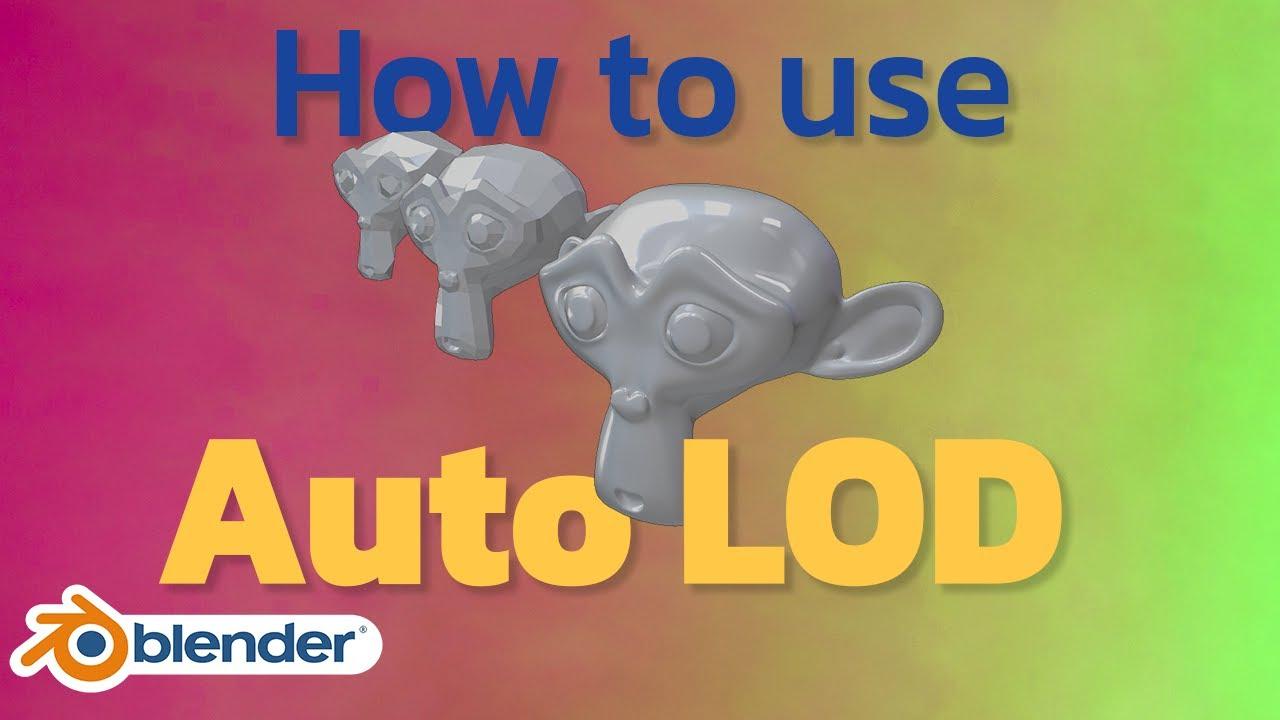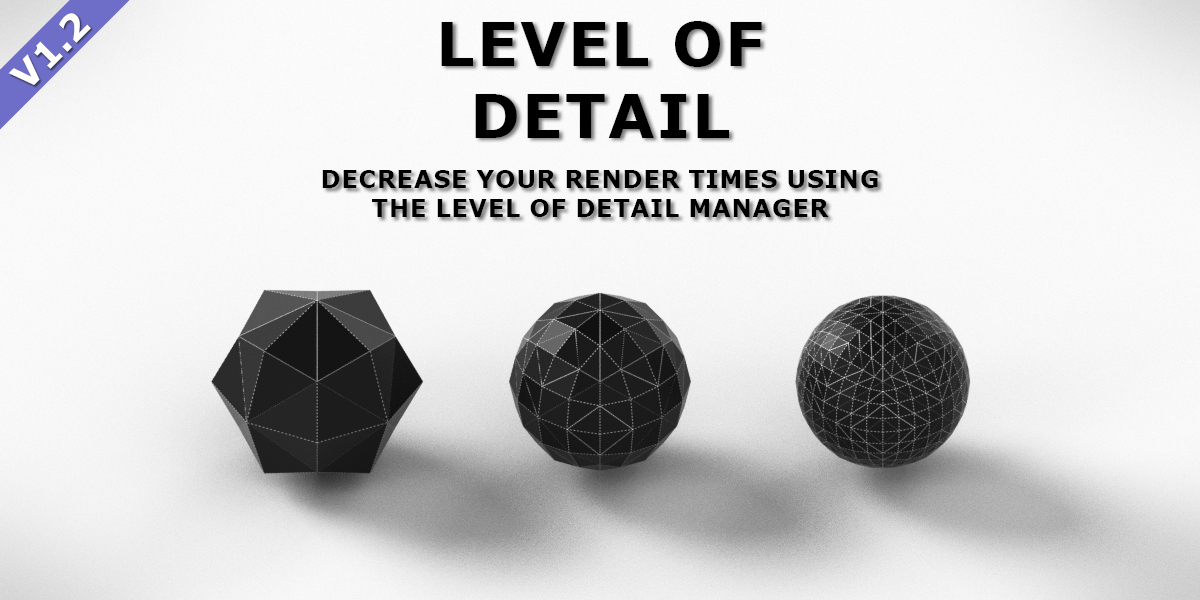
Level Of Detail Manager is Tim Zoet's Blender add-on for level-of-detail (LOD) setups in Blender Internal and Cycles. It selects meshes and related object settings from an LOD Group according to distance from the camera, so objects can use less detail farther away. The product listing says it can make the viewport more responsive and reduce render times.
How distance-based LOD works
Create an LOD Group from objects that hold different versions of a scene object, then set the distance at which each version becomes visible. Link the object that should use the group. The add-on copies its mesh, modifiers, constraints, and materials from the group member selected for the camera distance. You can set LOD to apply in the viewport, during rendering, or both.
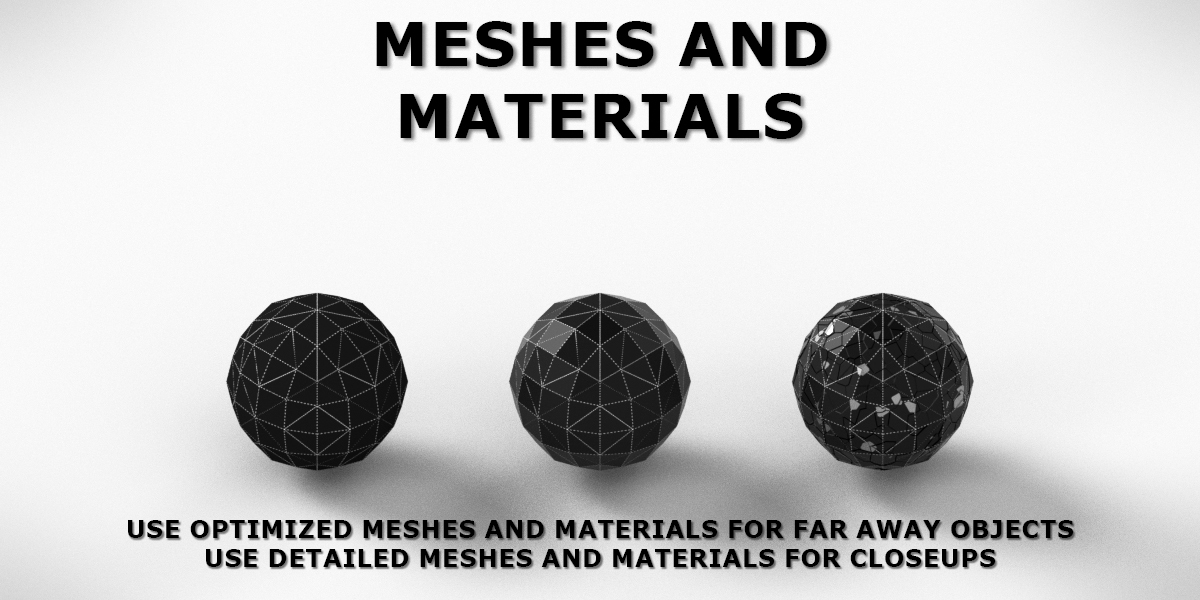
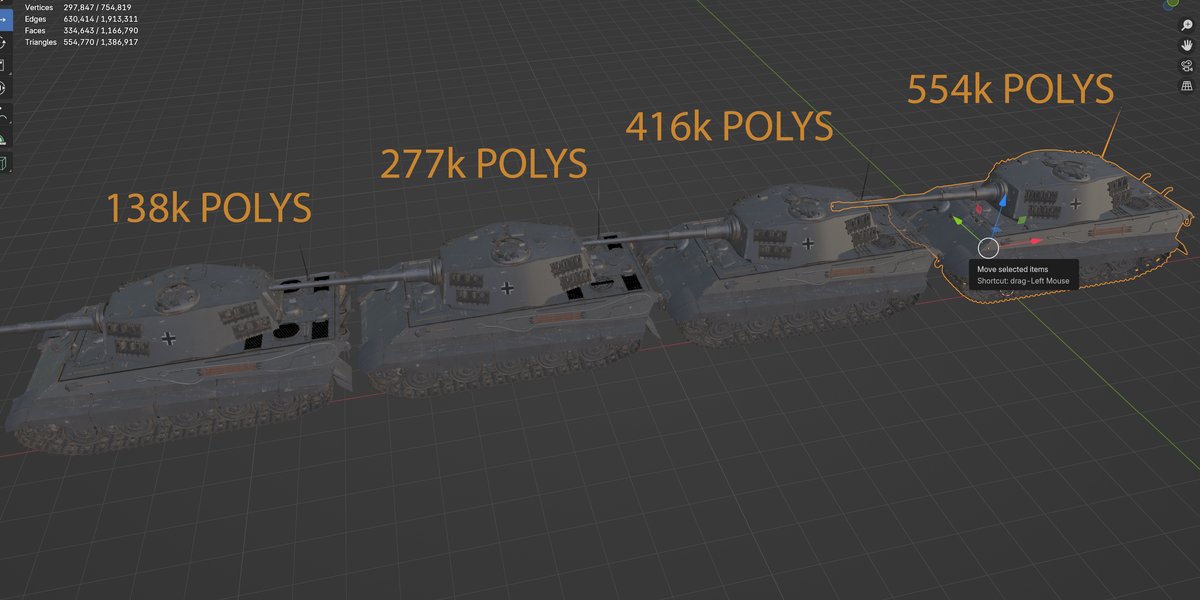
Prepare mesh variants for different camera distances: use a high-polygon mesh for close views and a simpler one for distant views. You can also vary Subdivision Surface levels or remove modifiers that are hard to see from farther away.
What can vary between levels
- Meshes: Use more geometry nearby and less at a distance.
- Modifiers: Change subdivision levels or remove modifiers for distant views.
- Constraints: Use constraints such as Track To to create billboards.
- Materials: Use detailed bump maps or complex shaders close to the camera and simpler materials farther away.
Controls and particle use
The add-on includes an Update Objects button to refresh the viewport without changing the frame number, and a Copy From Active To Selected button for applying settings to multiple objects. You can use the active camera or choose a custom object to drive distance-based changes. Version 1.2 added support for objects outside the view frustum.
Level Of Detail Manager can be combined with the separate Particle Instantiator add-on to add level of detail to particles. Version 1.2 added full compatibility between the two.
Version information
The Superhive listing identifies Blender 2.7x and version 1.2. The supplied product information does not confirm compatibility with newer Blender releases, so check the developer's current listing before installing into a newer version.