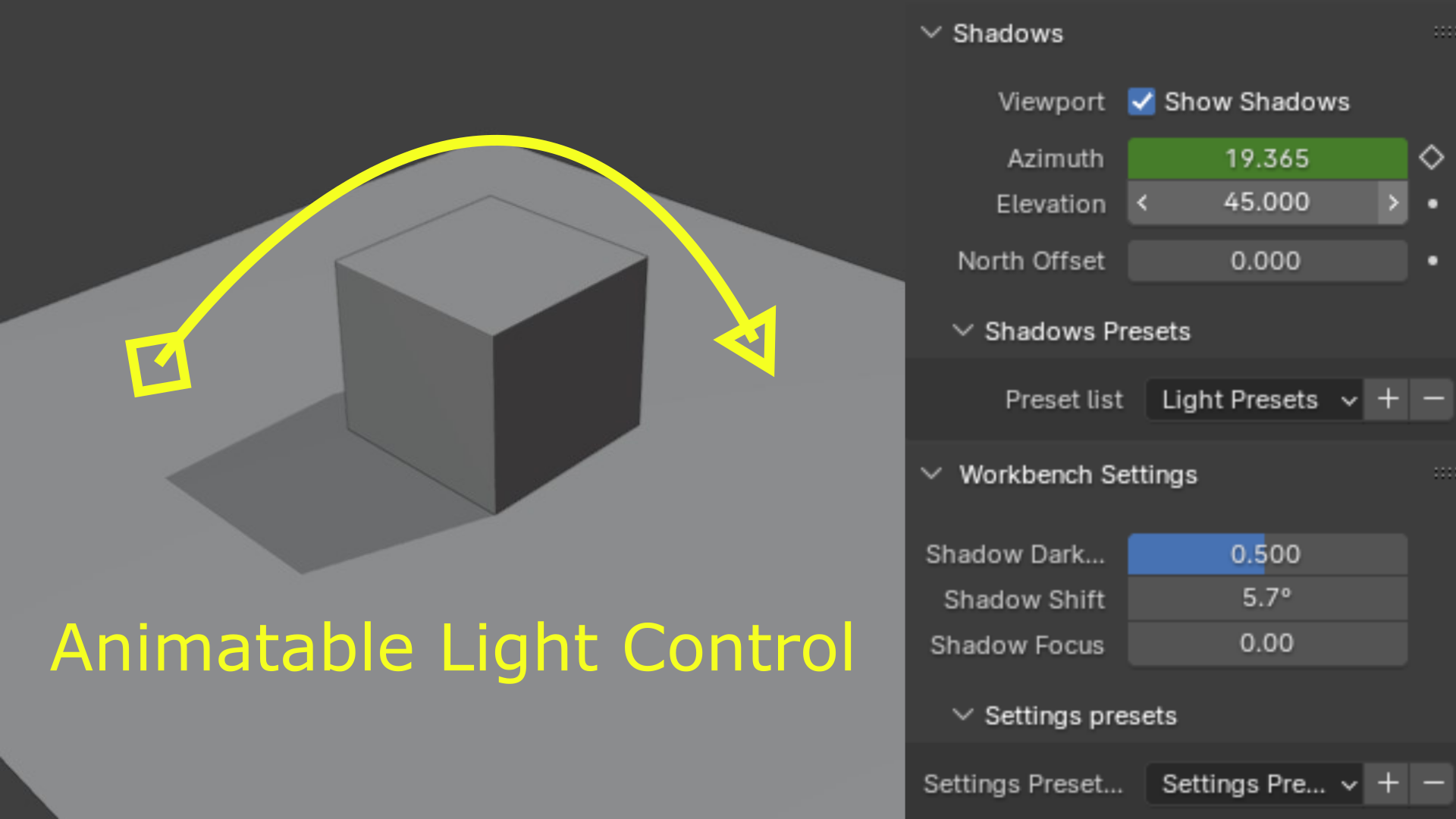
Light Control For Workbench is a Blender add-on for controlling the direction of viewport shadows in the Workbench render engine. It also lets you save a preset configuration. The product listing describes it as a focused set of shadow controls rather than a general lighting tool.
Set the shadow direction
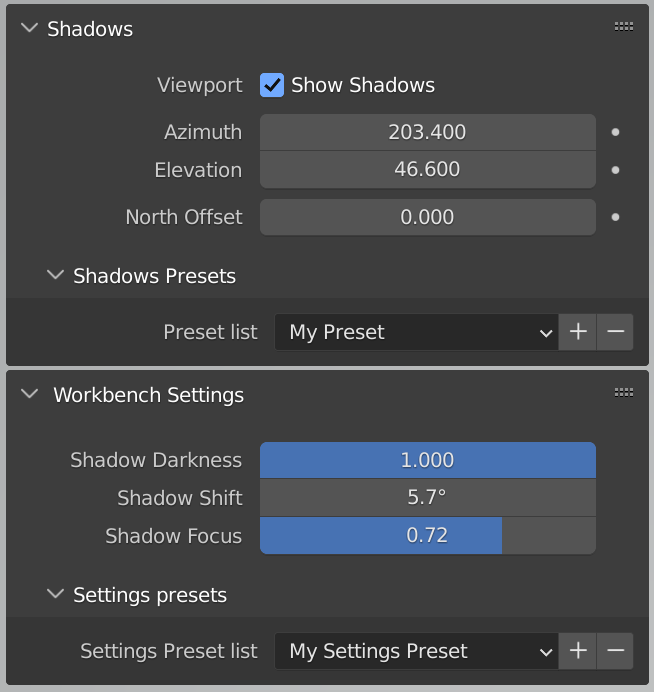
- Show Shadows activates viewport shadows.
- Azimuth sets the angle clockwise from north, defined as the Y axis.
- Elevation sets the angle upward from the horizon.
- North Offset sets the project's true north offset.
For a render where shadows are missing, the product FAQ says to enable the Show Shadows checkbox in the Workbench render settings.
Check compatibility and performance
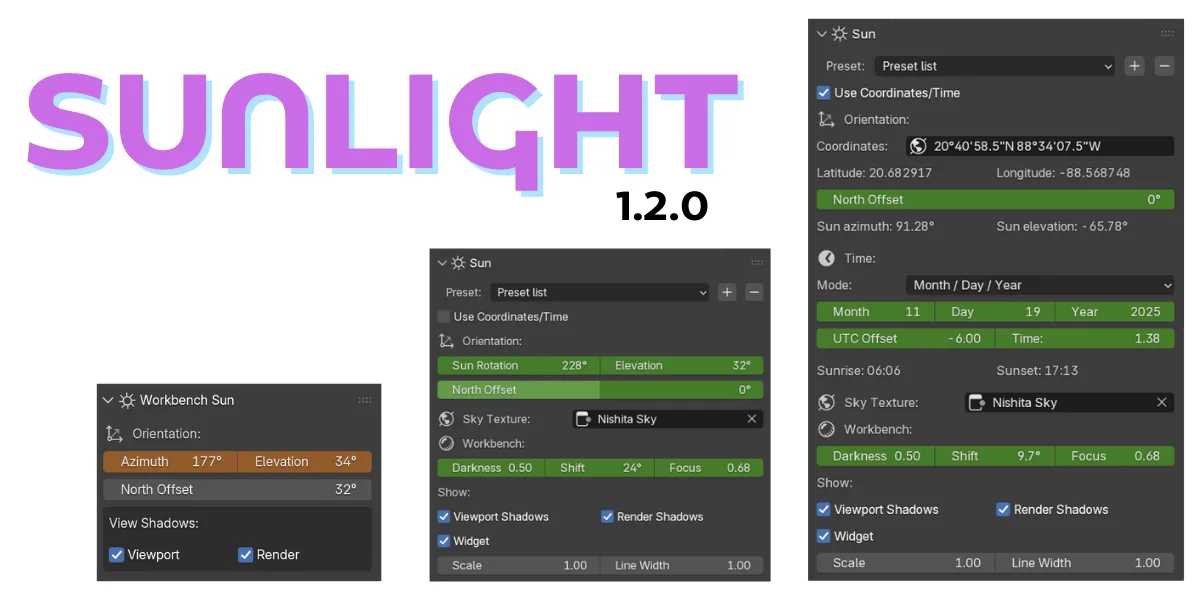
The product name refers to Blender 3.x and earlier, while the listing's version details name Blender 3.0 through 3.6, plus 4.0 and 4.1. Its FAQ gives an older range of 2.90 to 3.1 alpha. Because those version statements differ, check the current listing and documentation for the Blender build you plan to use.
The documentation warns that activating or adjusting the parameters with too many active objects in the 3D view can cause performance issues. If a scene feels slow while changing these controls, reduce the number of active objects and check whether the slowdown changes.