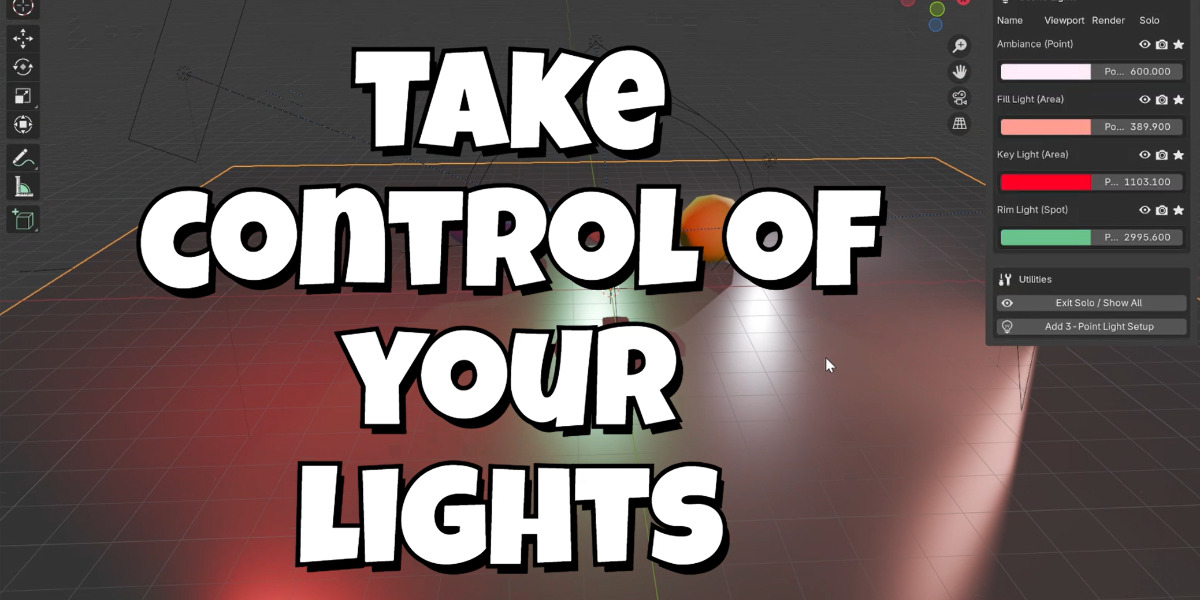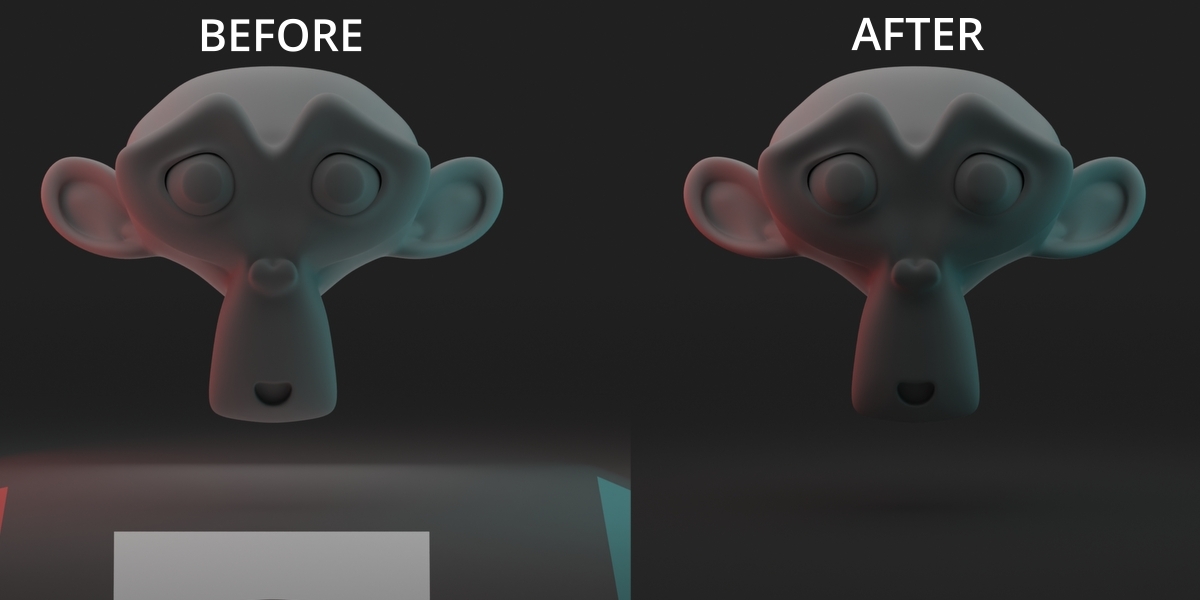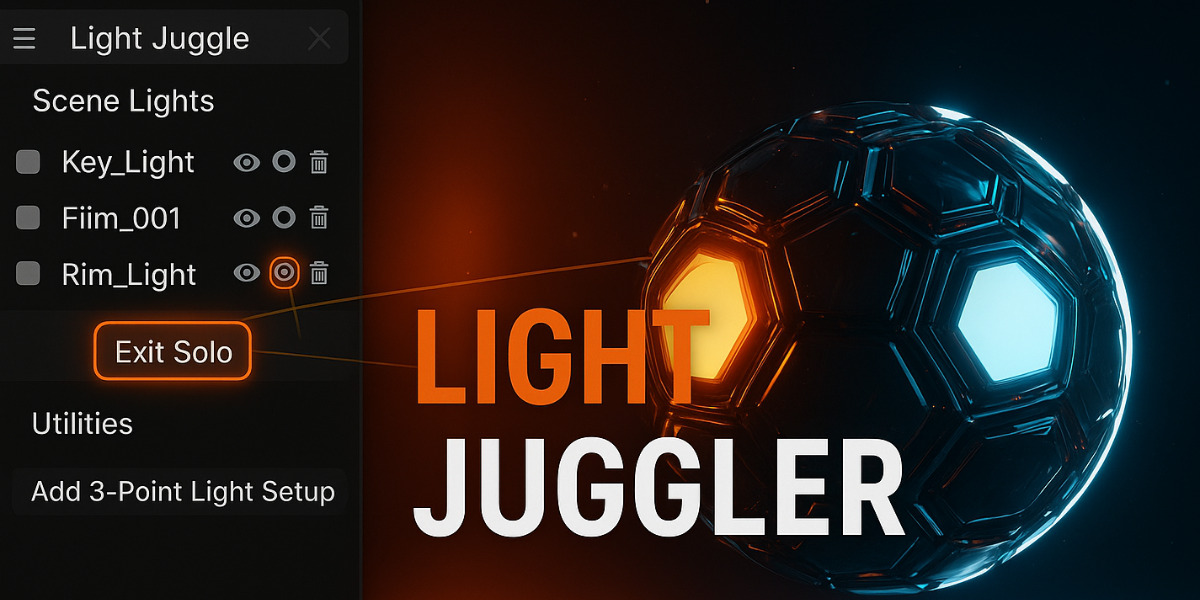
Light Juggler is a Blender add-on that brings scene-light controls into a collapsible panel in the 3D Viewport sidebar. It lists the Light objects in a scene and lets you solo lights, change viewport and render visibility separately, adjust color and power, or add a three-point setup around a selected object. See the Superhive product listing and the developer documentation.
Inspect lights with solo mode
Click a light's solo control to hide the other lights from the viewport and render. Light Juggler remembers their visibility states, so the Exit Solo / Show All Lights button can restore them when you finish. You can add more lights to the solo group to compare them together. Color and power controls for lights outside the active group are temporarily disabled.
Adjust visibility, color, and power
The panel has separate toggles for viewport visibility and render visibility, along with a color picker and power slider for each light. The collapsible list can stay closed when you need sidebar space. The Utilities section also has a Show All Lights action: when solo mode is inactive, it makes all lights visible in both the viewport and render.
Create a three-point starting setup
Select an object and use the 3-point setup button to create key, fill, and rim lights aimed at it. The developer describes this as a starting arrangement. You can then adjust each light's color, power, and visibility from the panel.
Install and open the panel
To install Light Juggler, download light_juggler.zip, then open Blender's Edit > Preferences > Add-ons, click Install..., select the zip without unpacking it, and click Install Add-on. Enable Light Juggler in the add-ons list. In a 3D Viewport, press N to open the sidebar, then select the Light Juggle tab. The Superhive listing identifies it as Blender Extension Compatible and lists Blender versions 3.0 to 4.5, the Cycles, Eevee, and Freestyle render engines, and a GPL license. Check the current product listing for compatibility details before installing.