lipsyncr 2 is an After Effects script for character animators. It analyzes an audio track and its transcript, then animates a mouth composition built from the animator’s viseme artwork.
Build and animate a mouth set
Create a template composition and choose a mapping with four, seven, or ten mouth illustrations; the product labels these options low, medium, and high quality, respectively. Replace the template images with your artwork. Speech analysis works with English and requires a mono WAV file; 24-bit and 32-bit float audio are unsupported, and Java Runtime Environment (JRE, recommended) or Java Development Kit (JDK) is required. For other languages, use lipsyncr’s manual mode. Import the spoken track and its transcription, then run the analysis and animation. You can combine multiple audio files with different mouth compositions.
Speech analysis and manual refinement
The lipsyncr FAQ recommends mono WAV at 48 kHz and 32-bit non-float for better analysis.
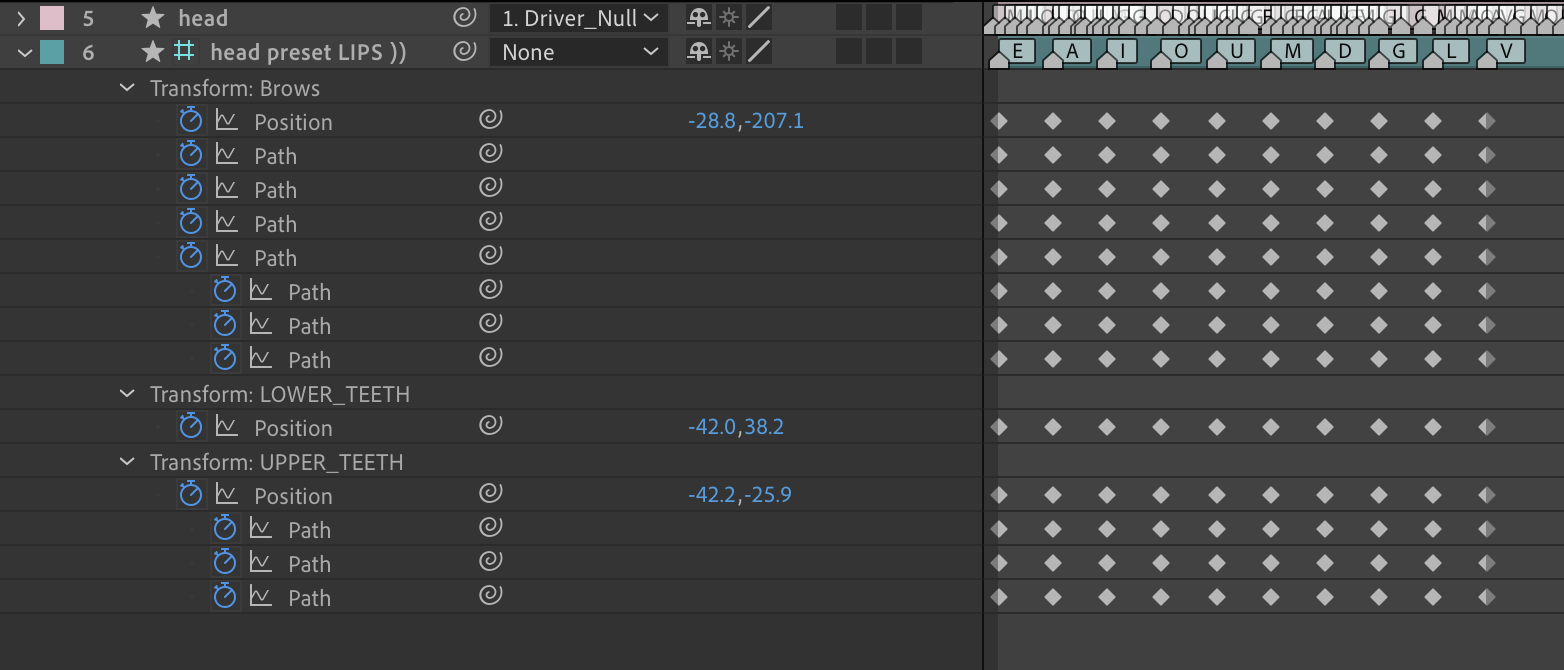
After analysis, inspect the generated layer markers and adjust their timing or duration when words are misaligned. You can refine the resulting animation by changing keyframes in the mouth composition’s Time Remap property.
Compatibility and license
The compatibility listing names After Effects CS5, CS5.5, CS6, CC, CC 2014, 2015, 2015.3, 2017, 2018, 2019, and 2020 through 2026. The posted license terms allow one copy on one computer at a time. Use by additional people or on additional computers requires an appropriate license; one archival copy is allowed on storage media other than a hard drive for reinstallation only.