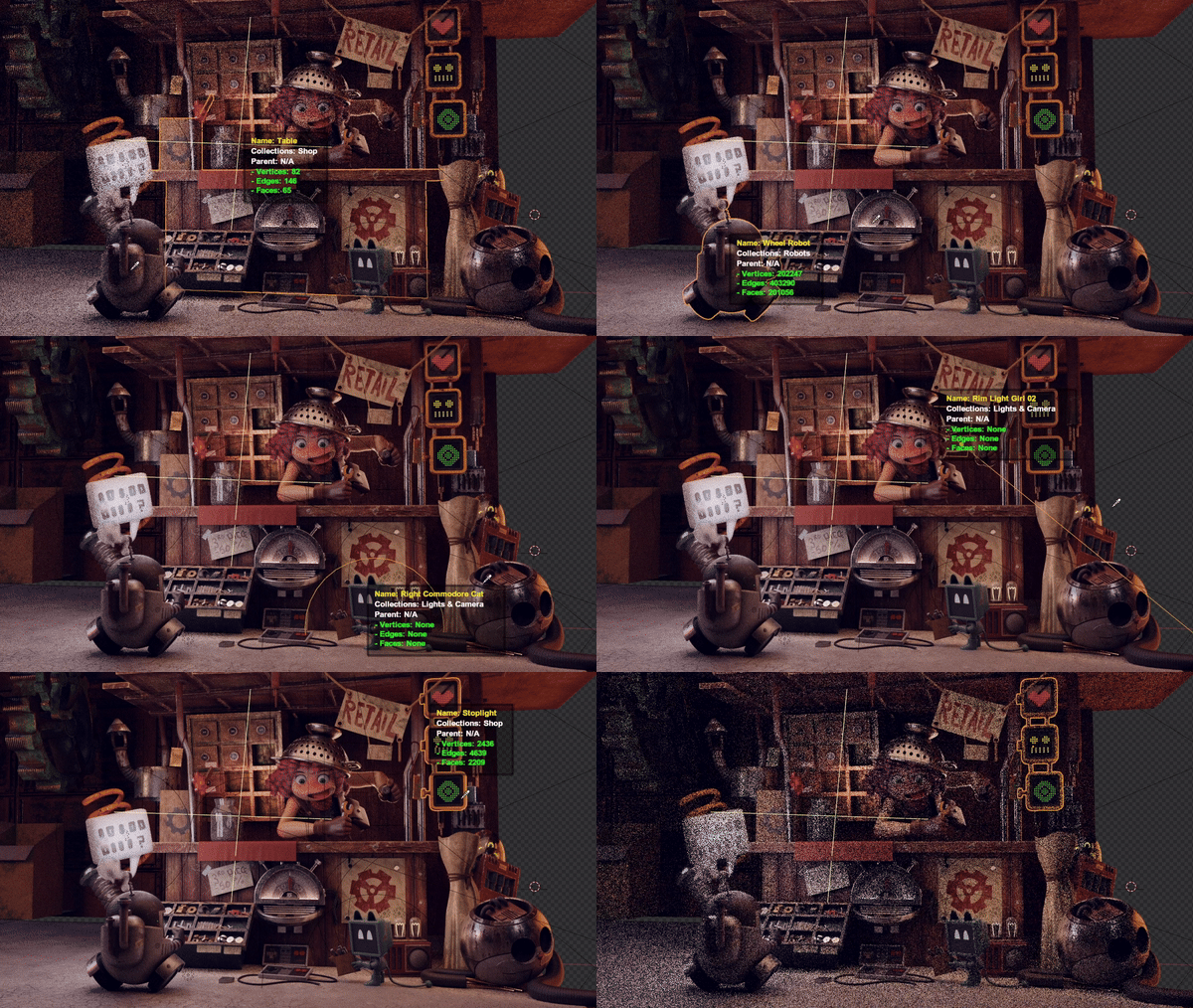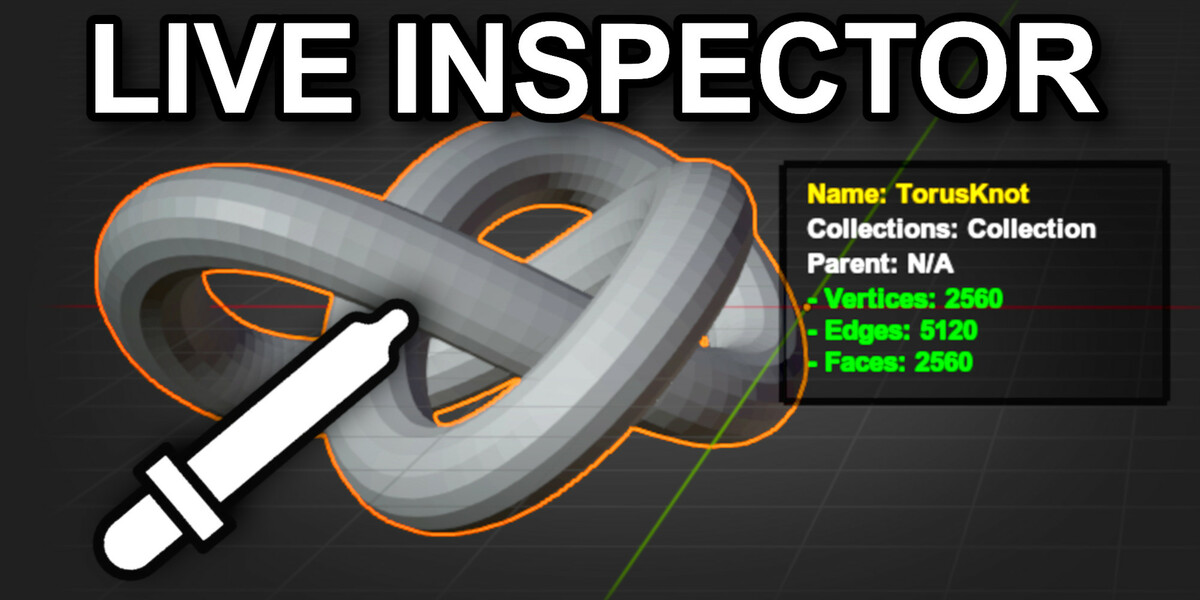
Live Inspector is a Blender add-on by CGMatter that displays object information in the 3D viewport. It lists the collections an object belongs to, shows its parent information, and reads data from depsgraph evaluation. CGMatter presents it as an alternative to Blender’s default viewport statistics, which they describe as small and short on detail.
Inspect objects in the viewport
The inspector’s dynamic interface lives in 3D space. You can keep it open while editing and switch between objects. Hold Shift to temporarily bring the selected object to the front. Hold Ctrl to temporarily pin the inspector window to the cursor.
The documentation says Live Inspector is intended to run with the N-Panel closed. If the N-Panel is open when you start the operator, the add-on hides it by default.
Install and open Live Inspector
- Use Blender 4.2 or above, as stated in the Live Inspector documentation.
- Drag the add-on’s ZIP file onto the 3D viewport and choose Install.
- Press Ctrl+Shift+I in the viewport, or open Blender’s search menu and run “Inspector.”
Right-click or press Esc to close the inspector. The product listing records Blender version 4.2, while its documentation specifies Blender 4.2 or above. See the Superhive product page and documentation for the published product details and usage instructions.