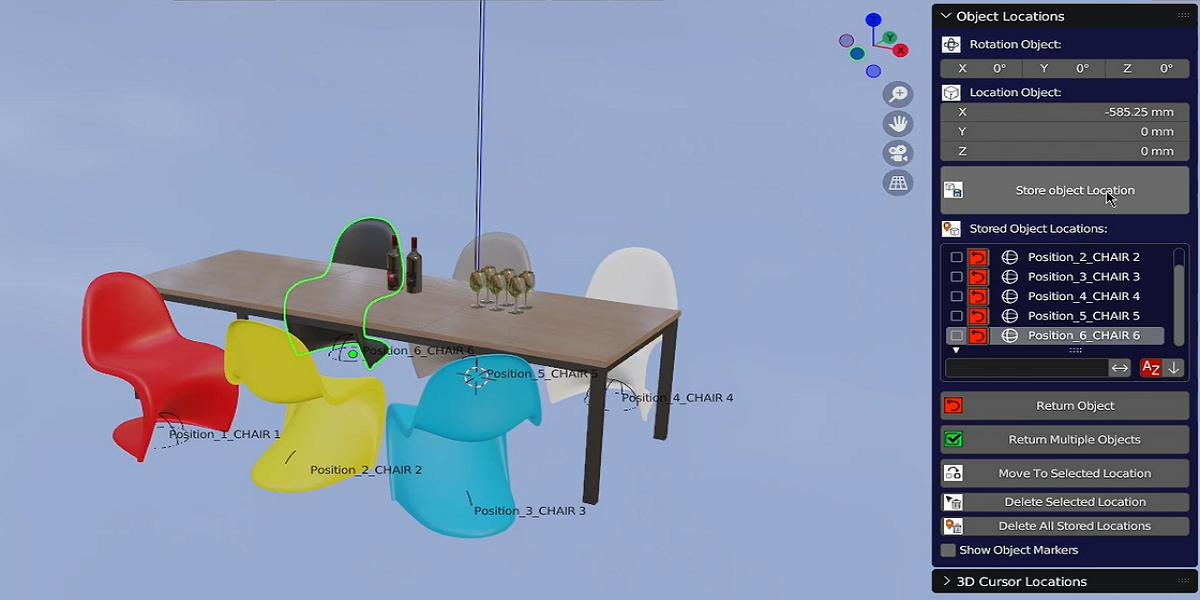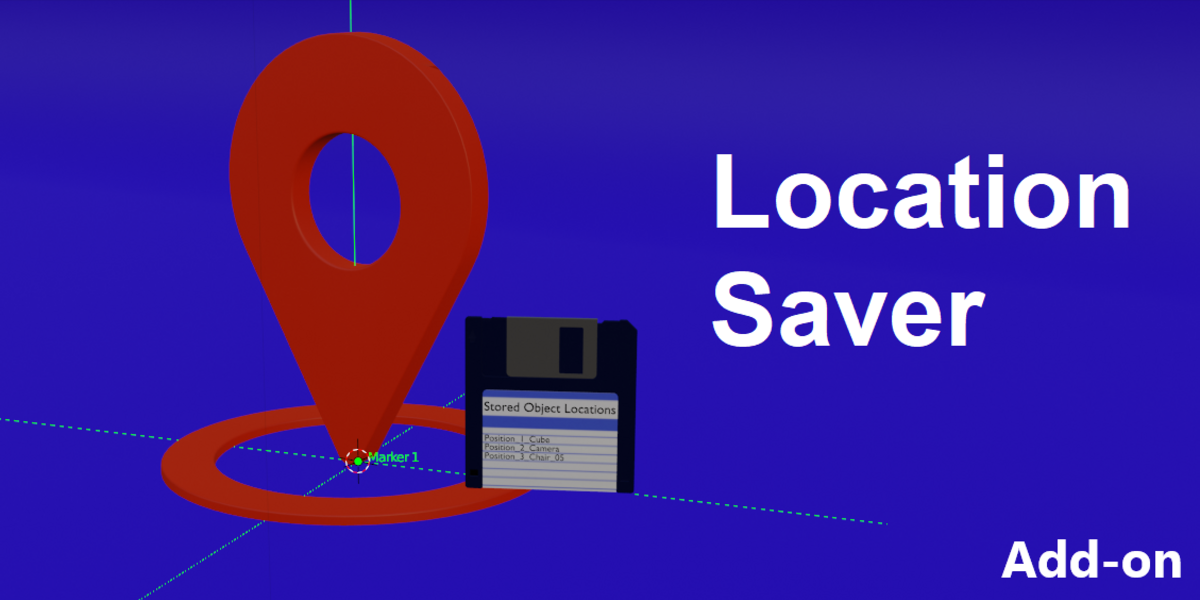
Locationsaver is a Blender add-on from KVD that saves the location and rotation of selected objects and the 3D cursor. Its list keeps multiple saved positions with visible markers, so you can return objects to earlier placements or move them to another saved point.
Save and reuse object positions
Select one or more objects and press Store Object Location. Locationsaver adds an entry to the list and places a marker in the scene. The arrow beside an entry selects its linked object.
Return Object restores an object to its saved location and rotation. To restore several objects, select their entries with the list checkboxes and press Return Multiple Objects. Move To Selected Location sends selected objects to a chosen saved position. You can delete or replace individual entries, hide the object markers, or clear all stored object locations.
Save 3D cursor locations
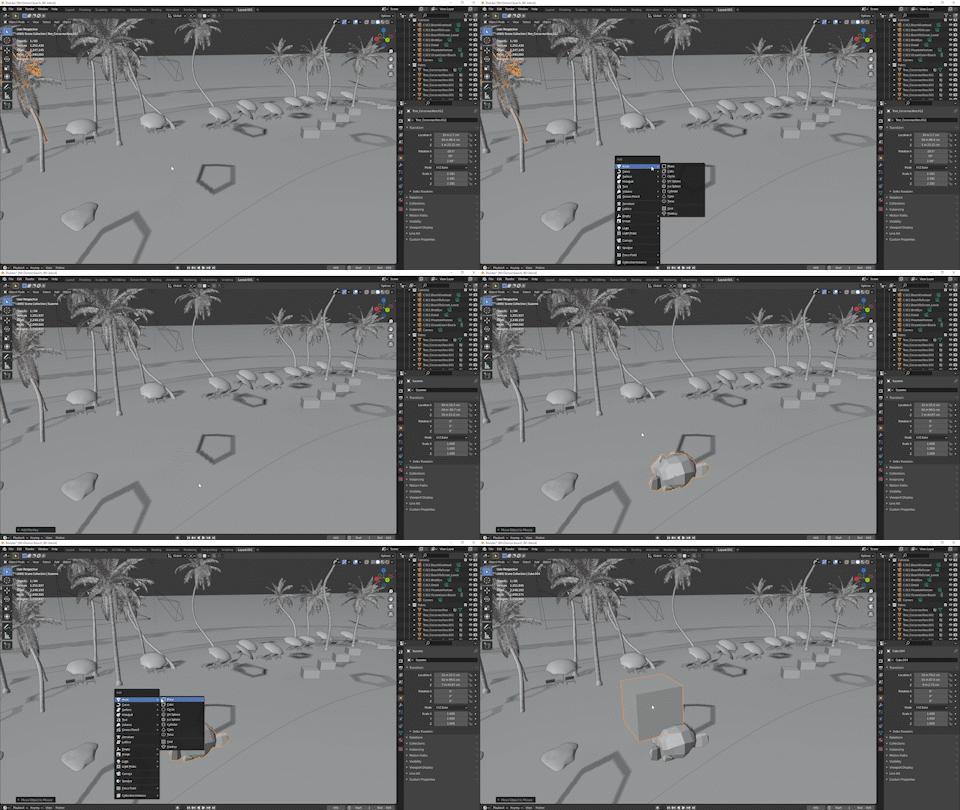
Store Cursor Location saves the 3D cursor's position and rotation and adds a marker. Return Cursor To Selected Location moves the cursor to a saved entry, which can help place a newly added object at that point. Move To Selected Location can also move selected objects to the chosen 3D cursor location. With Marker Rotation To 0,0,0 enabled, the marker's rotation is zero; using Move To Selected Location also sets the moved object's rotation to zero. Cursor markers can be hidden, deleted, replaced, or cleared.
Compatibility and installation
The Superhive product listing names Blender 4.0 and Blender 3.6, 3.5, 3.4, 3.3, 3.2, 3.1, and 3.0. Check the listing if you use another release. Its installation FAQ says to open Blender Preferences, go to Add-ons, choose Install, select LocationSaver_V1.zip without unzipping it, and enable the add-on. It then appears in the 3D Viewport's N-panel.
License and listing
Superhive lists KVD as the creator and GPL as the license; this catalog lists Locationsaver as free. Check the current product listing for download details and license terms. The add-on may suit Blender users who reuse object or cursor placements and want to restore them without repositioning objects by hand.