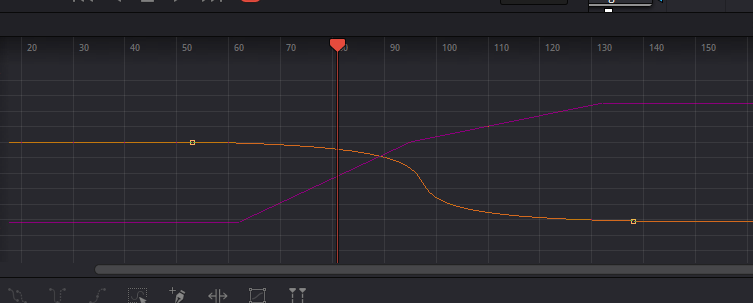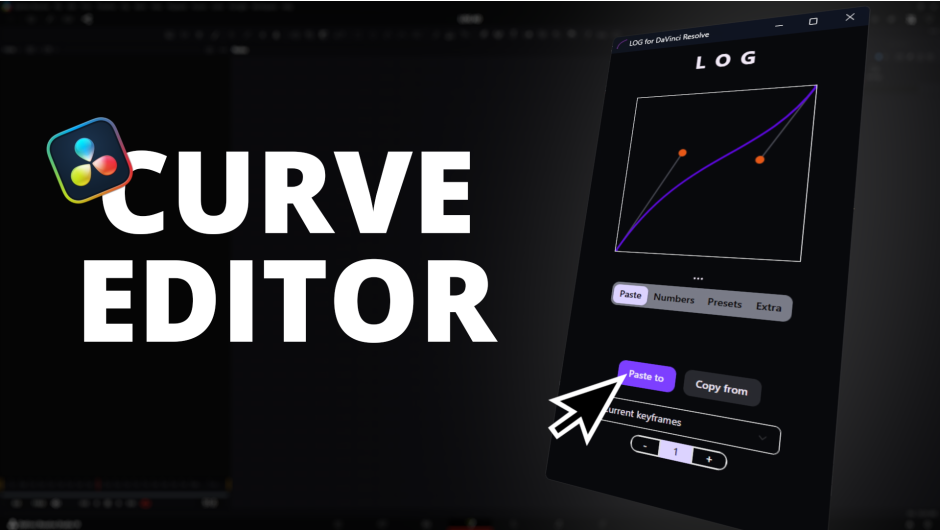
LOG is a curve editor by Henry LA for keyframes on the Fusion page in DaVinci Resolve. It lets you adjust curves, apply them to multiple nodes at once, copy values from existing curves, and save presets for reuse. You can also customize its interface. A custom node, xff_LOG, lets you animate center properties from a Transform node.
Editing and reusing curves
LOG provides controls for creating and editing smooth curves. Copying curves directly from DaVinci Resolve (Fusion) was added in version 1.3. Version 1.3.1 added Ctrl/Cmd + Z support for undoing pasted curves in Fusion. Its paste list shows curves under the playhead, and the update also improved the Numbers tab controls and the handle grabbing area.
Compatibility and limits
The product listing names DaVinci Resolve 20 and 19 as compatible versions. LOG requires the paid Studio edition because the free edition does not support Workflow Integrations. It currently works only on the Fusion page. The developer says Edit page support depends on DaVinci Resolve allowing keyframe changes through scripting.
Price and trial
The aescripts product listing shows a price of $40.00, a 25% discount at checkout, and a free trial. Check the listing for current price and terms before purchasing.