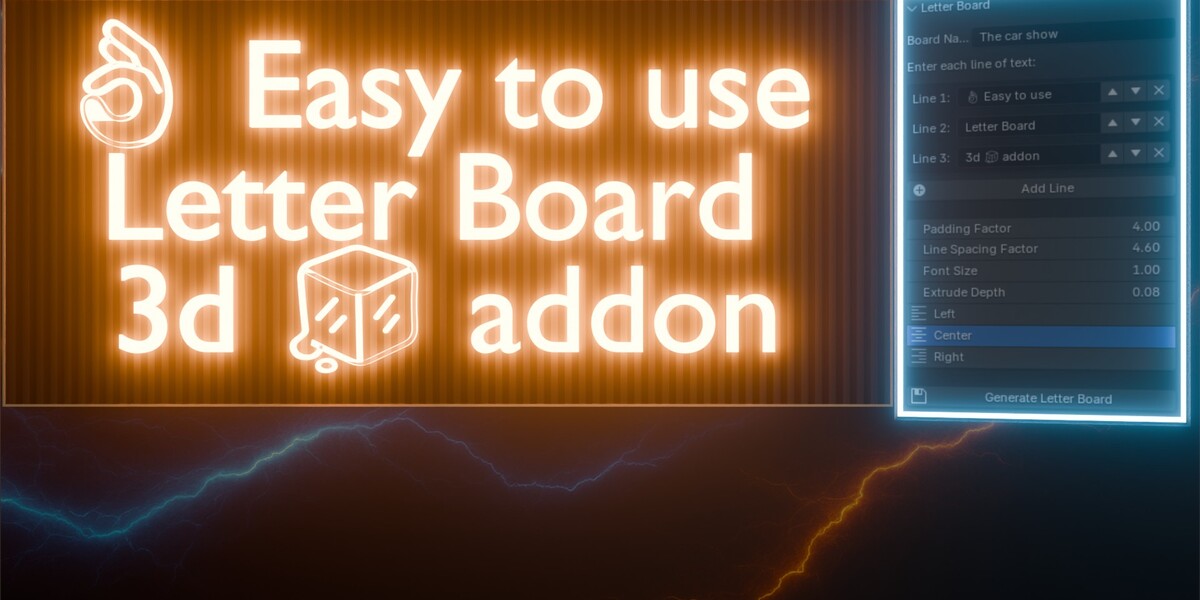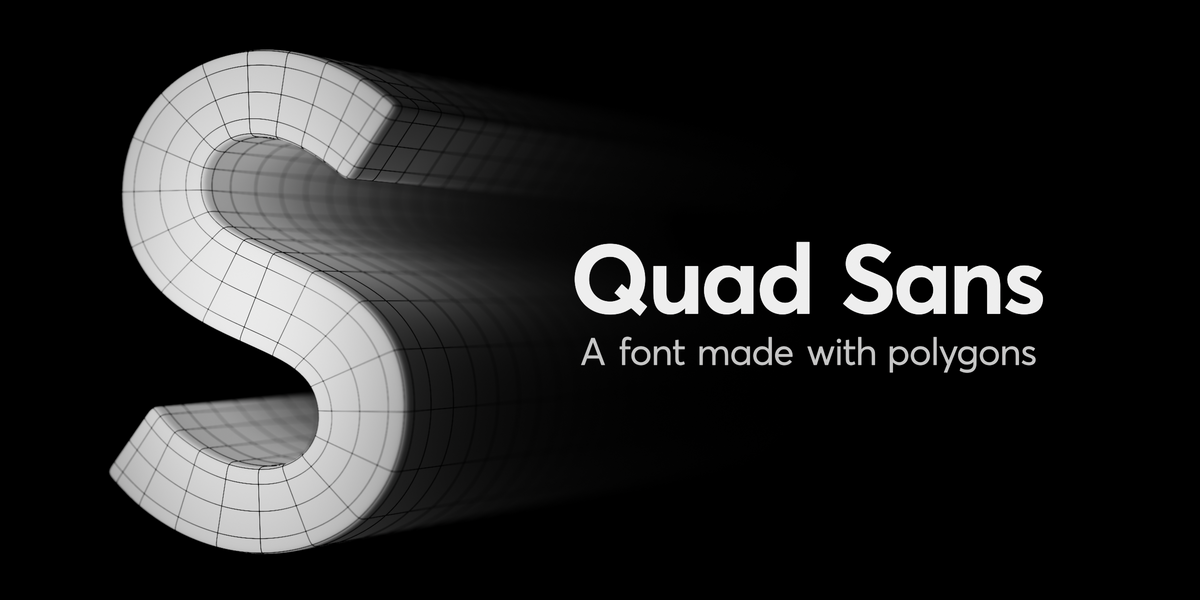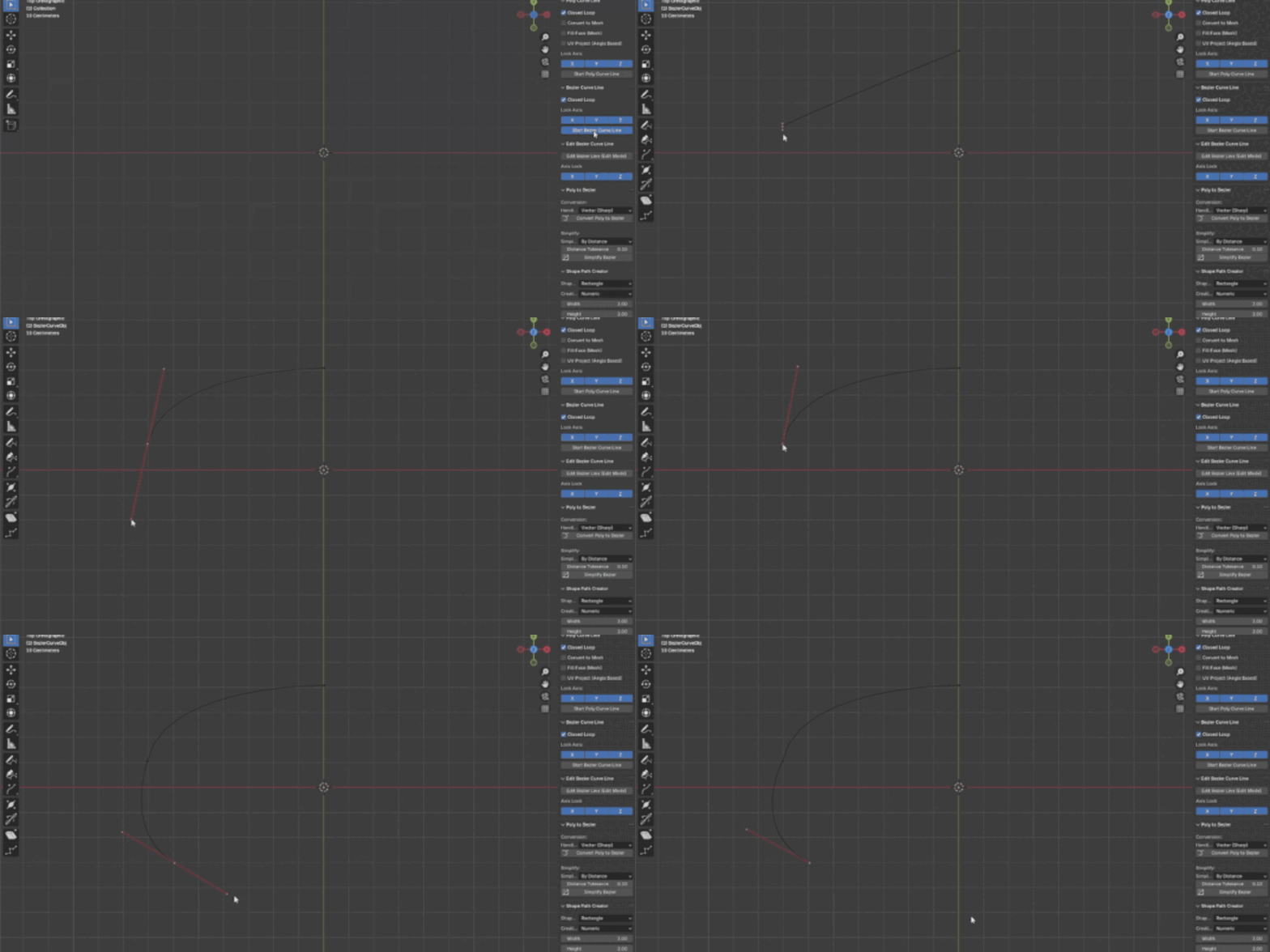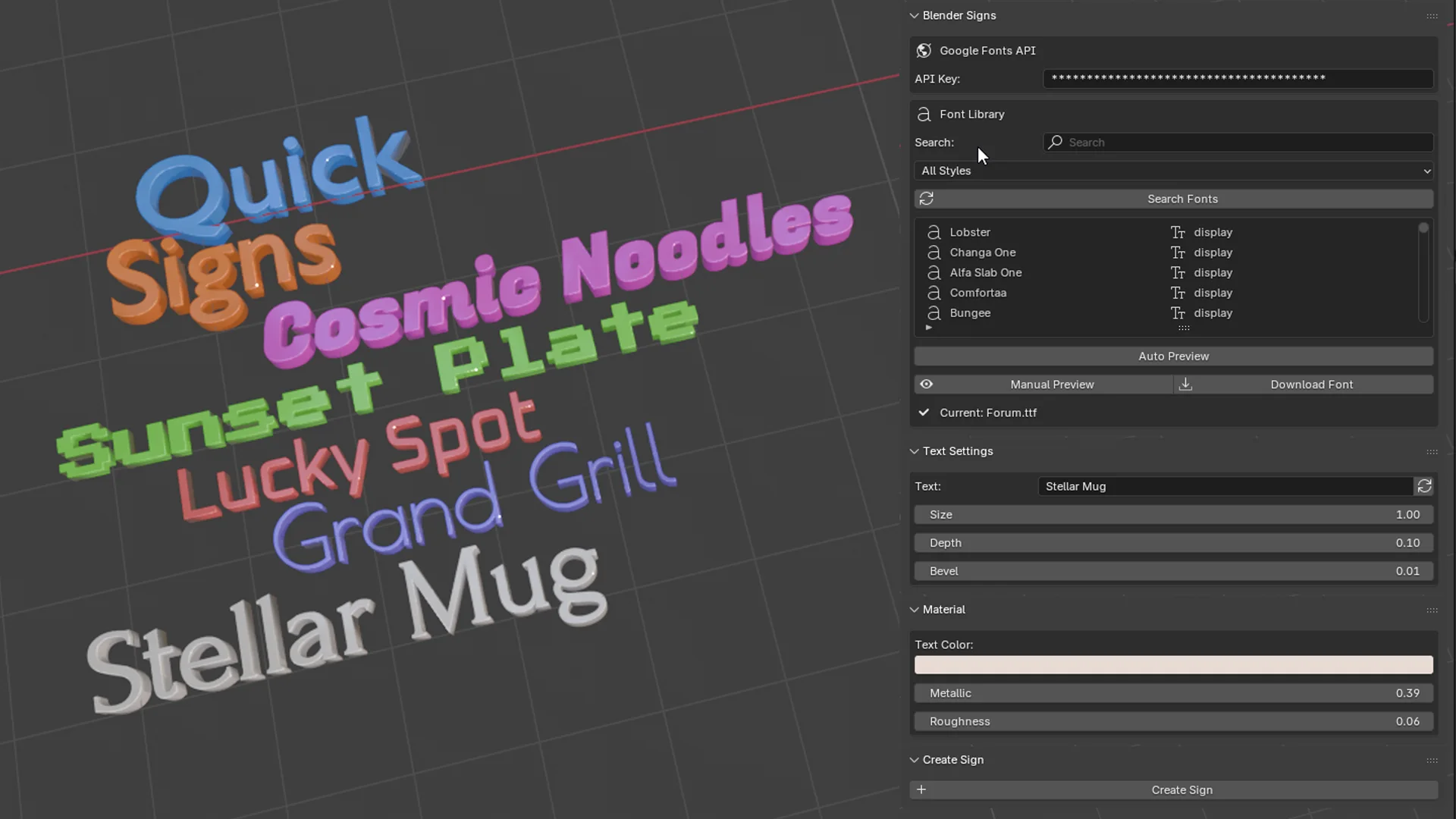
Logonodix is a node-based Blender add-on from C-You FX for turning 2D SVG artwork or short text lines into 3D logo and text meshes. Its controls sit in a dedicated N-Panel, with modes for logos, text, or combined designs. The developer lists Blender 3.3 through 4.0 and warns that the add-on is not compatible with Blender 4.1 or later. Check the product listing for the stated compatibility before installing.
Build a logo from SVG or text
Import an SVG, load a TTF font, or type a short text line. You can start from a one-click template, choose a tool mode, and add a plate with a selected shape. The controls are designed to keep settings in the N-Panel; the product instructions advise treating the generated LOGOnodix collection as add-on-managed and leaving it in place.
The output is organized into Body, Design, and Plate sections, with five parts in each section and up to 15 separated parts in total. That structure gives you distinct pieces to work with after converting the design to a mesh.
Set materials and prepare the mesh
Use LoRes mode while working, then switch to High Quality mode for look development and rendering. A Material Browser provides dynamic settings, and the supplied materials are mainly made for Cycles. Once the design is ready, convert it to a real mesh object. You can save it in the blend file, append it to another project, or add it to the Asset Browser. The listing says you can remove the LOGOnodix materials and use your own on the finished mesh.
The add-on is for creating the 3D object, not for animation. After conversion, the mesh can be edited or animated like other mesh objects in Blender.
Workflow and fit
Logonodix is aimed at clean logo shapes and bold text without thin details. It can save time when wording changes after a design is set: edit the text and regenerate the result instead of rebuilding each character by hand. The download package includes a video tutorial. C-You FX expects users to know basic Blender operation; its paying customers receive support for the add-on, not general Blender teaching.
The product listing identifies the license as GPL and describes the add-on for private and commercial use. Read the current listing for its terms. The installation documentation and product FAQ give two pieces of installation guidance: the documentation says to install the downloaded ZIP without unzipping it, while the FAQ says to extract the package and install the inner add-on ZIP if the add-on is missing from the activation panel afterward.