MACHIN3tools is a customizable collection of Blender tools and pie menus from MACHIN3. It brings tools for mesh editing, transforms, shading, asset work, and scene management into one add-on. The listing says MACHIN3tools' pie menus typically provide sets of new custom tools, extending beyond rearrangements of Blender's native tools. See the MACHIN3tools documentation for details on individual menus and tools.
Pie menus for different Blender tasks
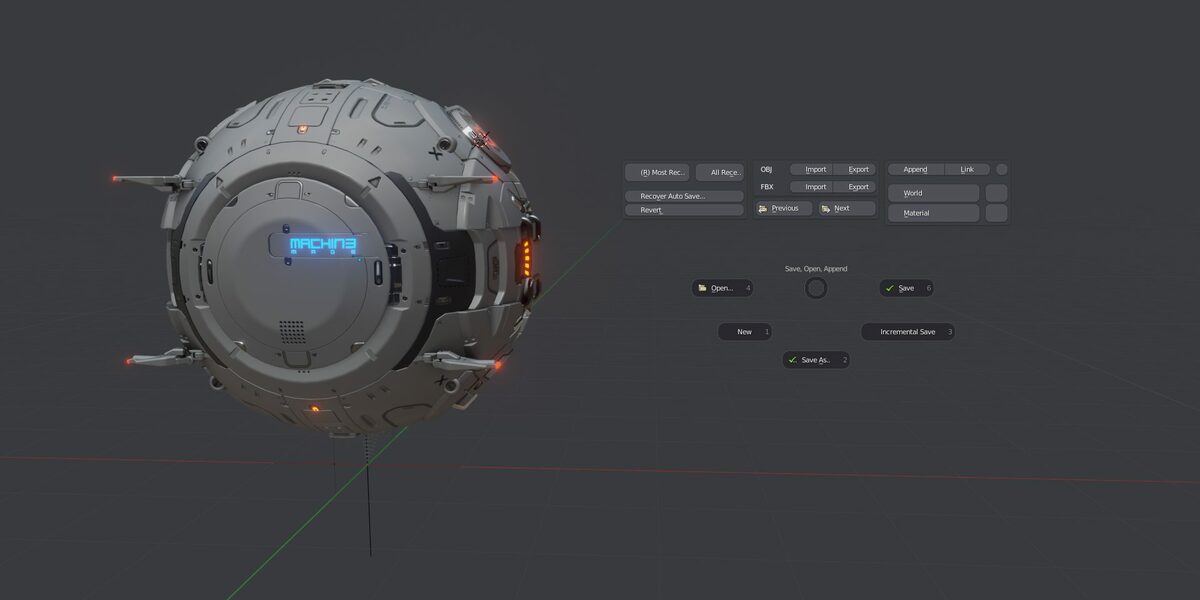
The package includes menus for Smart, Modes, Save, Shading, Views, Align, Cursor and Origin, Transform, Snapping, Collections, Workspace, and Tools. These menus cover different parts of a Blender workflow, from editing and transforms to scene organization and shading.
The menu names provide a starting point when comparing the add-on with your current setup. Consult the menu guides to see which commands each one contains and how they fit your work.
Tools for mesh editing and scene work
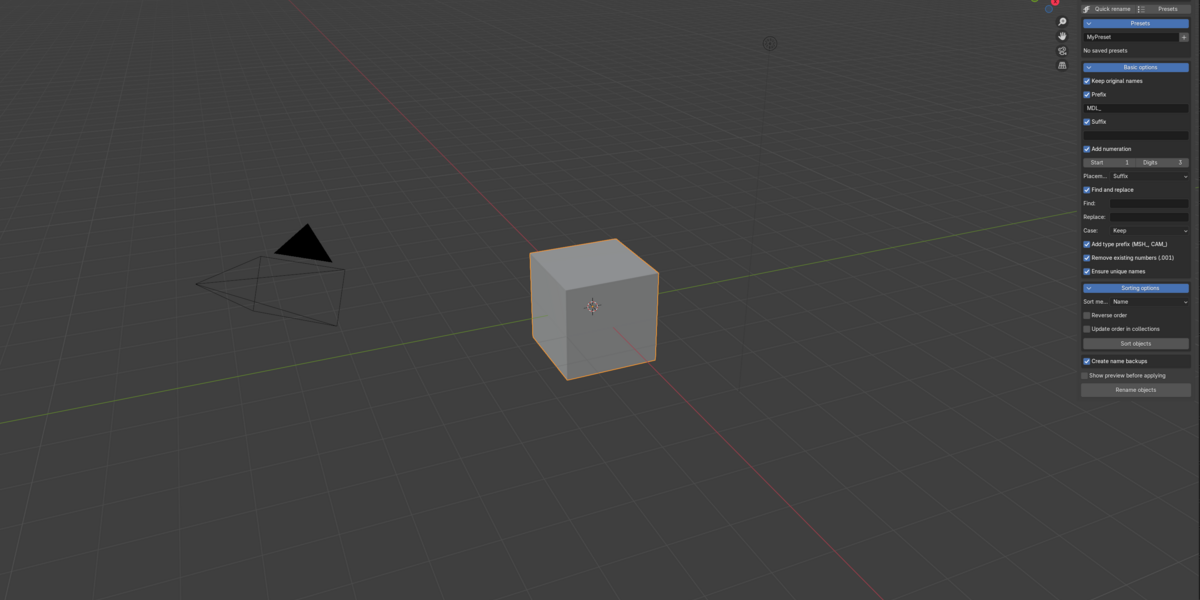
MACHIN3tools also includes named tools such as Smart Vert, Smart Edge, Smart Face, Clean Up, Edge Constraint (DeusEx), Focus, Mirror and Un-Mirror, Align, Group (partly DeusEx), and Smart Drive. Other entries include File Browser, Asset Browser, Toggle Region, Render, Smooth, Clipping Toggle, Surface Slide, Material Picker, Apply, Select, Thread, and Unity. The product listing also names Quad Sphere under Objects.
This range helps you assess whether the package covers tasks you do regularly. If you are considering one particular tool, check its documentation for the exact operation and requirements. The listing links to guides for Group, the Asset Browser, and other individual tools.
Choosing between Prime and DeusEx
Prime and DeusEx are the two base variants. The listing says Prime contains almost all of MACHIN3tools, while DeusEx adds several advanced tools that Prime does not include:
- Edge Constrained Transform
- Group Gizmos and Poses
- Punch It manifold Extrusion, similar to the separate PUNCHit add-on
- Advanced Assembly and Asset tools, including Assembly Editing, Assembly Variants, and Assembly Origin Orientation and Rotation Adjustment
Use the listed additions to guide your choice. Prime covers the broad tool and menu package; DeusEx is the variant to consider when your work calls for one of its extra tools. Review the relevant documentation before selecting a variant, especially for a specific extrusion or assembly workflow.
Check installation and release details
The official installation guide covers setup. MACHIN3 also links to What's New and the changelog for release details. Confirm that the version you download supports your Blender release before installing.