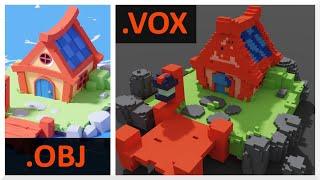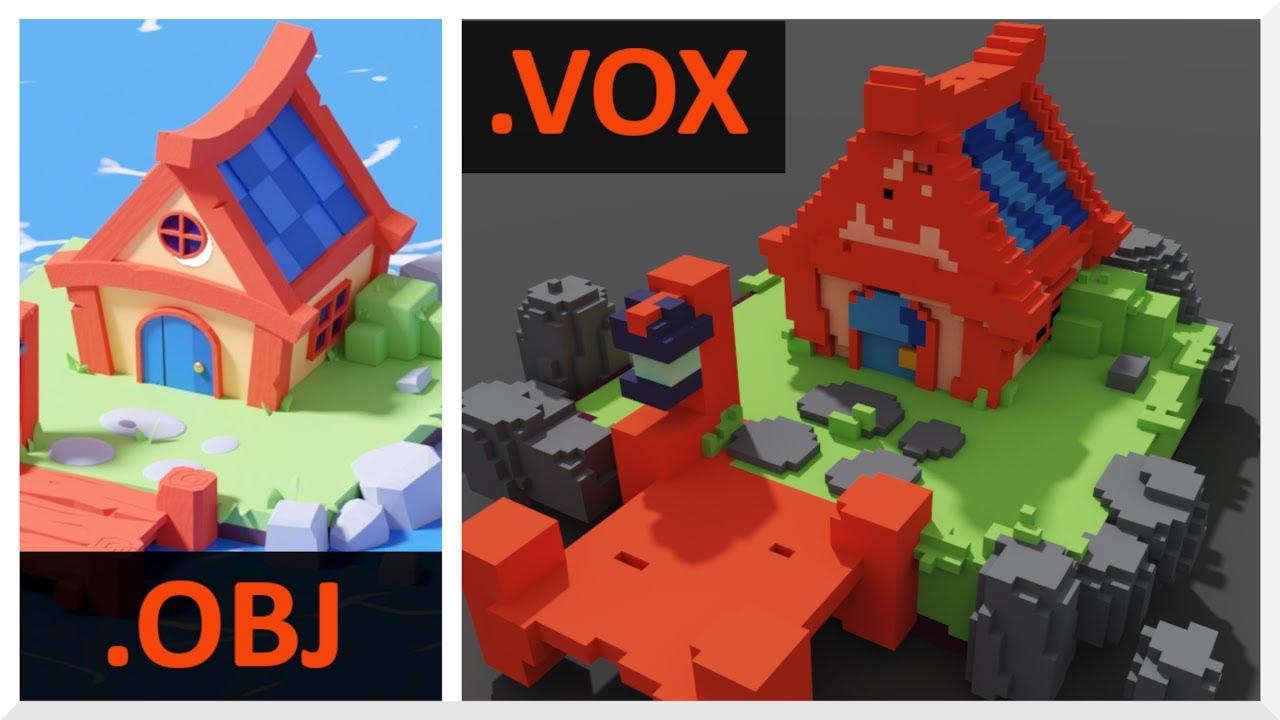
MagicaVoxel Vox Exporter is a Blender add-on by Harry McKenzie for exporting selected Blender objects to voxel formats. The product page says it uses Vengi Voxel for conversion. Its listed formats are .vox for MagicaVoxel and VoxEdit, .qb for Qubicle, and .schematic for Minecraft-associated use and other editors.
Exporting from Blender
For the documented package, install its ZIP through Blender's Edit > Preferences > Add-ons panel. Choose Install, select the ZIP, enable the add-on named "Import-Export: MagicaVoxel Exporter," then save preferences. Select the objects to export and use File > Export. The documentation lists MagicaVoxel (.vox) and Qubicle (.qb) in that menu.
Before a large export, try a small object or Blender's default cube. The documentation says processing can take from seconds to several minutes, depending on model dimensions and mesh complexity. A busy interface may appear unresponsive while conversion runs; the Scripting workspace can show processing output, and the result appears in Blender's Info Editor.
Blender and operating-system requirements
The developer states that the add-on is intended for Windows, macOS, and Linux. The product page advises using Blender installed directly from blender.org. Microsoft Store and other app-store builds can restrict filesystem access and prevent Blender from launching external tools such as Vengi's converter. The product documentation also documents post-install steps for macOS and Linux; its macOS executable-permission step is unnecessary for Voxelity Pro v1.0.10.
Higher Voxformat Scale settings produce more voxel detail and take longer to process. Start with a low value, then raise it gradually while checking the result and your computer's resource use. Large meshes and high voxel counts can require substantial CPU, GPU, and memory resources; the developer warns that extreme workloads may make Blender crash or stop responding.
Check which product version you need
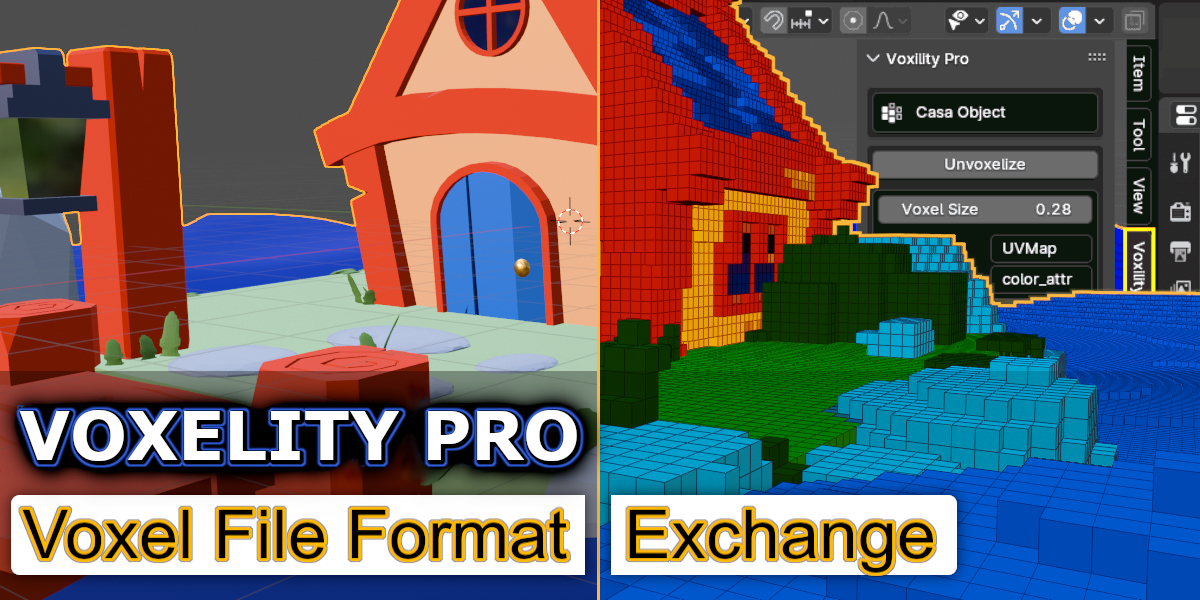
The product page says MagicaVoxel Vox Exporter is now known as Voxelity Pro and points Blender 5.0+ users to that more advanced version. The same listing shows Blender compatibility as 2.93–5.2, so its version guidance overlaps. Check the current product documentation for the release that matches your Blender installation.
If you prefer command-line conversion, the product page says Vengi Voxel's free, open-source voxconvert tool can achieve the same results. It links to a tutorial for using the command-line tool.