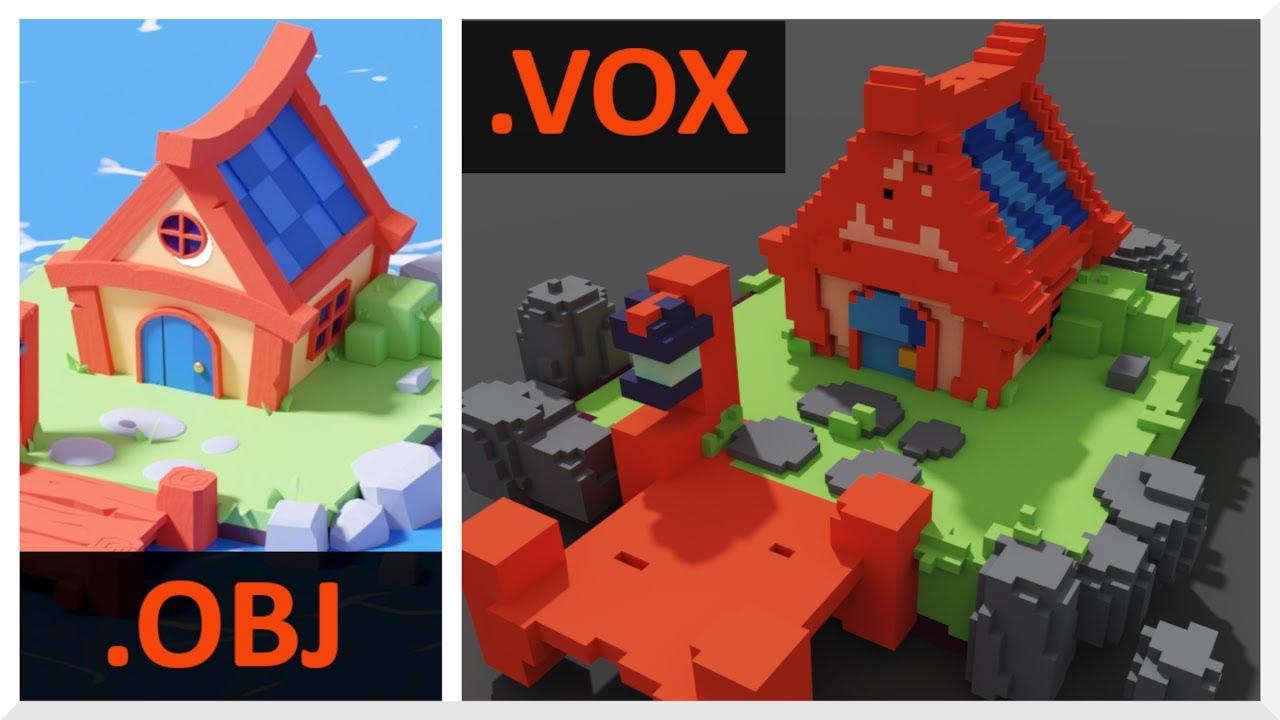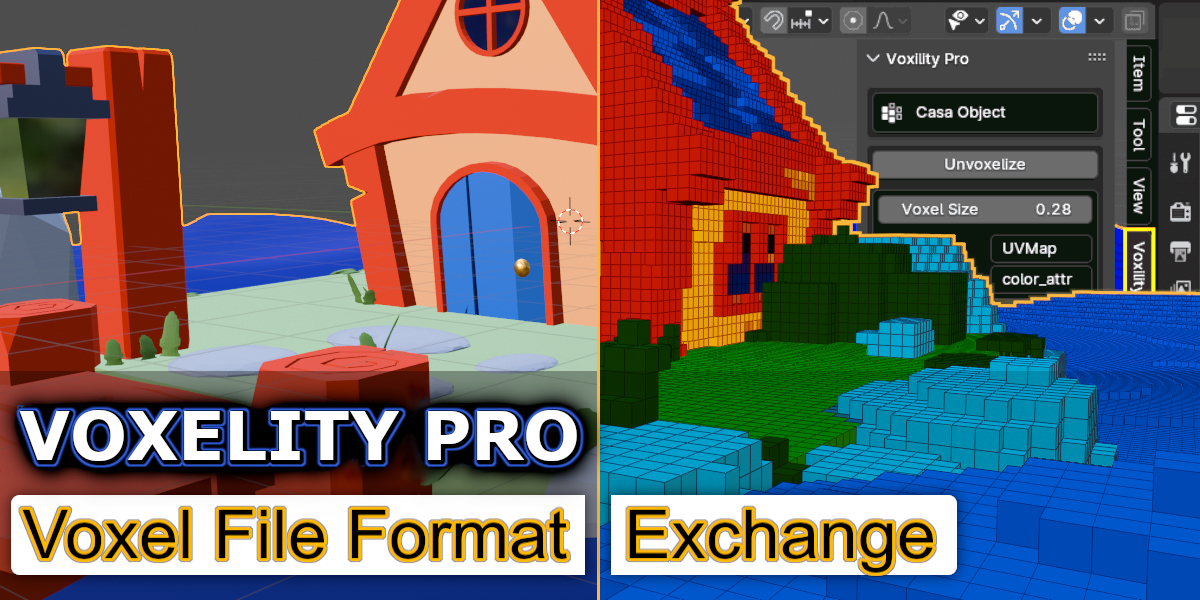
Voxelity Pro is a Blender add-on by Harry McKenzie for importing and exporting voxel files and turning textured meshes into voxel models. Its conversion tools run through a Blender panel and the standard File menus, powered by vengi-voxconvert, developed by Martin Gerhardy as part of Vengi Voxel.
Import and export voxel formats
Choose a supported format from Blender's File > Import or File > Export > Voxelity Voxel Formats menus. The documented format list includes MagicaVoxel .vox, Qubicle .qb and .qbt, Minecraft .schematic and .mca, VoxEdit .vxm, Goxel .gox, and Voxlap .kv6 and .kvx. Import and export availability differs by format, so check the current format table for the direction you need.
Voxelize textured meshes
The add-on can convert polygonal meshes into voxel representations while retaining color information from their textures. For complex shaders, its Bake option combines the result into one Diffuse texture for export. The conversion controls are in the Voxelity Pro panel in Blender's 3D Viewport; the documentation also describes a file conversion panel for converting between supported voxel formats.
Check mesh and system limits
Voxelization works best with manifold meshes. Thin surfaces can disappear when their thickness is smaller than the chosen voxel size; the documentation recommends adding thickness, for example with a Solidify modifier. One product example uses a thickness slightly greater than a 0.01 m voxel size.
Baking applies modifiers and flattens the object, so make a backup first. Baked images are not saved automatically. The add-on supports one UV map and one Color Attribute per object, although the documentation says multiple maps or attributes can be combined by baking. Large meshes and high voxel counts can use substantial CPU, GPU, and memory resources. Start with smaller objects and increase the detail while watching system load.
Check Blender compatibility before installing
The marketplace listing shows Blender 2.93–5.2. The detailed documentation describes full compatibility from Blender 3.3 through 5.0+ and says versions as low as 2.93 may use an older build with limited functionality. Check the documentation for the version you plan to use. It also says to install Blender from the official Blender website: Store versions can restrict access to external executables that the add-on needs. Windows, macOS, and Linux have separate activation instructions.
The product page notes that the underlying vengi-voxconvert command-line tool can be used for free in a more limited way, with a developer tutorial. Voxelity Pro packages conversion controls into Blender. Review the documentation and product listing for current requirements and details.