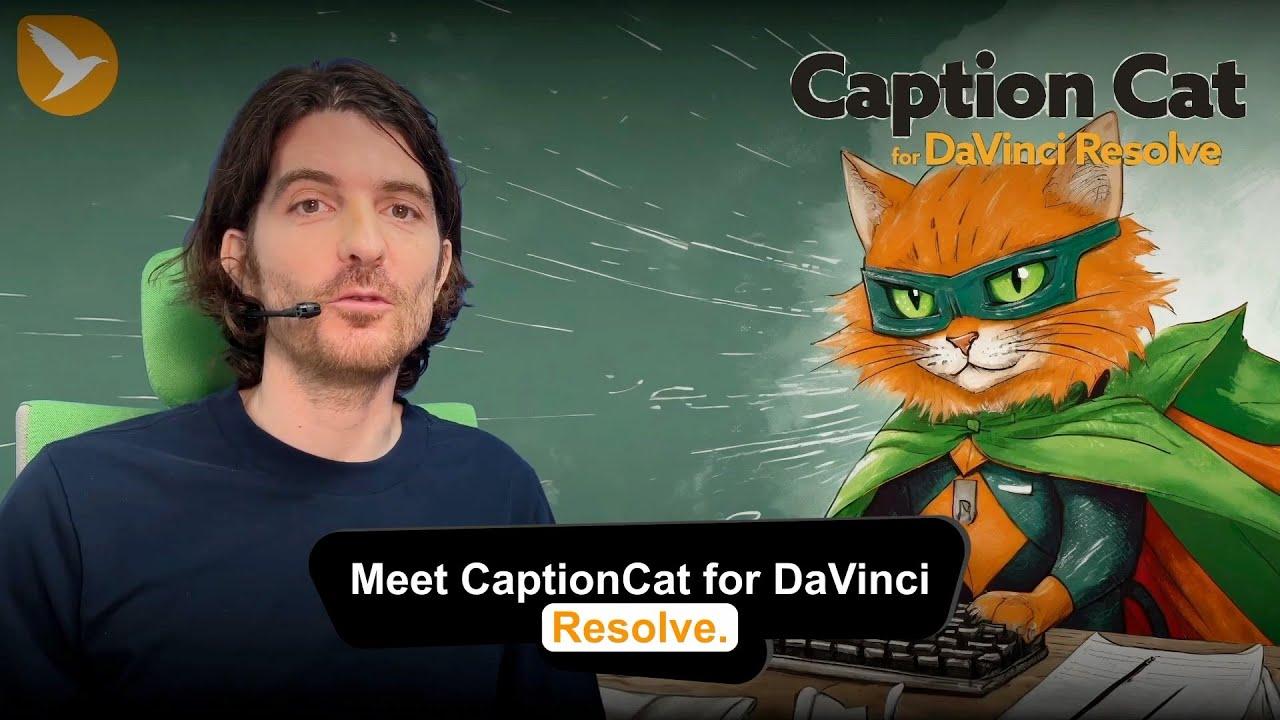
mamoworld Caption Cat adds animated, customizable captions to DaVinci Resolve. It combines Whisper-based speech-to-text with editable title-template presets and safe-zone overlays, so editors can build and style subtitles in Resolve. The listing names Resolve 21, 20, and 19, and says official support is limited to Studio. Check your edition before relying on it.
Build captions from a subtitle track
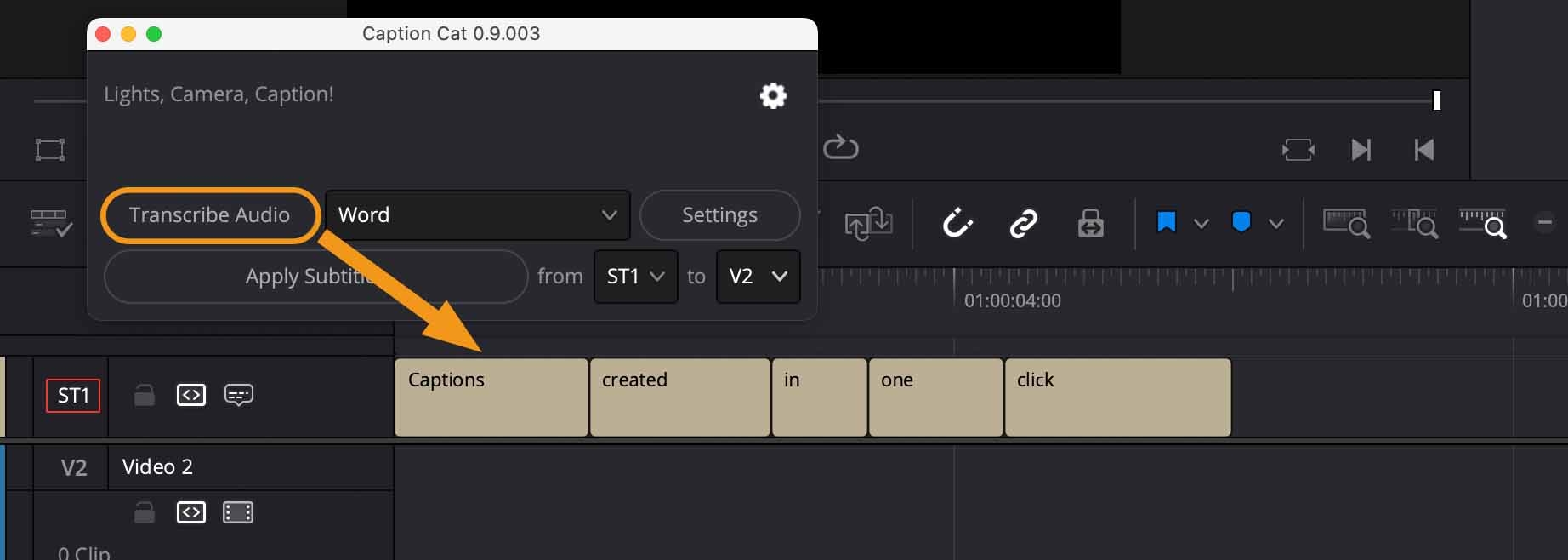
Start with a subtitle track from Resolve Studio’s built-in transcription, Caption Cat’s own transcription, or an imported SRT file. Caption Cat’s Whisper-based transcription lists support for 112 languages, the Whisper small and large models, and custom parameters. Choose a preset, drag it onto a video track, then use Apply Subtitles to match the subtitle text to that style.
Style captions for different formats
The preset library includes Landscape and Vertical & Square formats. Adjust animations, colors, and fonts, then save presets for reuse across projects. Safe-zone overlays appear in Resolve’s viewer to help you place captions clear of social app interface elements.
Check compatibility and license terms
The catalog listing says Caption Cat is officially supported only in DaVinci Resolve Studio. It notes that the tool may run in Resolve Free 19.0.3 or earlier, but that is not guaranteed. The listing marks Caption Cat as free, while its license note also refers to a one-time purchase. Check the Toolfarm listing for current availability, price, and terms.