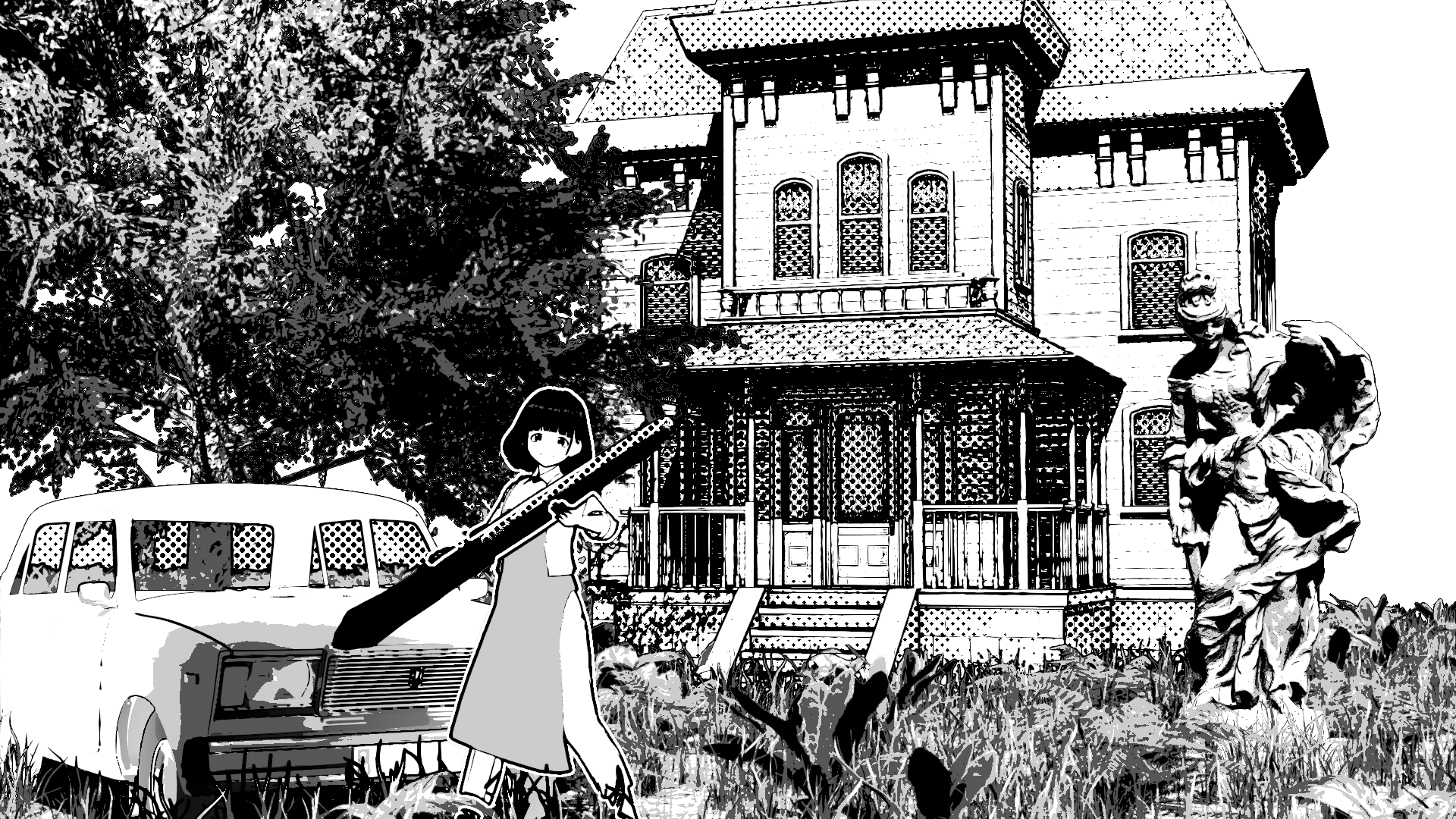
Mangaka is a Blender add-on that turns 3D renders into manga-style illustrations. It combines line detection and screentones with a Cryptomatte-based layer system for adjusting the look of individual scene assets. The Superhive listing identifies version 4.1.0, lists Blender 4.3-4.4 and states that Mangaka is not compatible with Blender 5.0.
Adjust the look of individual assets
Mangaka's layer system lets you change manga-style settings per asset, including line width and color. This gives artists a way to tune the treatment of separate elements in a rendered scene instead of applying identical line settings to everything.
The add-on has Basic and Advanced line type settings. Advanced mode uses a reworked edge-detection algorithm and includes Outline and Silhouette options. Those two options are available only in Advanced mode.
Line and tone controls
Mangaka includes customizable screentones, with defaults listed as 600 DPI at 60L, 40L and 20L. Other listed controls include RGB tones, distance culling, adjustable line thickness and a Betas (Pure Black) option in the line settings.
The version 4.1.0 changelog says Custom and Screen tone options work again after Blender re-enabled the Wrap function in the compositor. It also records a fix for random icons appearing in the interface and says support is available again.
Check Blender compatibility
Superhive lists Blender 4.3-4.4 in the product details and warns against using Mangaka with Blender 5.0. The creator says it was tested on a personal computer and asks users to report bugs found on Blender 4.4.x. For other releases, check the current product listing and its documentation before installing.
The product page also links to a demo. The creator asks users to read the documentation and FAQ before contacting support.