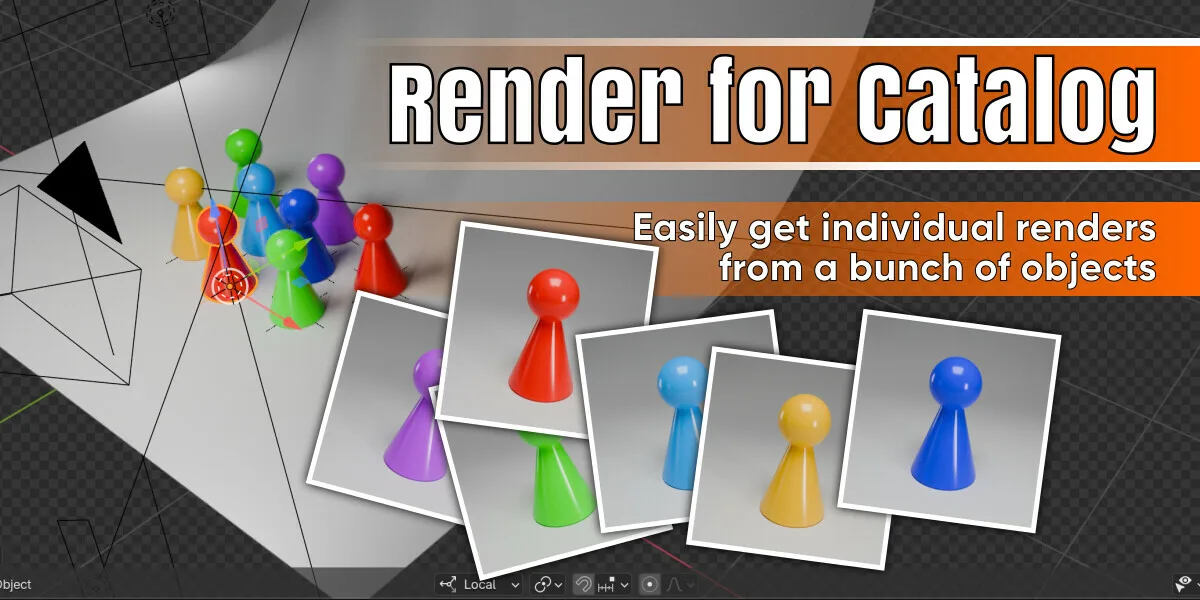
Render For Catalog is a Blender add-on for producing individual renders of multiple objects with consistent lighting and framing. It works with objects in the current project, including linked objects and collections from other Blender files.
Set the reference framing
Choose an object as a reference and set up its framing and lighting. Add a reference cube, position and size it around the object, then add the other objects to the add-on’s list. The “Center objects on reference” control positions and resizes each listed object to fit the cube. Add cameras to their list, then add lights and objects that are part of the set to the lights list before starting the renders.
Name renders for objects and cameras
Render names can use placeholders for scene object names (%on), editable render names (%or), object-list indices (%oi), camera names (%cn), editable camera render names (%cr) and frames (%fr). You can change the render name for an object or camera in its list. For multiple camera views, include a camera name or index in the render name to keep the outputs distinct.
Render selected objects or an animation
To rerender only some objects, check them in the list and select “Render only checked.” The add-on clears those checks when the render finishes. For scene inspection, selective view can hide every listed object except the highlighted one, or use a visibility driver tied to each object’s list index. That driver changes the hide_viewport property; it does not affect rendering and can be disabled or removed.
The “Render animation” option renders the animation configured in the project. The project’s output format determines whether Blender saves an image sequence, such as PNG files, or a video using ffmpeg.
Use compositor file outputs
Render For Catalog supports compositor File Output nodes for saving a main image alongside thumbnails or alternate versions, including versions with or without alpha. Set the node’s render input to the add-on’s _RFC_viewlayer. Other view layers are turned off during the render, and the add-on updates the saved image name to match its render naming settings.
Compatibility and license
The Superhive listing marks the add-on as Blender Extension Compatible, lists Blender 4.2 and 4.3, and identifies the license as GPL. Check the listing for current compatibility and license details before installing.