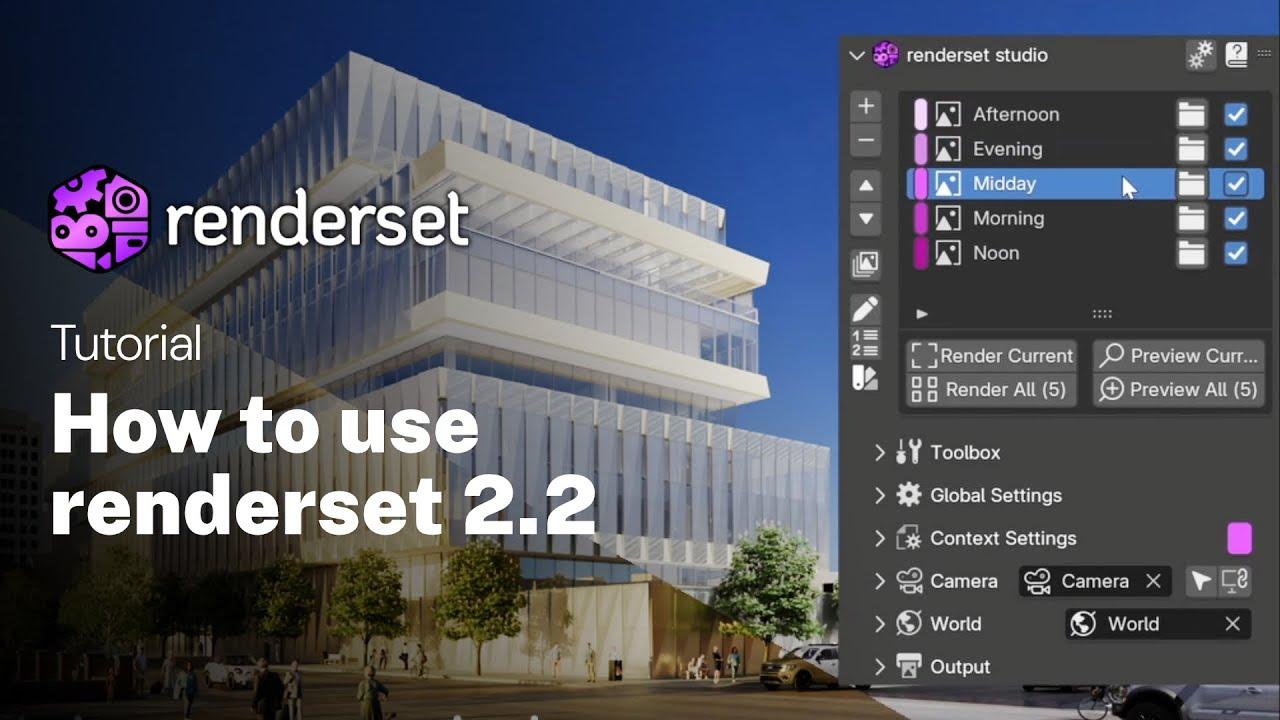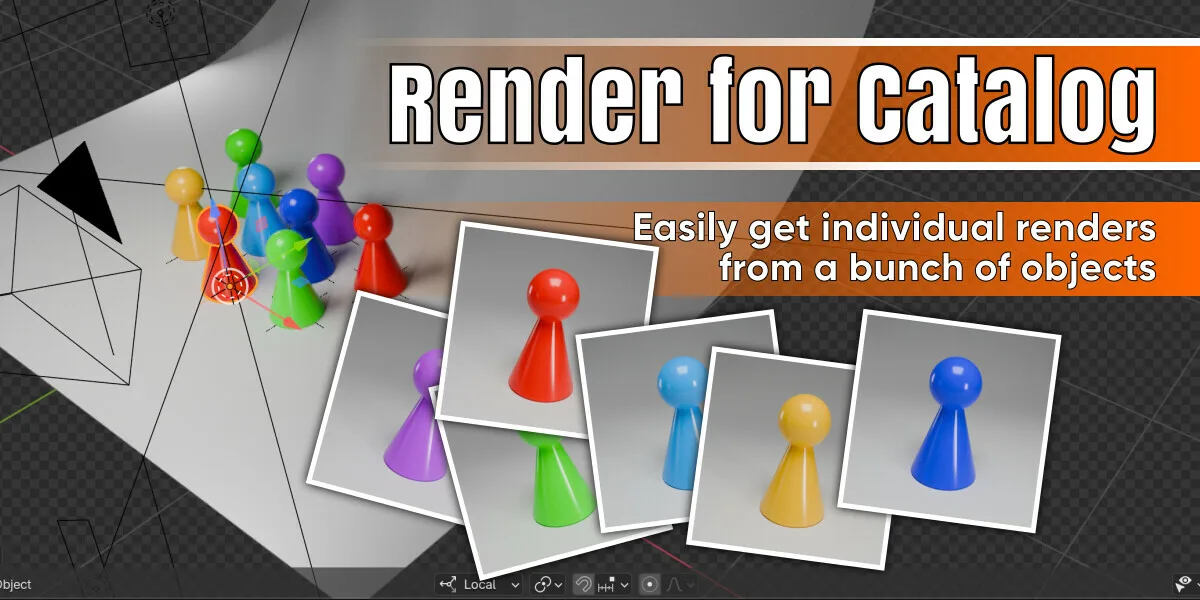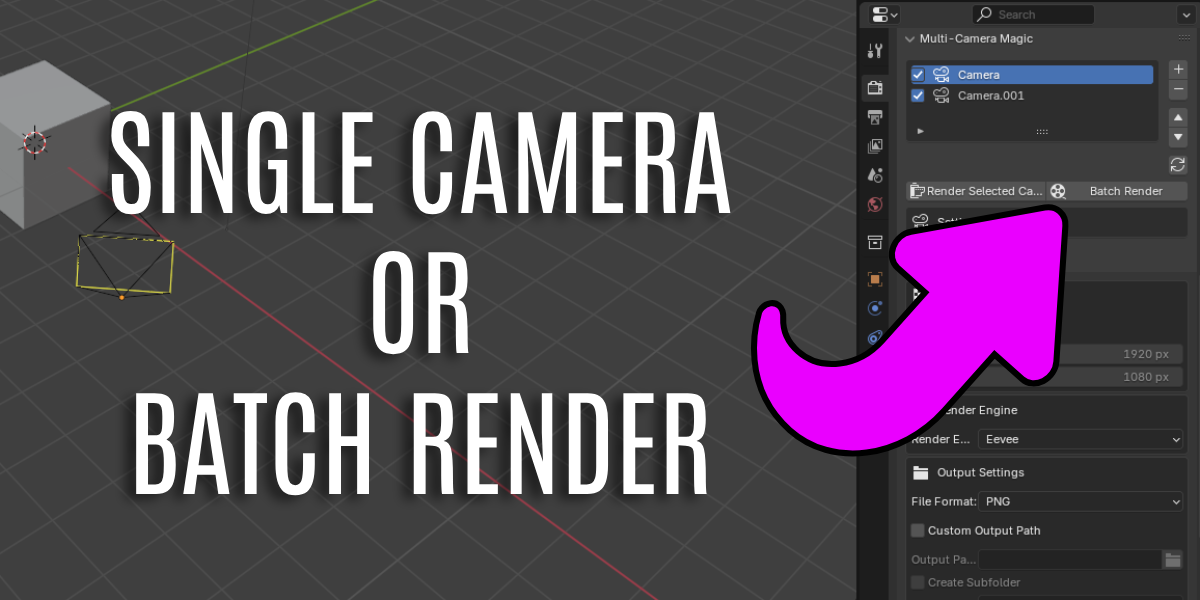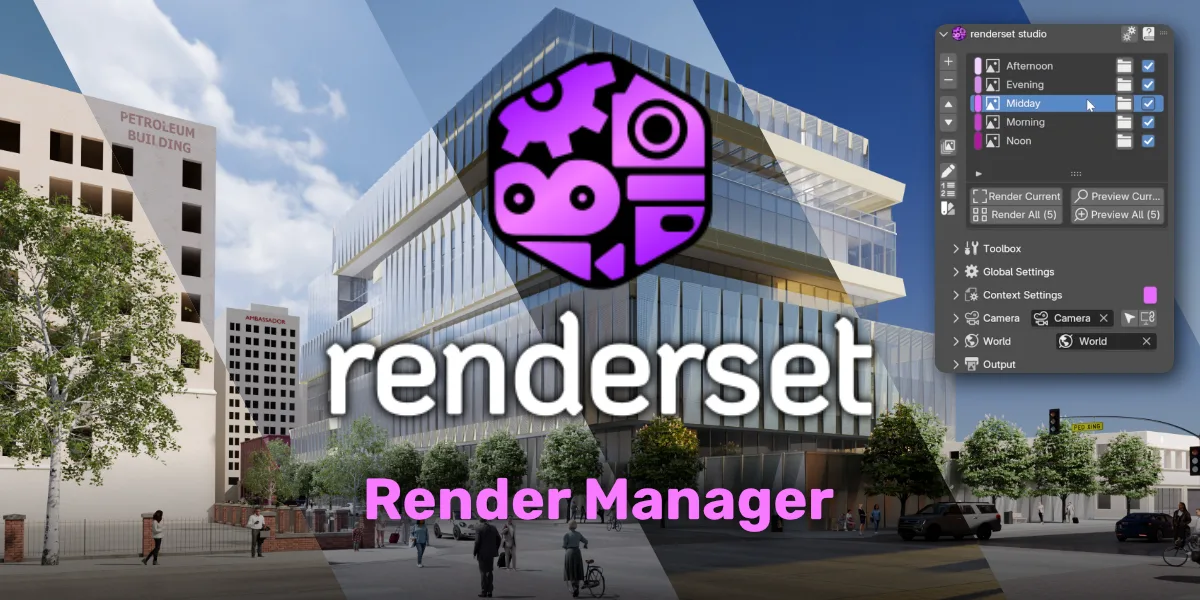
Render Manager Addon Renderset stores alternate scene setups as contexts inside a Blender .blend file. Artists can switch between camera, HDRI, render, and visibility settings, then batch render the contexts with organized output names. Using contexts avoids duplicating collections and objects for each variation.
Keep shot variations in one project
A context can hold settings for a particular shot or scene variation. Renderset can store camera and HDRI choices, render settings, visibility options, and many other properties. Right-click almost any property to store it, including custom properties on objects and meshes. Switching contexts applies the saved setup through the Renderset interface.
This is useful when several shots share the same scene but need different cameras, lighting, or render settings. Contexts stay in the project file, so the variations travel with the .blend file.
Batch render and name outputs
Renderset can render all contexts in a batch and name the resulting files with its output system. Variables based on scene properties let artists include relevant settings in output paths. For a quick check, Render Previews use Workbench or resolution and sample multipliers without changing the scene settings.
The add-on also handles compositor file output nodes across contexts. Multiedit lets artists change several contexts together and preview the proposed changes before applying them. Save & Pack can bundle the scene with packed external files, including IES textures. Renderset also supports switching to Turbo Tools rendering operators.
Changes in version 2.3.0
polygoniq released Renderset 2.3.0 on April 23, 2026. This update added an option to store compositor node trees across render contexts in Blender 5.0 and later. It also added output path variables for render resolution and Camera Render Region, along with panel controls for Camera Render Region properties when that feature is enabled. The 2.3.0 release log lists these changes and the release fixes.
Who may find it useful
Renderset suits Blender artists who manage several shots or scene variations and want to switch setups, batch render them, and keep output files organized. The Superhive listing shows compatibility with Blender 3.6 through 5.2. Check the product listing and polygoniq documentation for details relevant to the Blender version and Renderset edition you use.