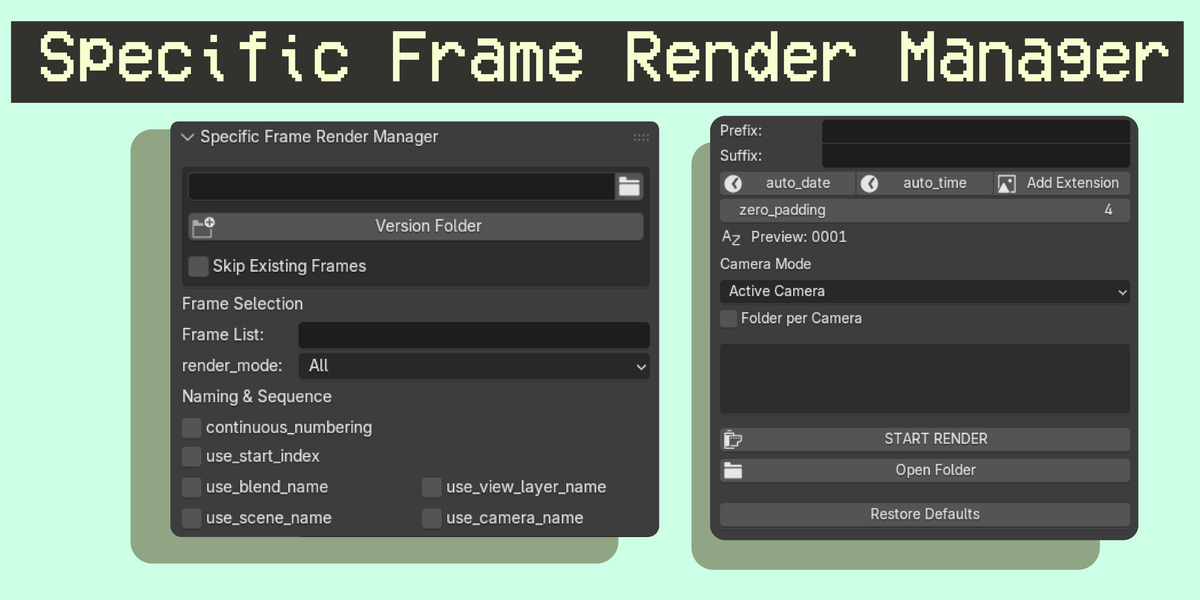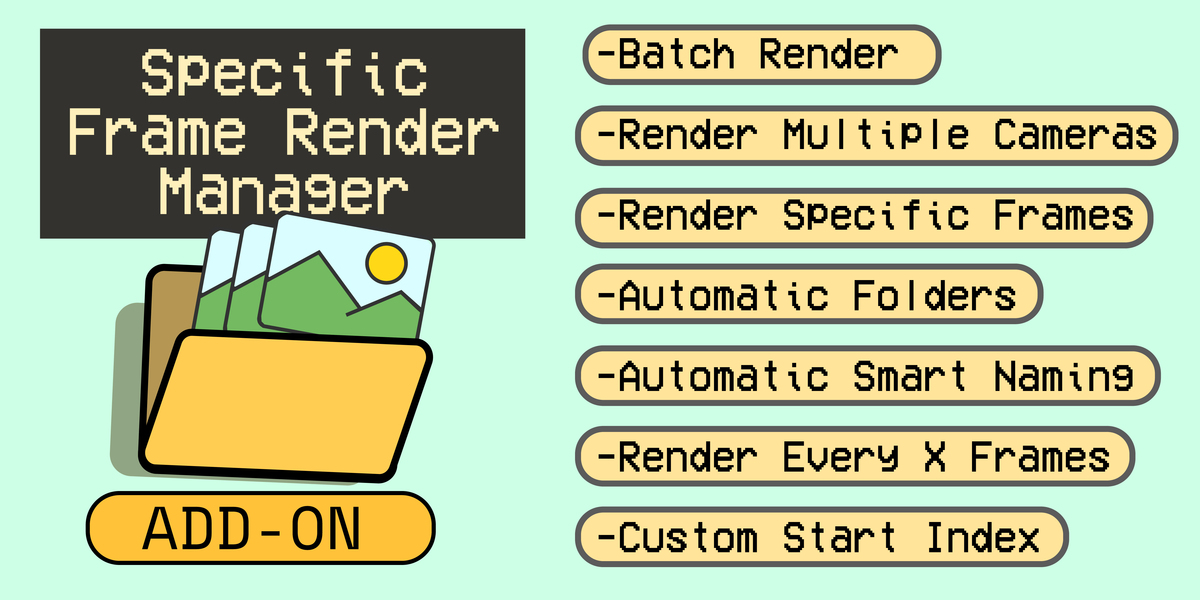
Specific Frame Render Manager is a Blender add-on for rendering selected frame numbers or ranges, then organizing output from one or more cameras. It combines frame filters, camera selection, versioned folders, and filename controls in one workflow.
Choose frames and render modes
Enter individual frames and ranges in the required frame list, such as 1, 5, 10-20, 50. The All mode renders every listed frame. Even and Odd filter the list by frame number, while Step renders at a chosen interval. Step can help preview an animation with fewer frames or create an on-twos sequence.
Organize camera output and filenames
Choose the active camera, all cameras in the scene, or a manually selected group. Folder per Camera can keep each camera's output in its own subfolder. The add-on also supports a version folder that increments for each render, such as v_001 and v_002, and a Skip Existing Frames option that checks the destination folder before rendering.
Filename options can include the blend file, scene, view layer, camera, a custom prefix or suffix, and the system date and time. Zero padding controls the frame-number width. Continuous Numbering assigns sequential numbers instead of using the original frame numbers, and When Continuous Numbering is active, Start Index sets the first number. A preview shows the resulting filename before rendering.
Render requirements and job progress
The file must be saved, and both the output path and frame list are required. The add-on blocks a render when one of those conditions is missing or when it detects a filename conflict across cameras. During a job, its progress display shows the percentage, current frame count, last-frame time, and estimated remaining time. A summary reports rendered frames, skipped frames, and total duration.
Compatibility and listing details
The Superhive listing identifies Blender versions 4.0–5.2 and a GPL license. Check the listing for current compatibility and license terms before installing, especially if you use a Blender version outside that range. AnyPlugins labels the add-on free, while the captured Superhive details do not state a price, so confirm current pricing on the product listing.