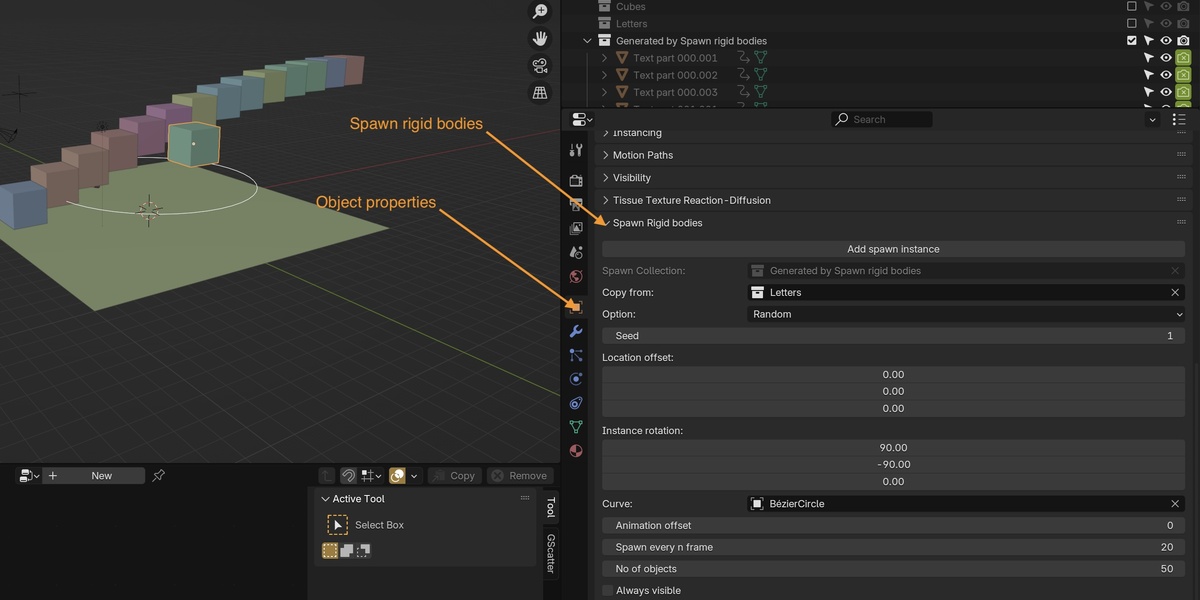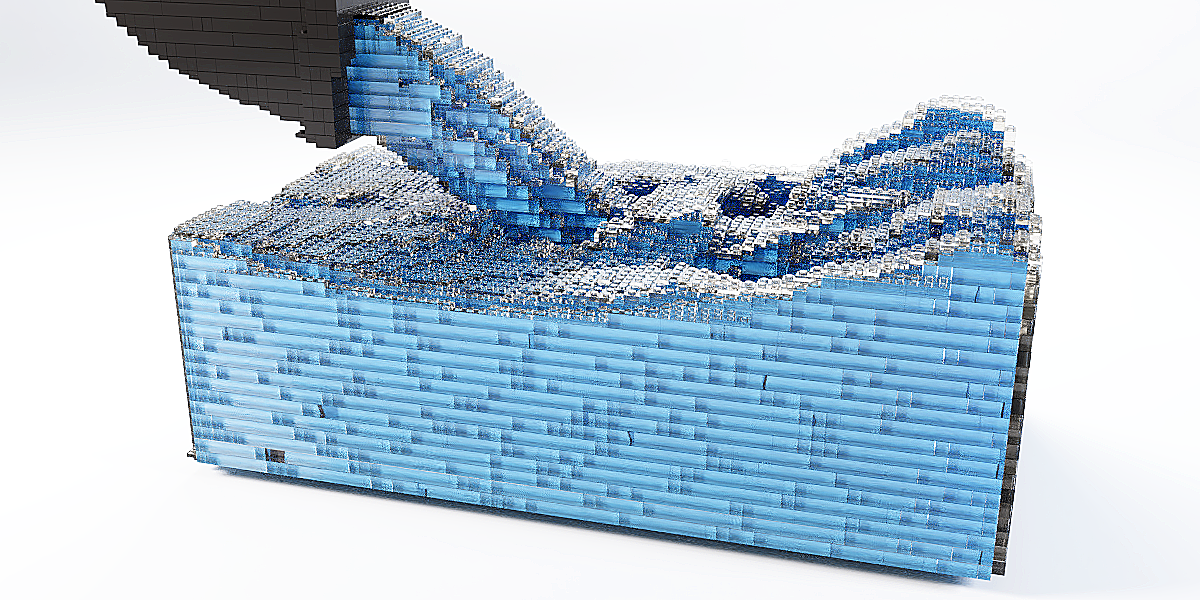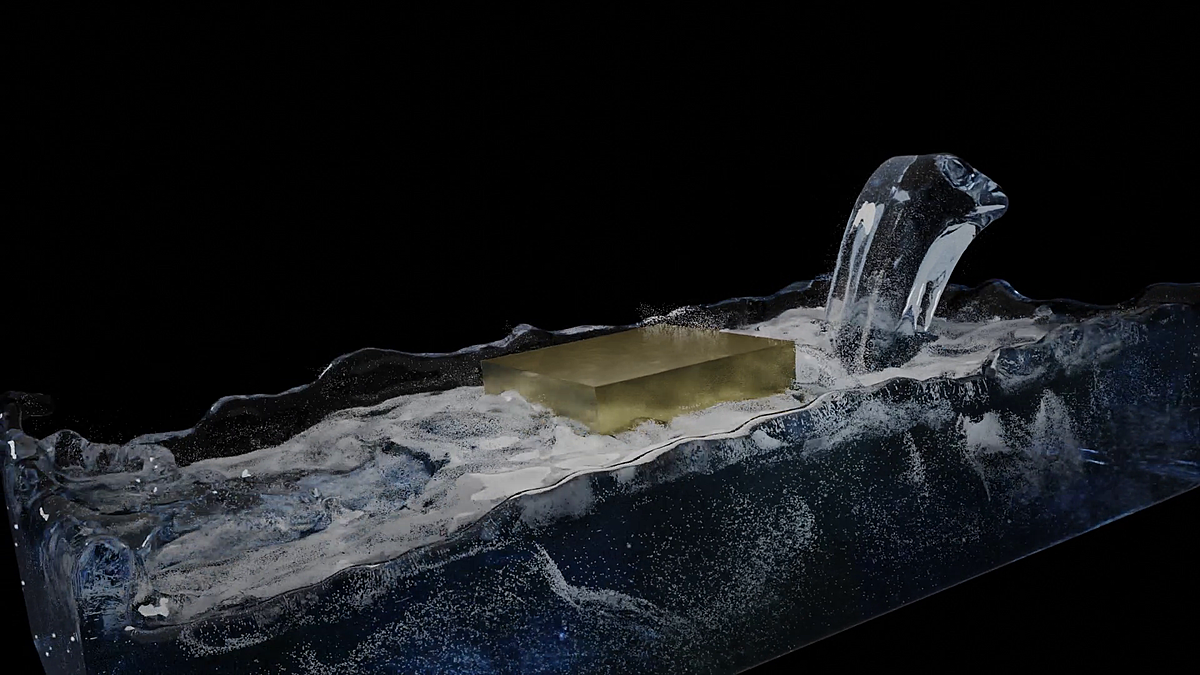
MantaPro is a Blender add-on for working with Mantaflow, Blender’s built-in fluid solver. It gathers simulation settings in one 3D Viewport panel and keeps the domain, flow, effector, or force active, so you can adjust settings without repeatedly selecting those objects or opening other editors.
Set up and adjust simulations
Quick Setup presets let you reuse a base simulation or create your own. Choose the full, simplified, or Blender interface mode to change how the controls are presented. The viewport selection can stay synchronized with the add-on’s lists, keeping the current simulation objects in context.
Cache controls include moving a cache, locking a baked cache, and clearing the replay cache with a button or Ctrl+R. MantaPro also provides domain display options and controls for how flows and effectors appear in the viewport and renders.
Particle, fire, smoke, and ocean tools
Liquid particle tools work with spray, foam, and bubbles. They support linking particles to a simulation, changing their size, toggling their visibility, and using custom particle objects. The Ember system adds particles for liquid and fire simulations.
For fire and smoke work, MantaPro can paint effects onto objects and set up animated textures. Its material controls cover liquid and water as well as fire and smoke. Version 1.3 adds an Effect Workspace, Vertex Modify and Ocean to Liquid effects, and an improved Ember effect, according to the product listing.
Compatibility and setup
MantaPro is designed around Blender’s built-in Mantaflow system. MantaPro is not compatible with the separate FLIP Fluids add-on. Superhive lists Blender versions 3.3 through 5.2 and Cycles and Eevee; check the FAQ and current download options for your setup. Eevee works, though the built-in Use Heat material does not; other material settings may need adjustment.
To install it, download the MantaPro ZIP, open Blender’s Edit menu, go to Preferences and Add-ons, choose Install, select the ZIP, click Install Add-on, and enable the add-on. The developer documentation includes a tip about enabling Auto Operations.