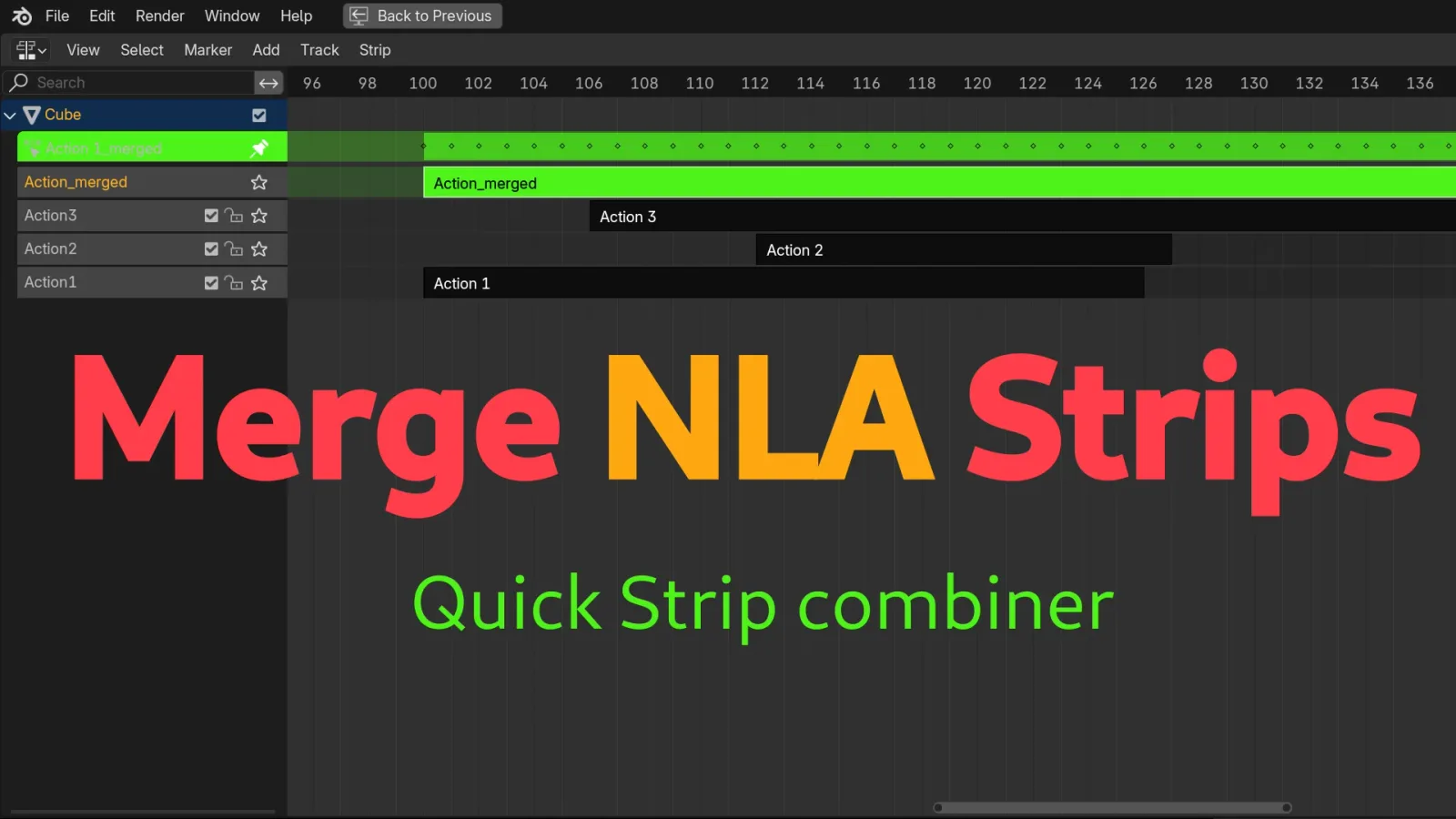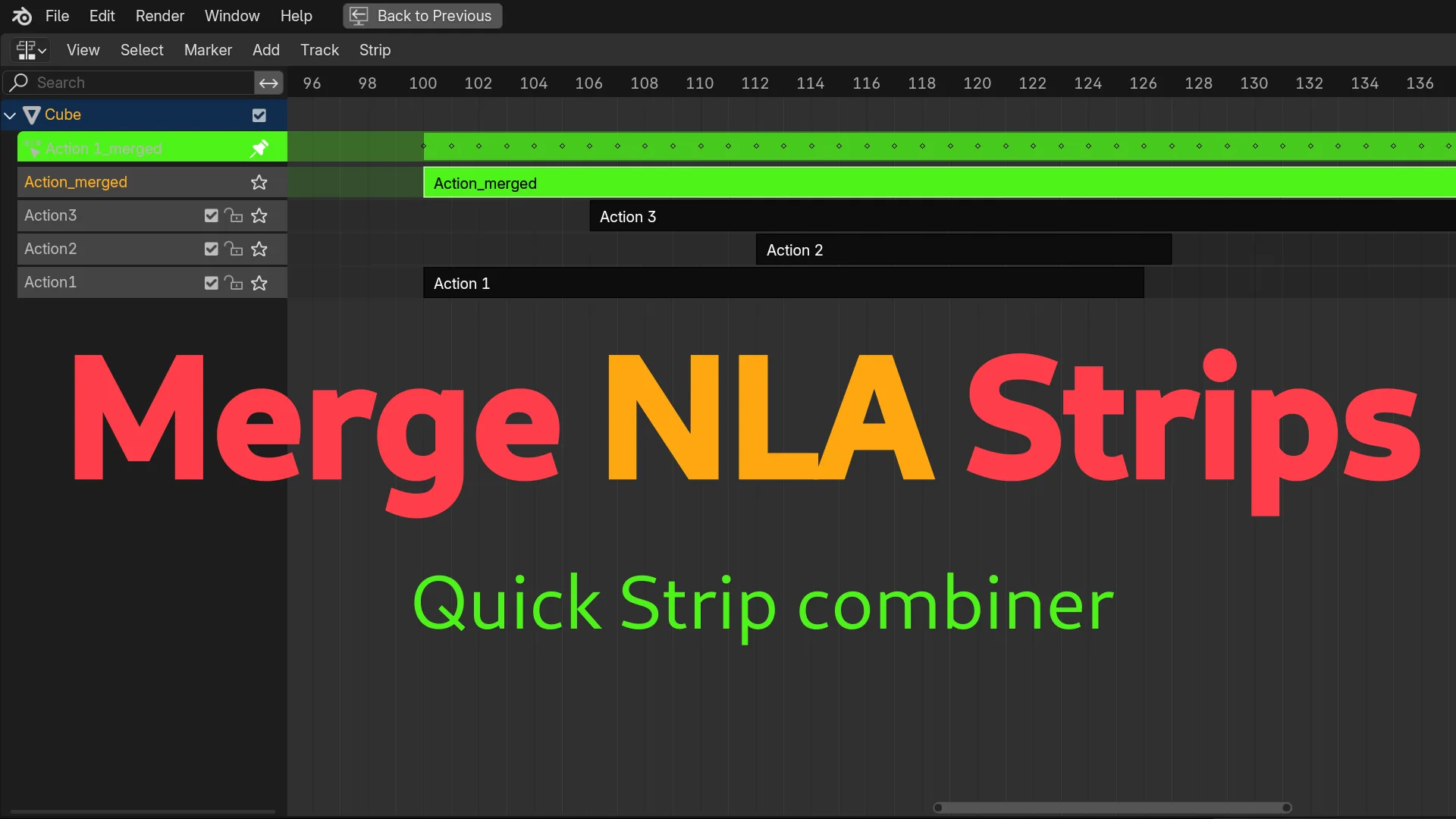
Merge NLA Strips is a Blender add-on from Likkez for the Nonlinear Animation (NLA) editor. It combines selected NLA strips into one, according to the Blender Extensions listing. It is useful when a sequence is already arranged as separate strips and you want to manage them as a combined strip.
How the merge works
Select the strips to combine and run the merge operator from the NLA editor's right-click menu. A reviewer on the Blender Extensions page notes that the operator appears toward the bottom of the menu. Check your selection before running it, then inspect the resulting track in context.
Merge NLA Strips copies keyframes from the selected strips into one rather than using Blender's built-in baking. The copy proceeds frame by frame, so long frame ranges can take time. The merge leaves the source strips muted rather than removing them; pressing H unmutes them.
Check blending behavior
NLA blending modes affect how animations combine. A user review on the Blender Extensions page advises checking the modes so both animations take effect. Preview the merged strip with the settings you intend to use. If an animation appears missing, check the source strips' blend modes and mute state.
Additional operator and compatibility
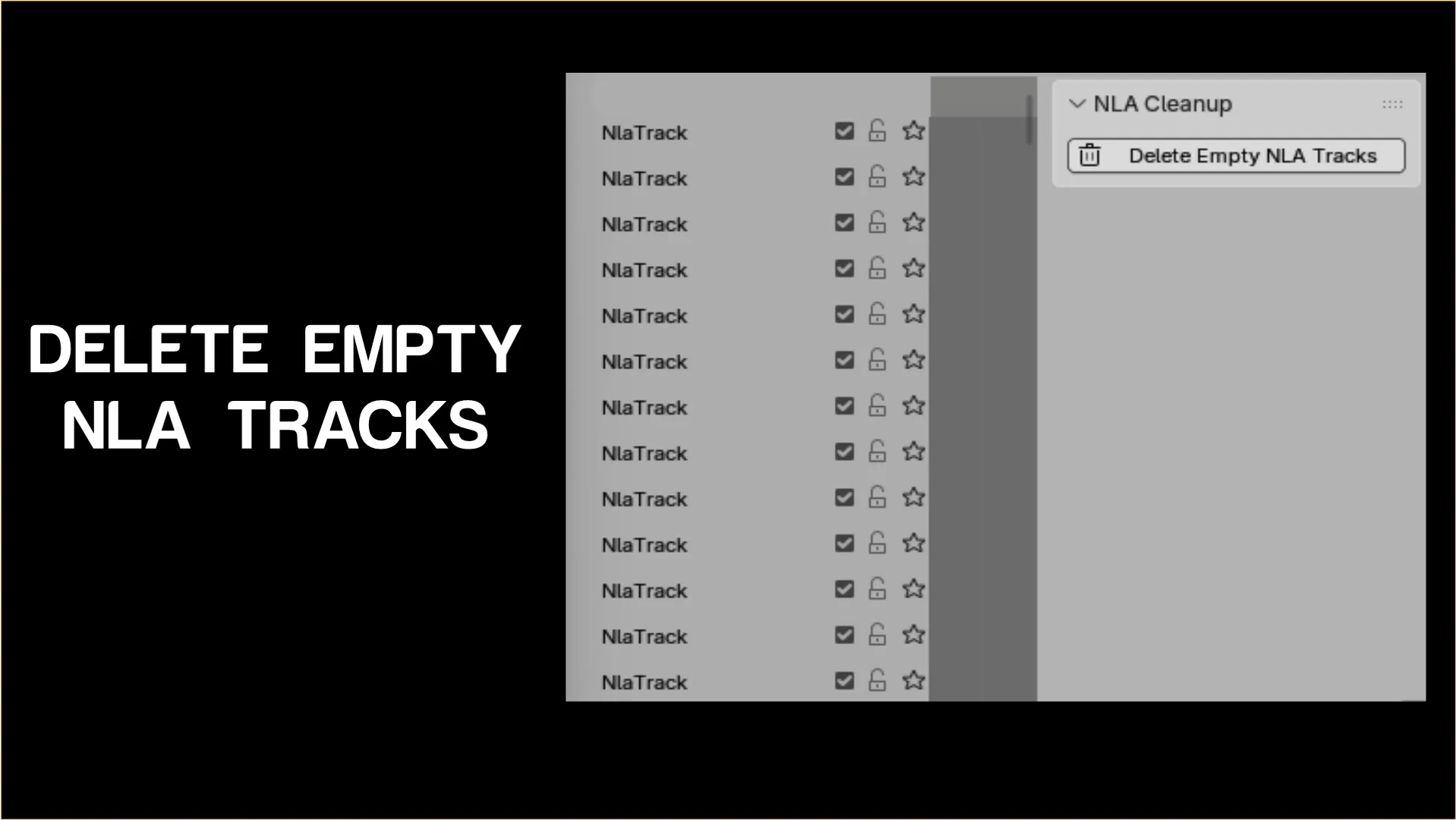
Version 1.2.0 also includes an NLA Renamer operator for changing the action name used by a strip. The official extension record lists Likkez as maintainer, Blender 4.2.0 as the minimum version, and GNU GPL v3.0 or later as the license. See the extension listing for its current details and the GitHub issue tracker for reporting problems.