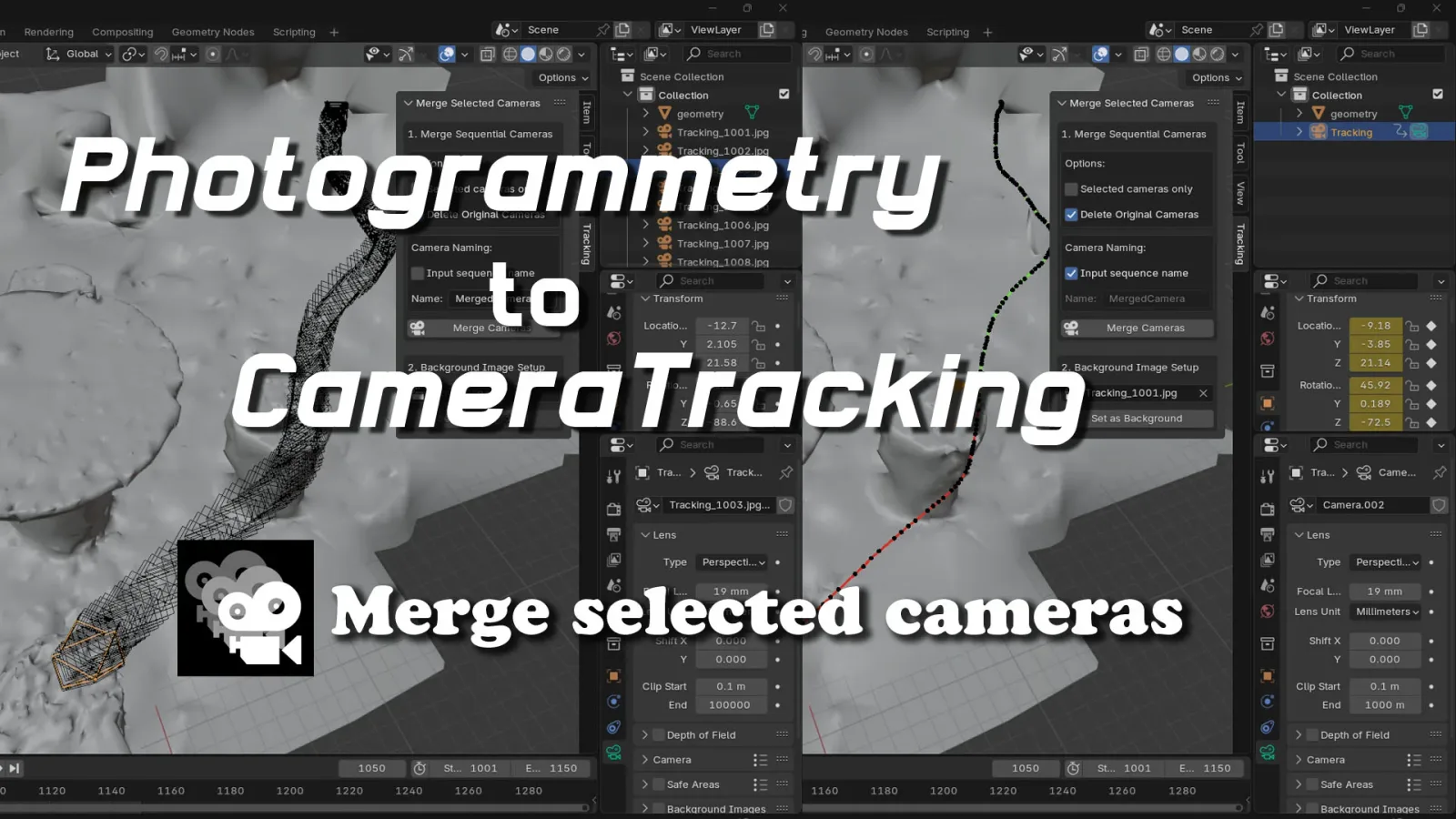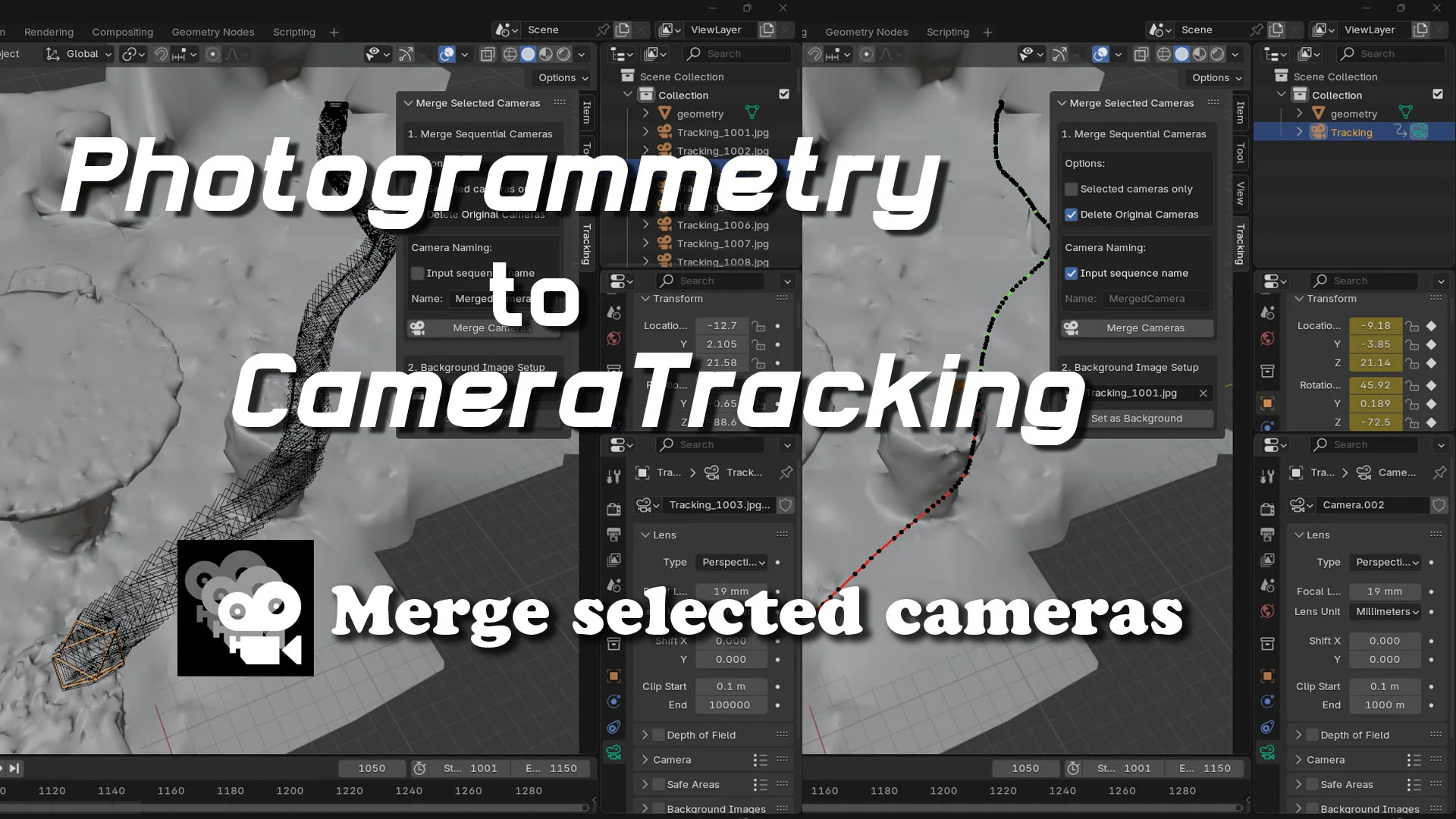
Merge Selected Cameras converts individual cameras from photogrammetry software such as RealityScan into one animated Blender camera for camera tracking.
Merge an ordered camera sequence
Export the scene as Alembic (.abc) or FBX (.fbx) with camera export enabled. Texture and image exports are optional. Keep the cameras in sequence order: the add-on assumes an ordered setup and connects them sequentially without skipping missing frames.
In Blender, open the 3D View sidebar and choose the Tracking tab, then Merge selected cameras. One camera selection is enough to run Merge Cameras. The Selected Cameras Only option is off by default. Delete Original Cameras is on by default, so turn it off if you want to keep the source camera objects. You can also choose a custom camera name or inherit the sequence name.
The animation starts at the current timeline frame when you run the merge, and the end frame is determined by the sequence length. Focal length and sensor shift can be animated; keyframes are inserted only when those values change. The add-on can also process multiple cuts or additional photogrammetry sequences captured at the same location.
Set up a Movie Clip background
Use Set as Background to assign a Blender Movie Clip to the created camera. Blender adjusts the render resolution to the clip and synchronizes the clip's start frame with the camera's start frame. It also matches the clip's sensor size and focal length to the camera. If focal length is animated, the clip uses the value at the start frame.
Prepare a RealityScan export
The extension listing recommends selecting all images and using Prior calibration to fix the camera group. Set focal length using the 35mm equivalent standard, with a 36mm sensor width. Apply lens distortion correction before export and set Prior Lens Distortion to Fixed. Blender can use Brown model distortion coefficients, but the distortion parameters do not transfer easily to Nuke or other VFX software.
For faster processing, the preview mesh is sufficient as a guide. Mesh and texture processing can be accelerated by using only key frames, such as every five or ten frames. Undistortion and image exports can be disabled when they are not needed.
Version and compatibility
The Blender Extensions listing identifies Merge Selected Cameras as version 1.1.1, compatible with Blender 4.2.0 and newer and licensed under the GNU General Public License v3.0 or later. See the Blender Extensions listing for the add-on details and links to the installation instructions and developer repository.