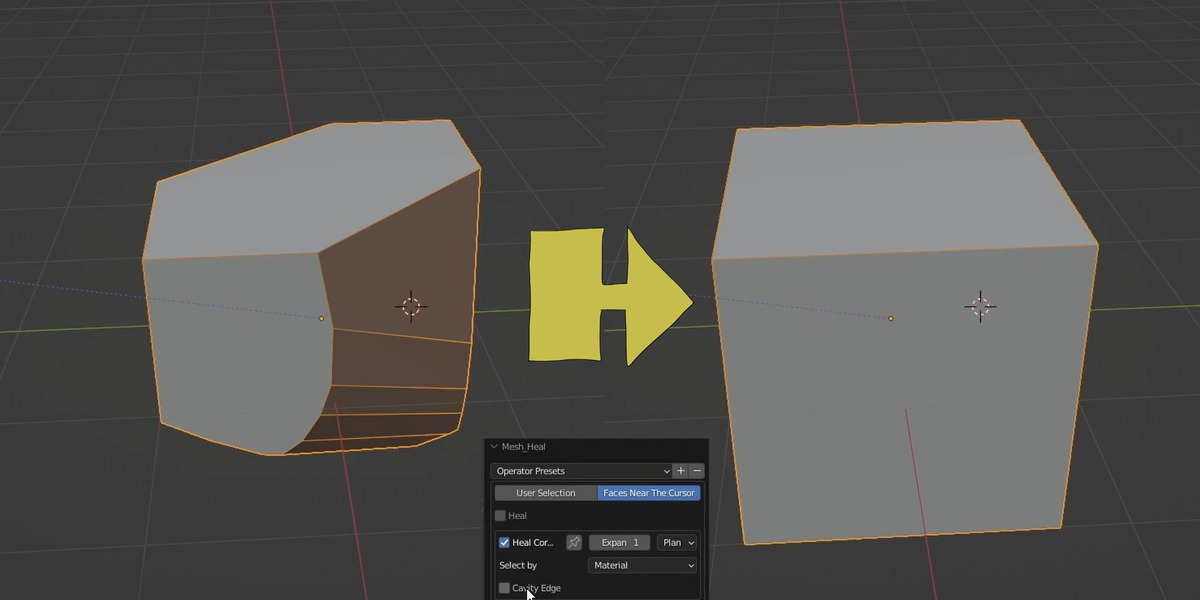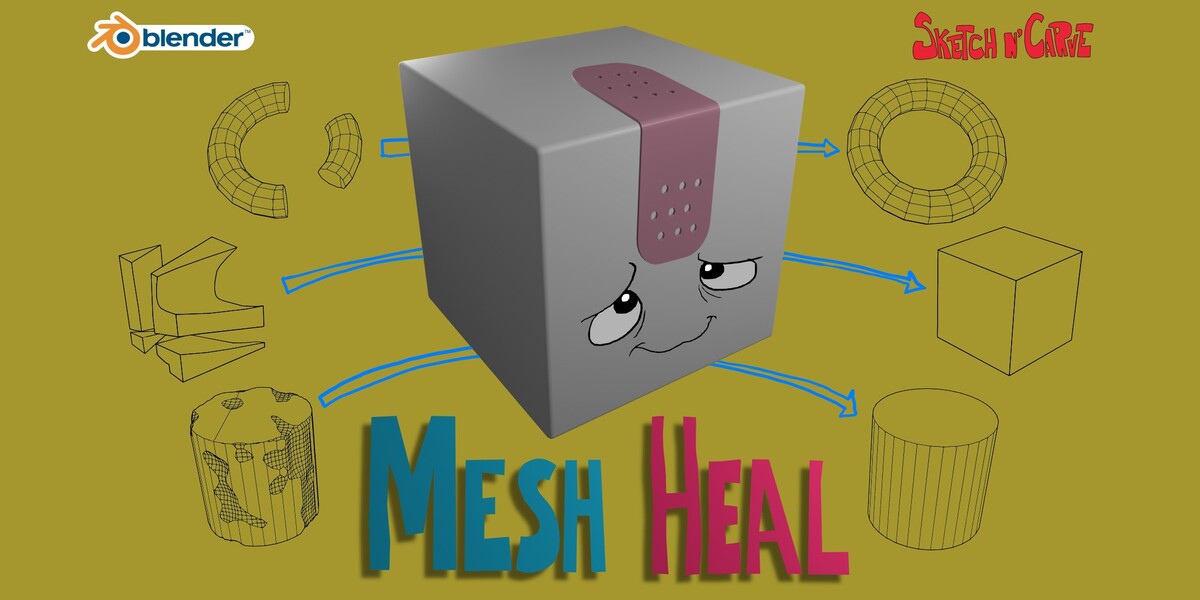
Mesh Heal is a Blender add-on for restoring mesh areas after faces have been cut away. Select the area to repair, then use Heal or Corner Heal to reconstruct missing faces, edges, or corners from the surrounding geometry. It is aimed at hard-surface modeling, and the result depends on whether the remaining mesh provides enough information to rebuild the shape.
How the repair workflow works
Select the faces you want to repair, or place the 3D cursor on an area with a unique material using Shift+RightMouse if you are a Sketch N' Carve user. Press F8 to activate Mesh Heal, then choose User Selection or Faces Near Cursor. Click Heal for edge and face restoration or Corner Heal for corner reconstruction. Adjust the settings if needed, and turn on Boost when required.
Three tutorial scenes with instructions are included to help you learn the controls.
Repair options
Beyond restoring cut faces and edges, the listed options include removing a hole and restoring faces on both sides, un-beveling beveled edges, and Fold and Bridge operations. Heal can work on a whole cut area or selected faces.
Compatibility and license
Superhive lists Blender versions 3.0 through 5.2 and a GPL license. For current release and compatibility details, check the Mesh Heal product listing.