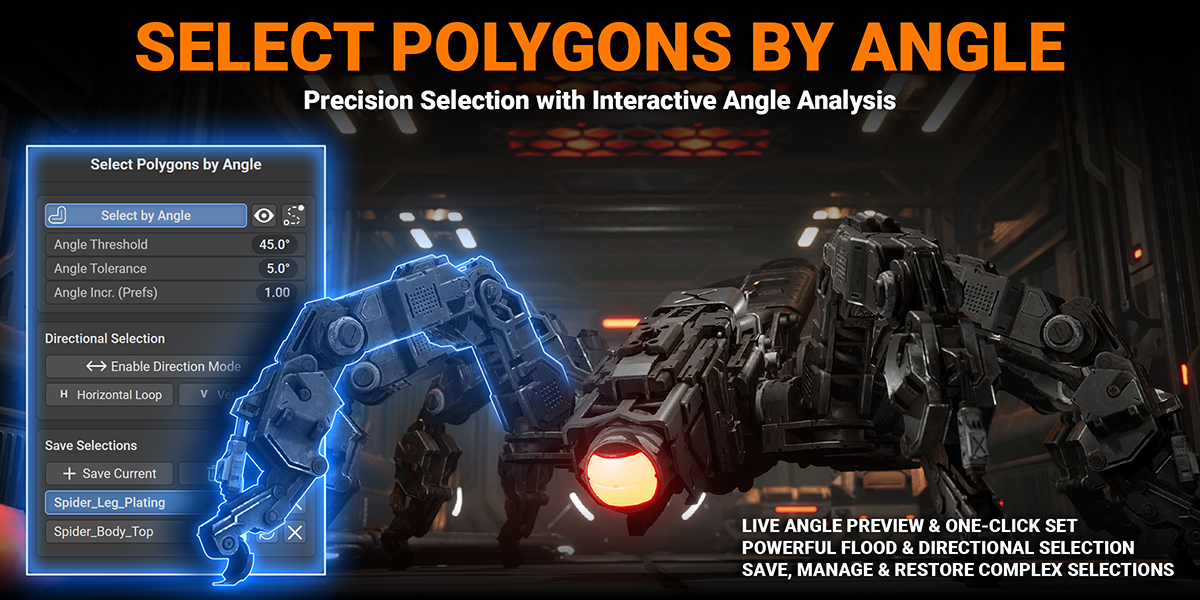
Select Polygons By Angle is a Blender add-on for selecting mesh faces by the angle between their normals. Its flood-fill mode grows a selection from the active polygon, while an interactive preview measures angles in the viewport. The tools are grouped in a 3D CADence tab in the 3D Viewport sidebar.
Angle selection and interactive preview
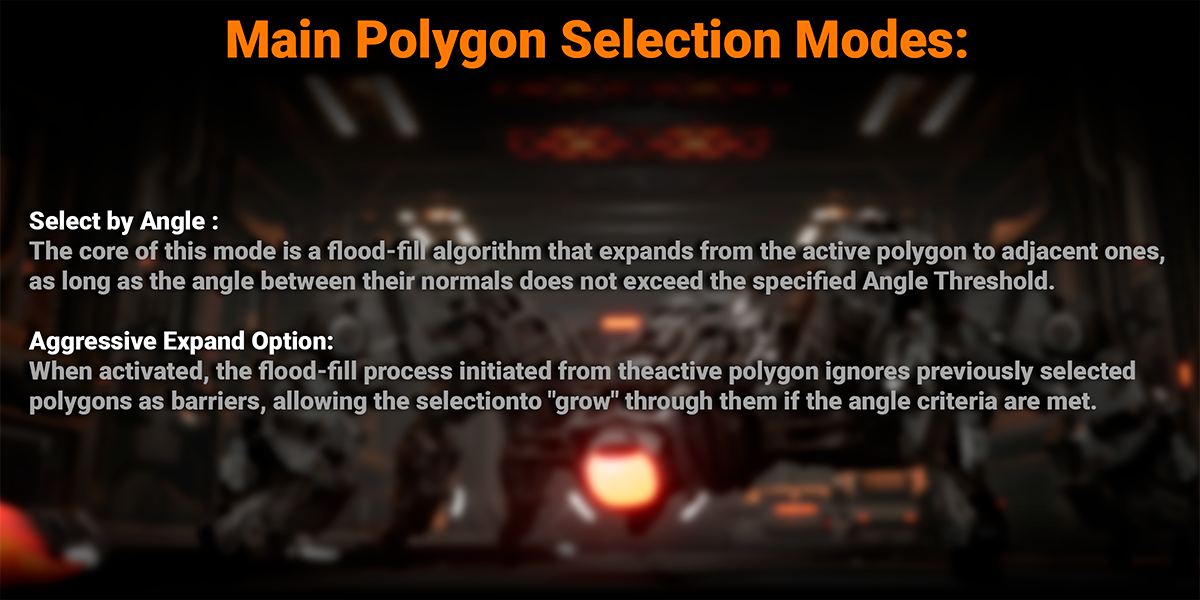
The Angle Threshold sets the maximum angle, in degrees, between adjacent polygons for the flood-fill selection to include them. Start from an active polygon, then adjust the threshold to change how far selection spreads across connected geometry.
The preview shows the measured angle between the polygon under the cursor and adjacent selected polygons. On the next selection operation, the add-on can use that measurement plus the configured Angle Tolerance as the threshold. Viewport highlights mark the polygon and shared edge; the visualizer can be disabled in the add-on preferences.
The documentation also describes an Aggressive Expand option. When enabled, the flood fill can grow through polygons that were already selected, rather than treating them as barriers.
Directional loops on quad meshes
Directional Selection is designed for quad topology. Starting from the active quad, it searches for face loops in horizontal or vertical directions. Enable Direction Mode, then choose the Horizontal Loop or Vertical Loop toggle for the direction you need.
Save and restore selection sets
Save Current creates a selection set named with the active object and a serial number, such as House_Roof_1. You can rename, overwrite, or delete sets. The add-on prevents a saved set from being applied to a different object, and it can restore multiple sets for the current object as one selection.
Install and check compatibility
Download the add-on ZIP and leave it compressed. In Blender, open Edit > Preferences, go to Add-ons, choose Install, select the ZIP, and enable the add-on. In the 3D Viewport, press N to open the sidebar and select the 3D CADence tab.
The Superhive listing identifies Blender versions 4.3 to 5.0. Check the product listing for current compatibility details before installing. The documentation describes version 2.0's caching system and optimized algorithms as keeping workflows smooth on models with over a million polygons; that is a vendor claim, not an independent benchmark.
Who may find it useful
The angle flood fill is suited to workflows that repeatedly select face regions by surface angle, including hard-surface modeling, architectural visualization, and game asset work. Quad-based loop selection and reusable selection sets add options for mesh tasks where those tools fit the topology and object being edited.